Navy Blueprint
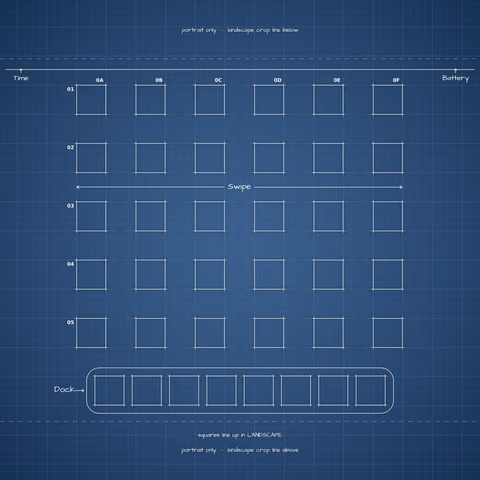
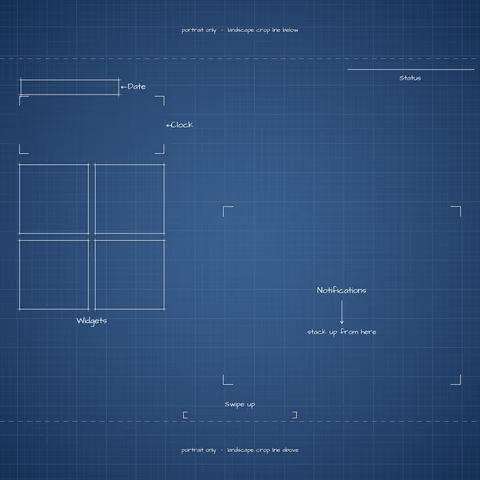
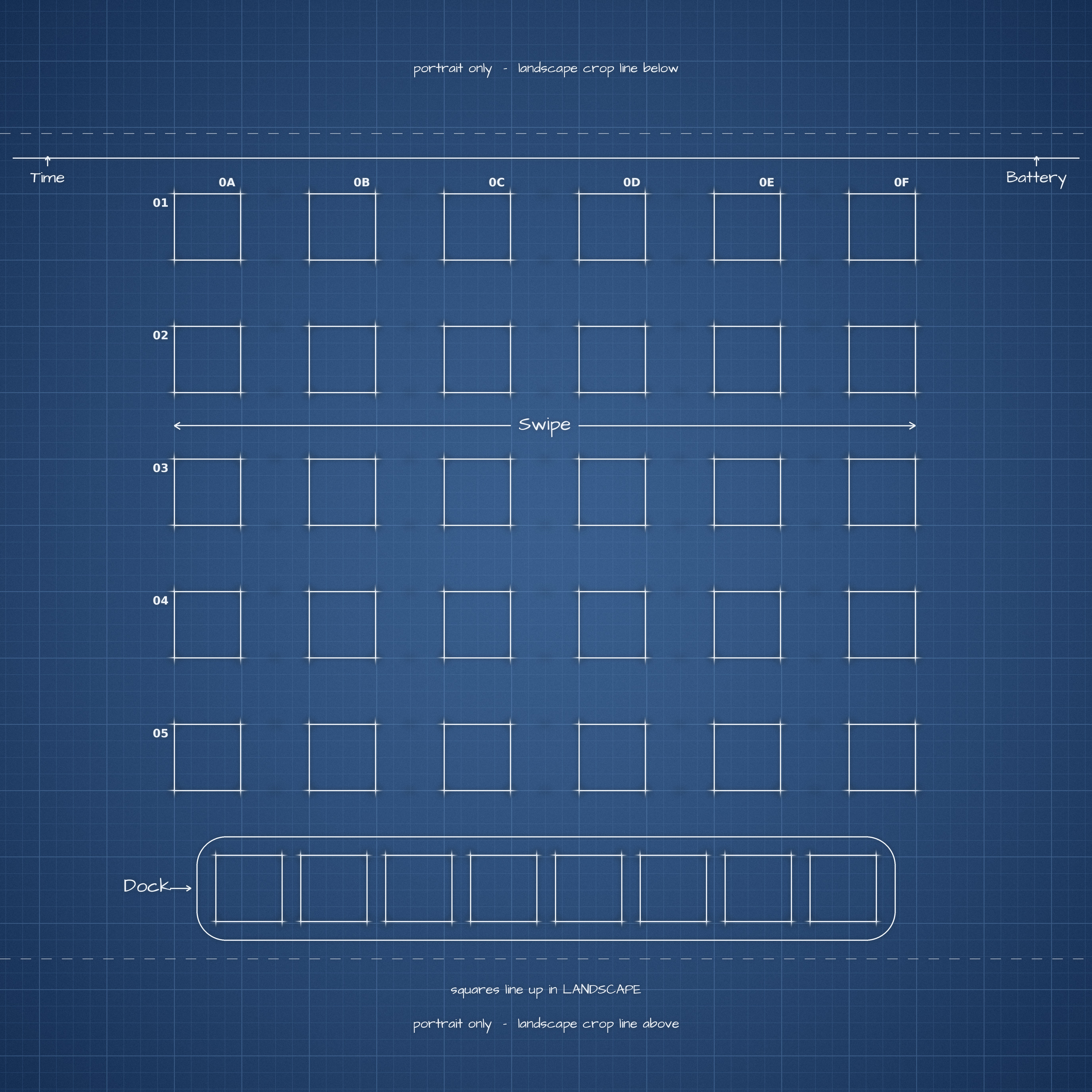
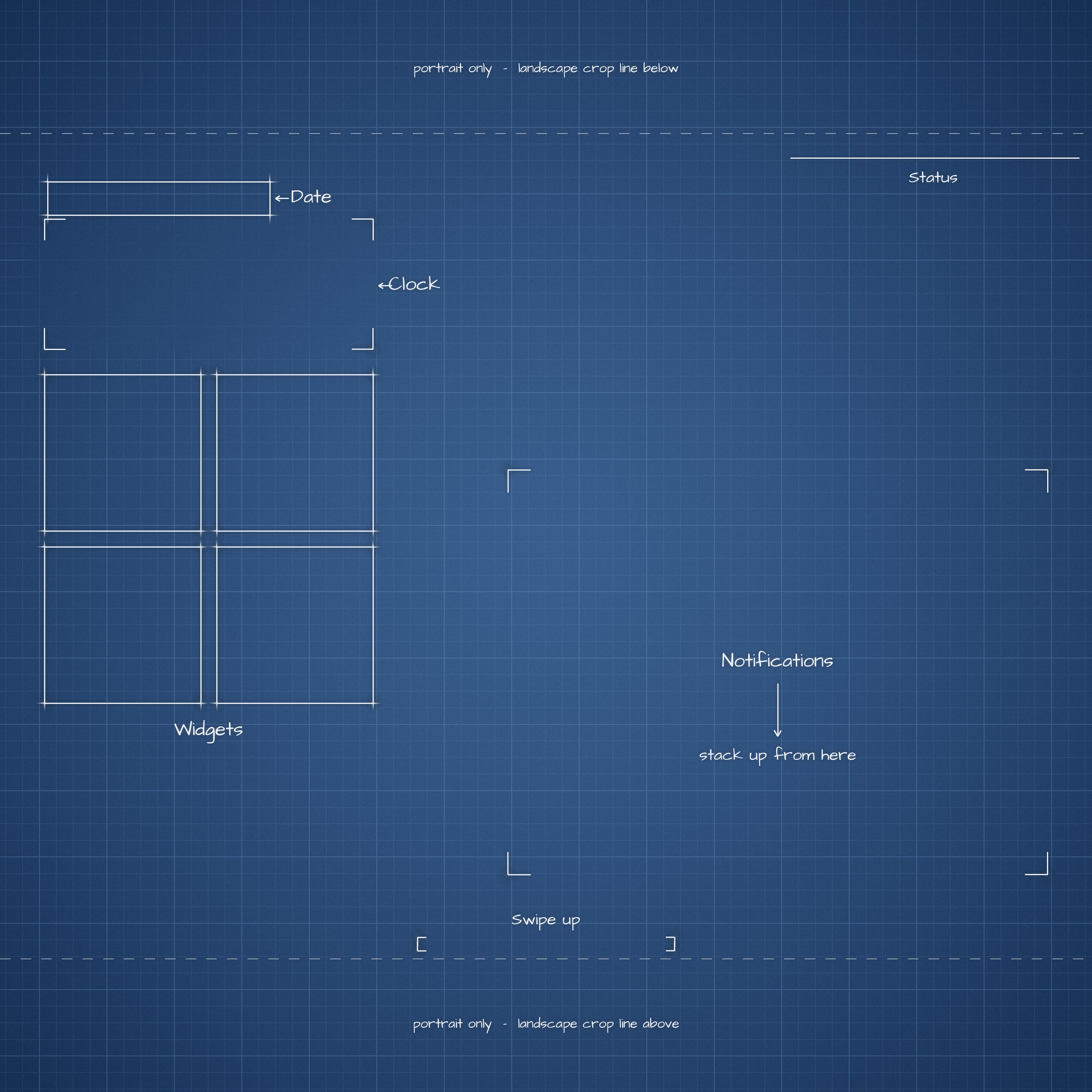
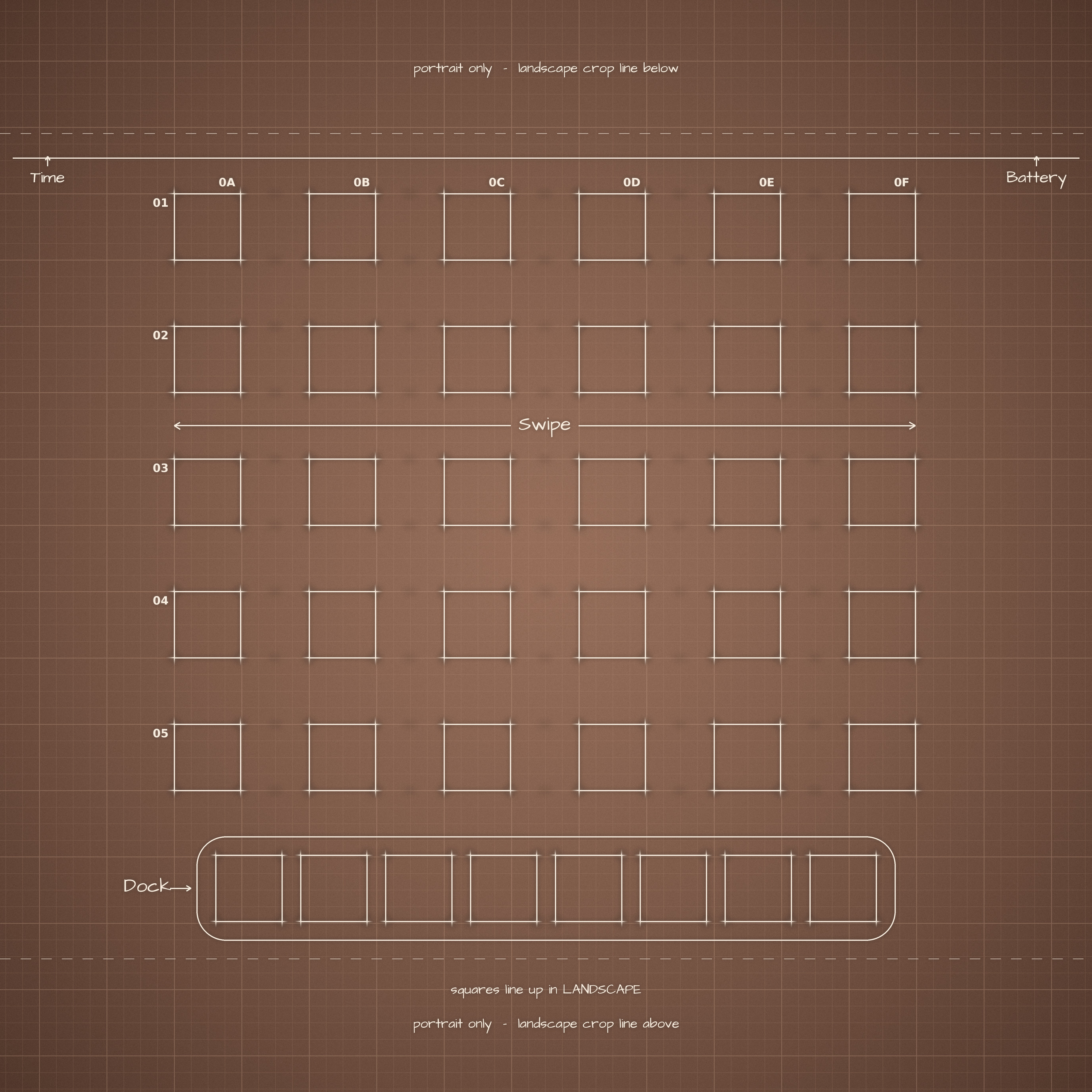
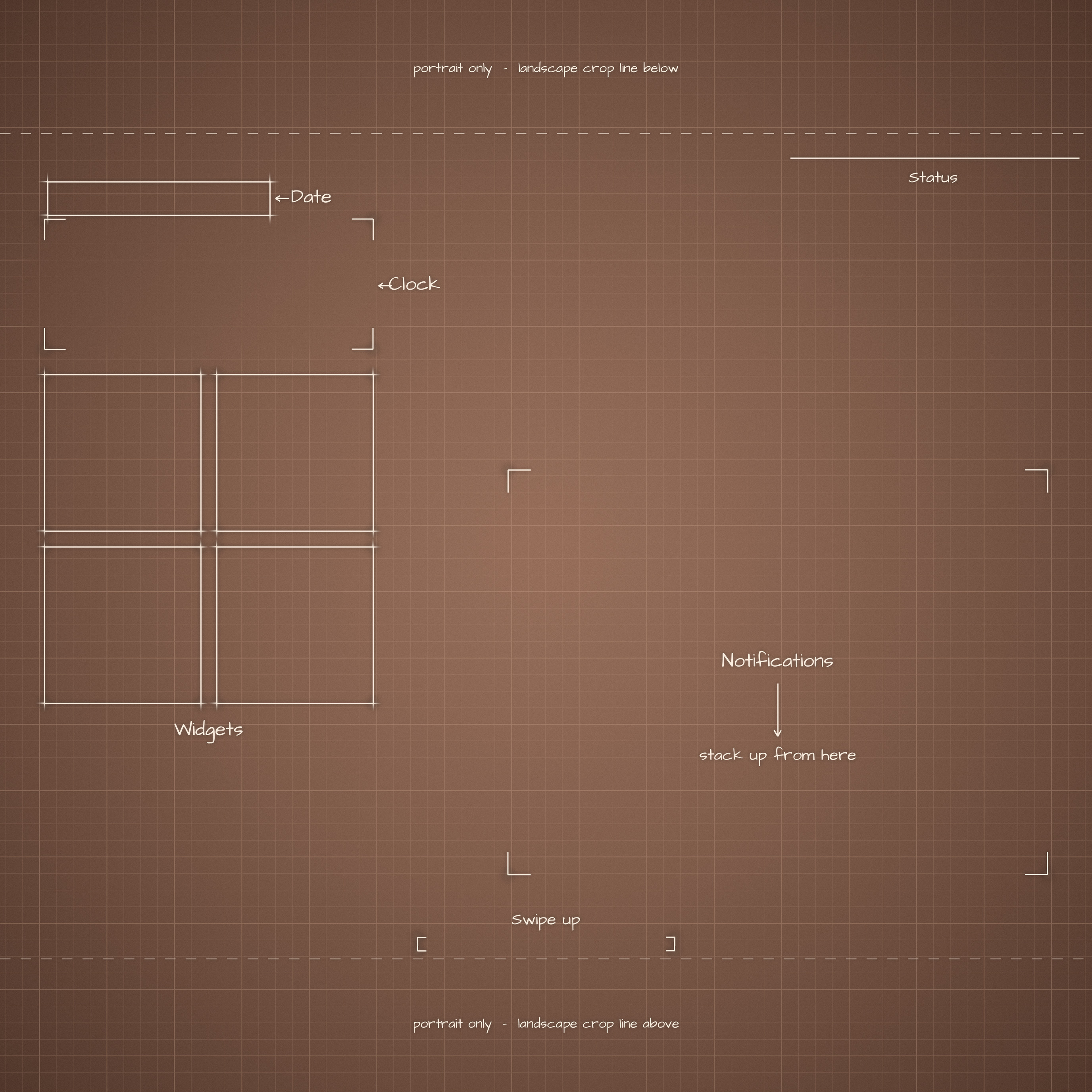
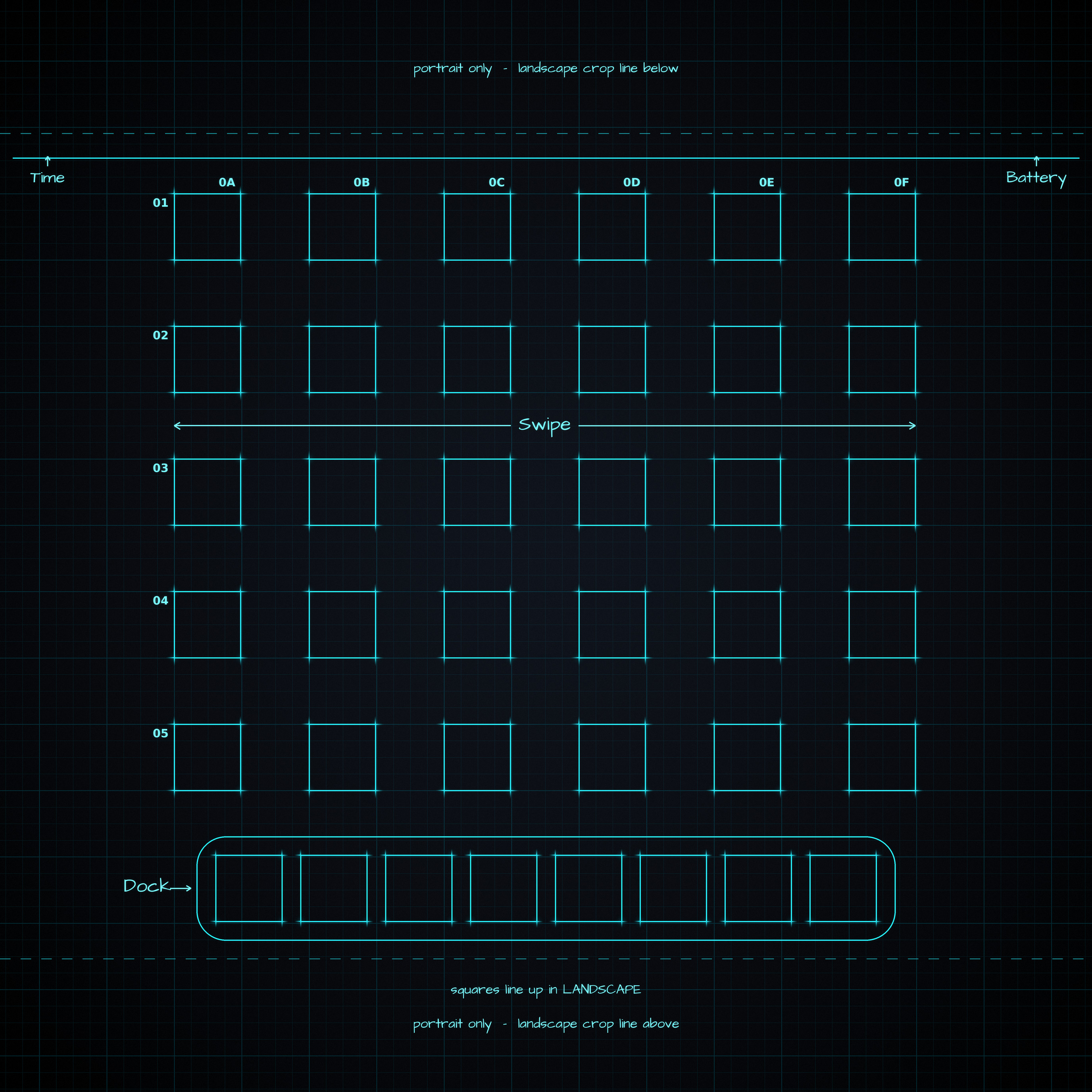
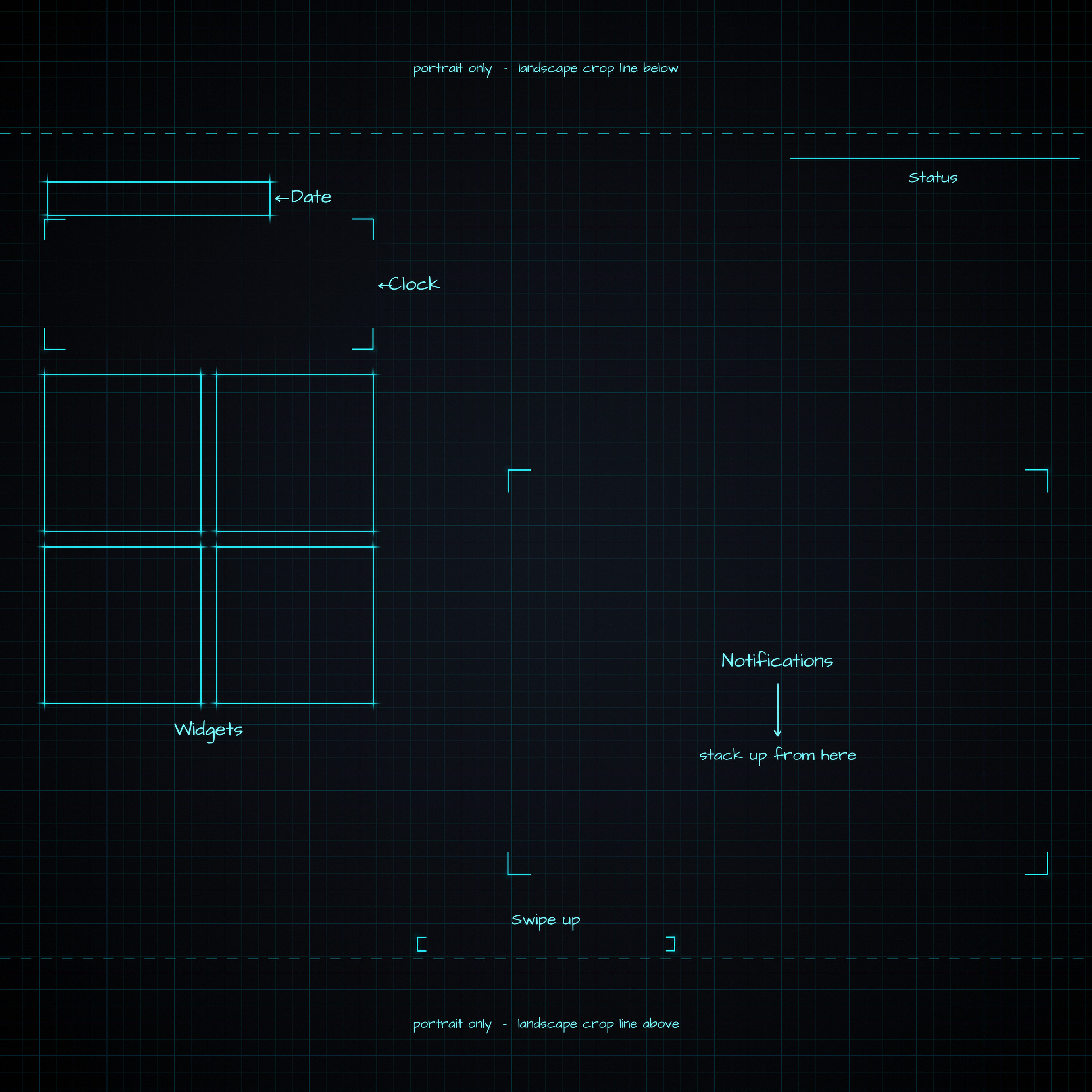
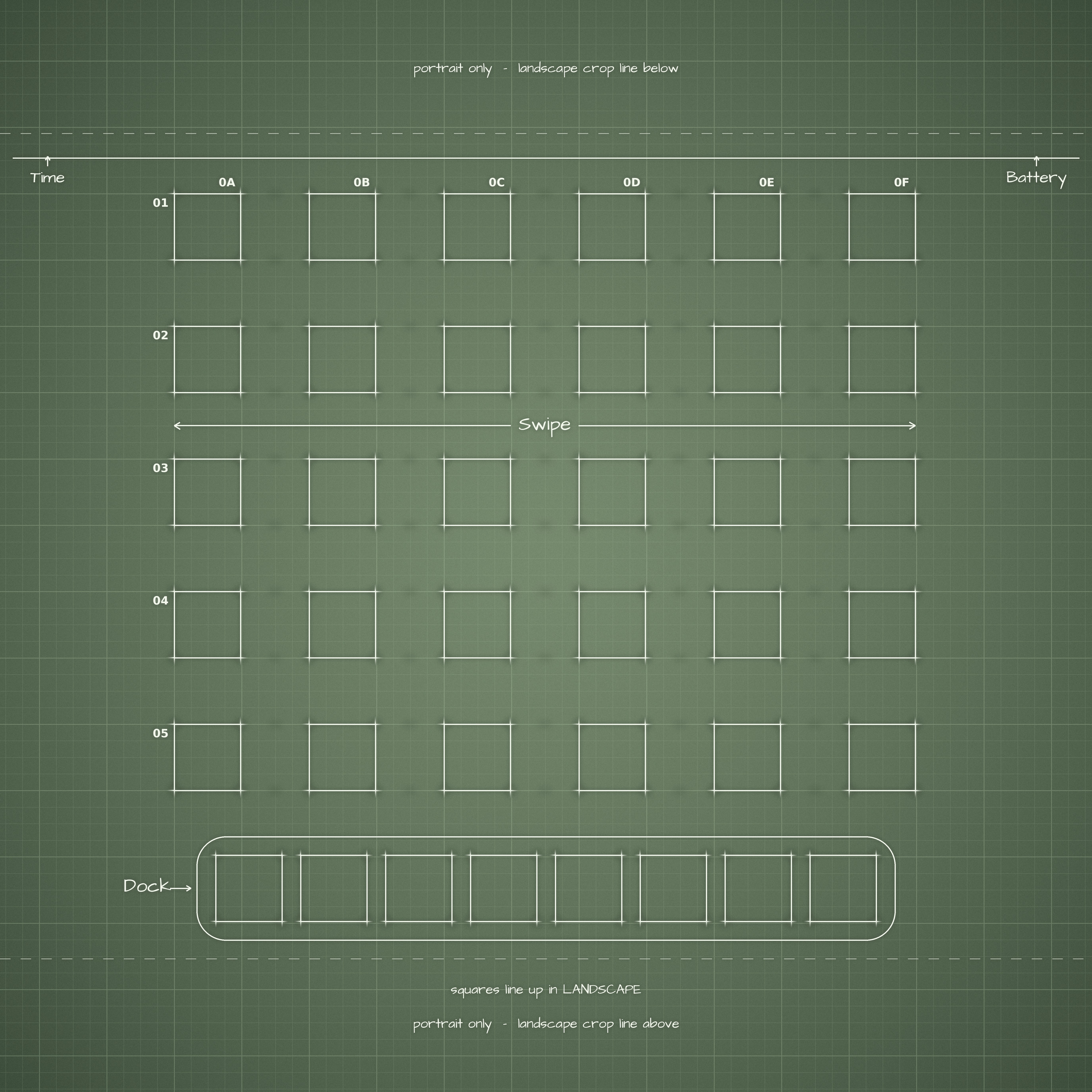
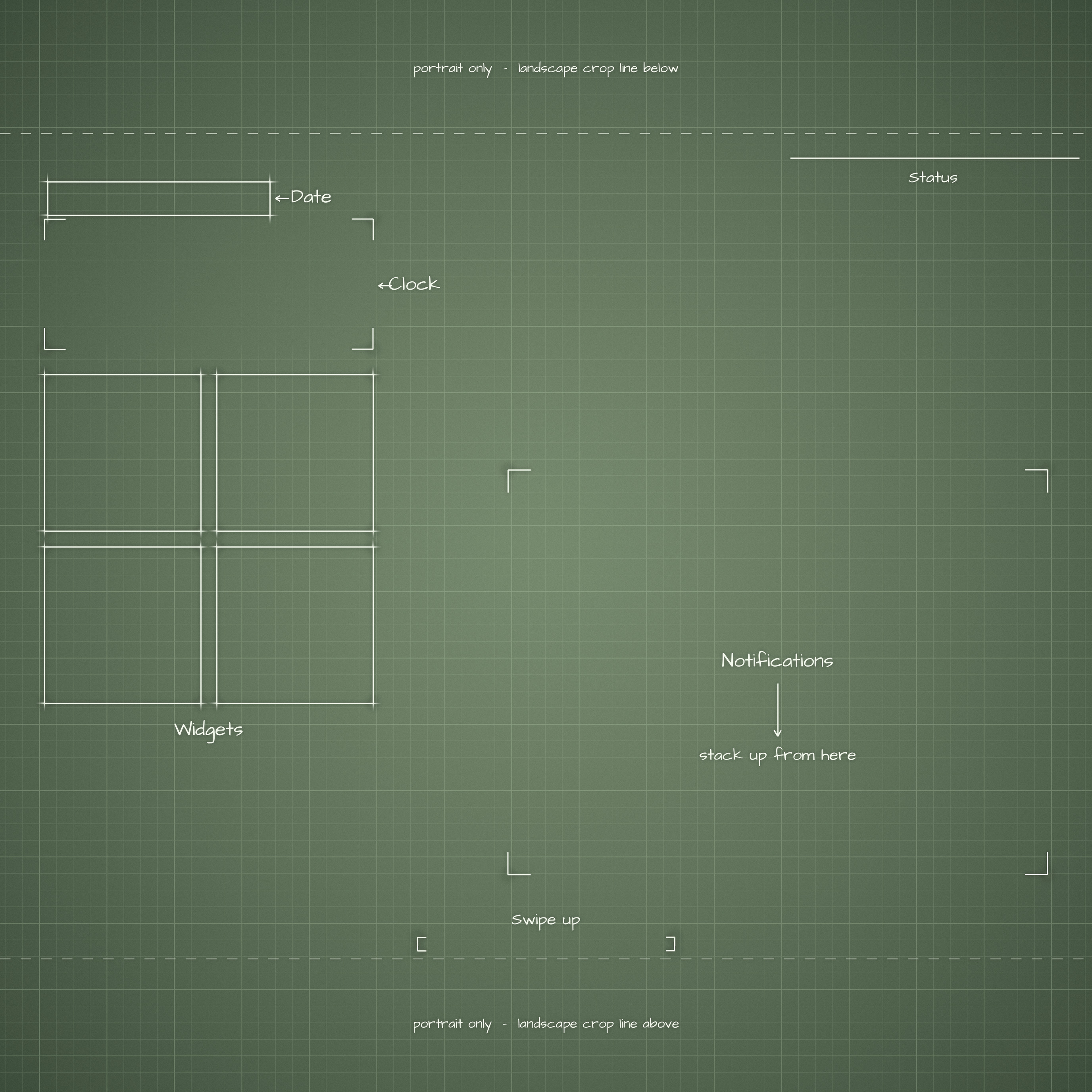
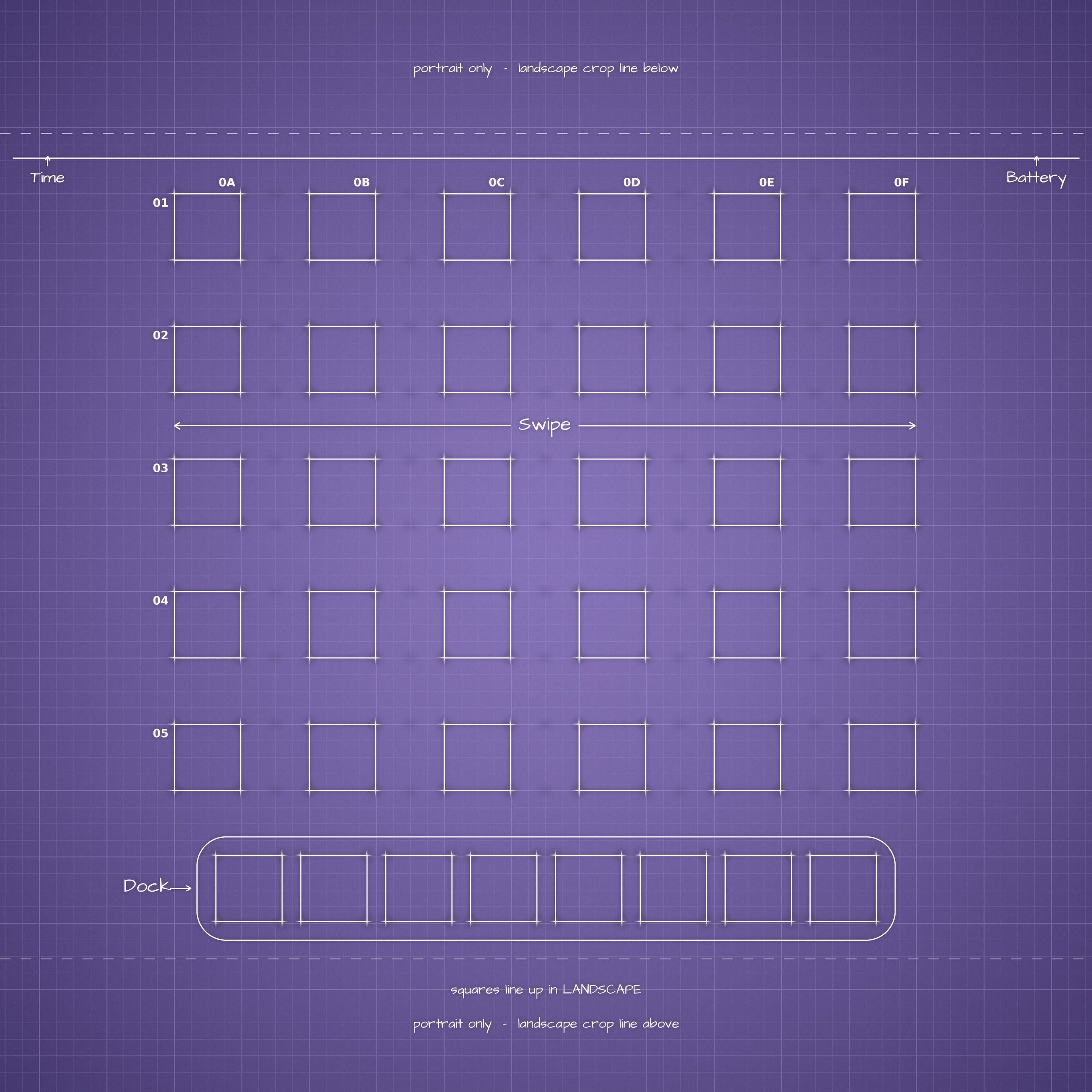
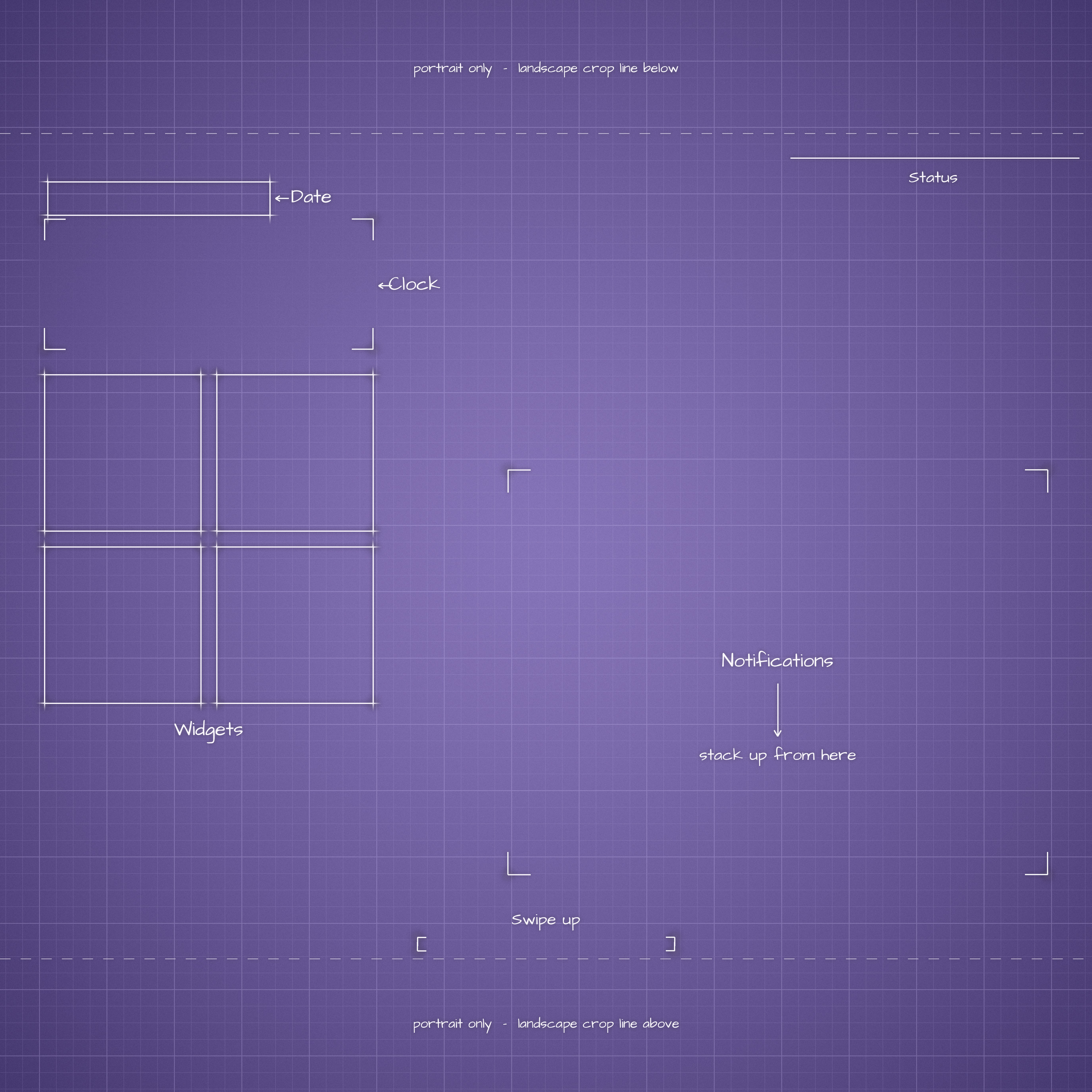
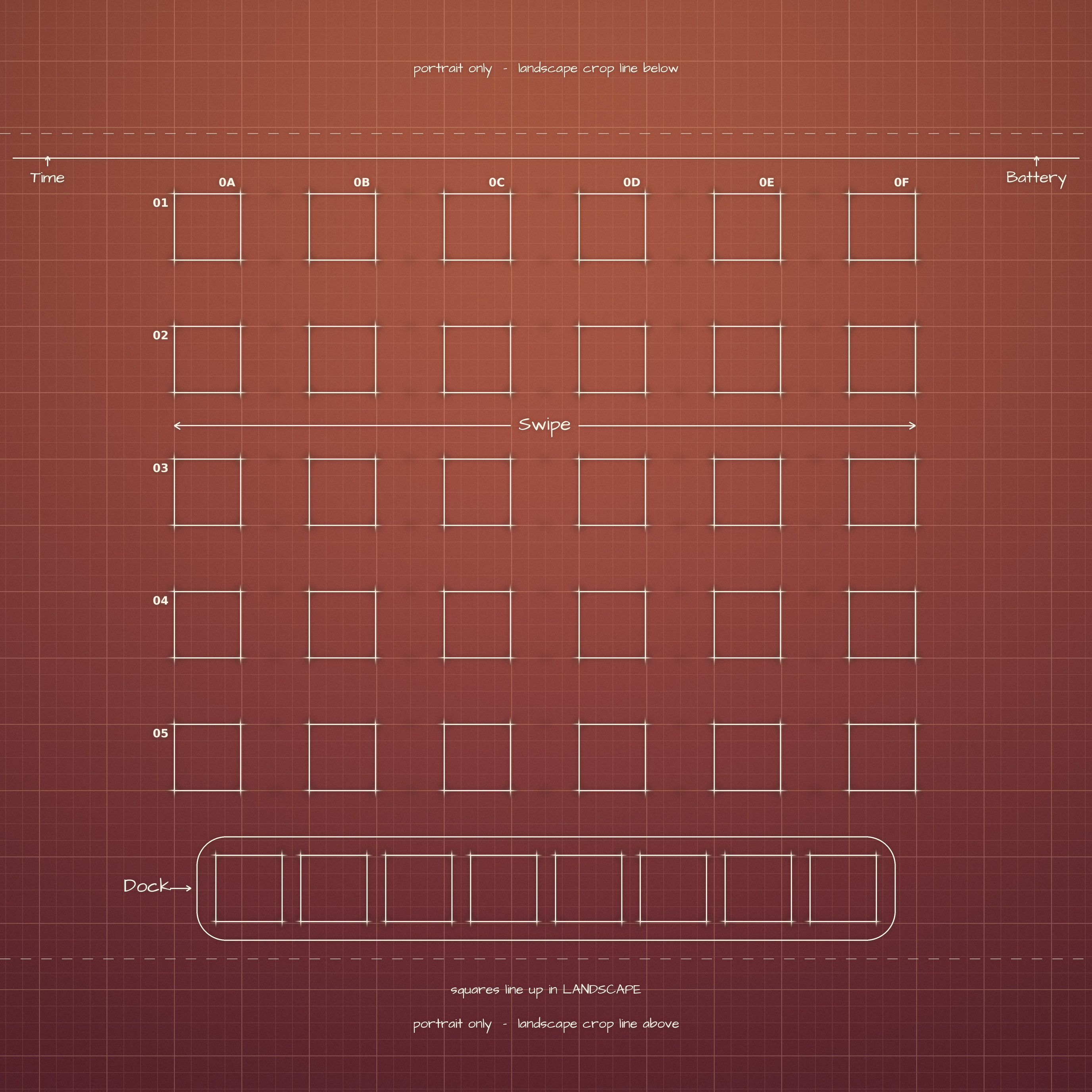
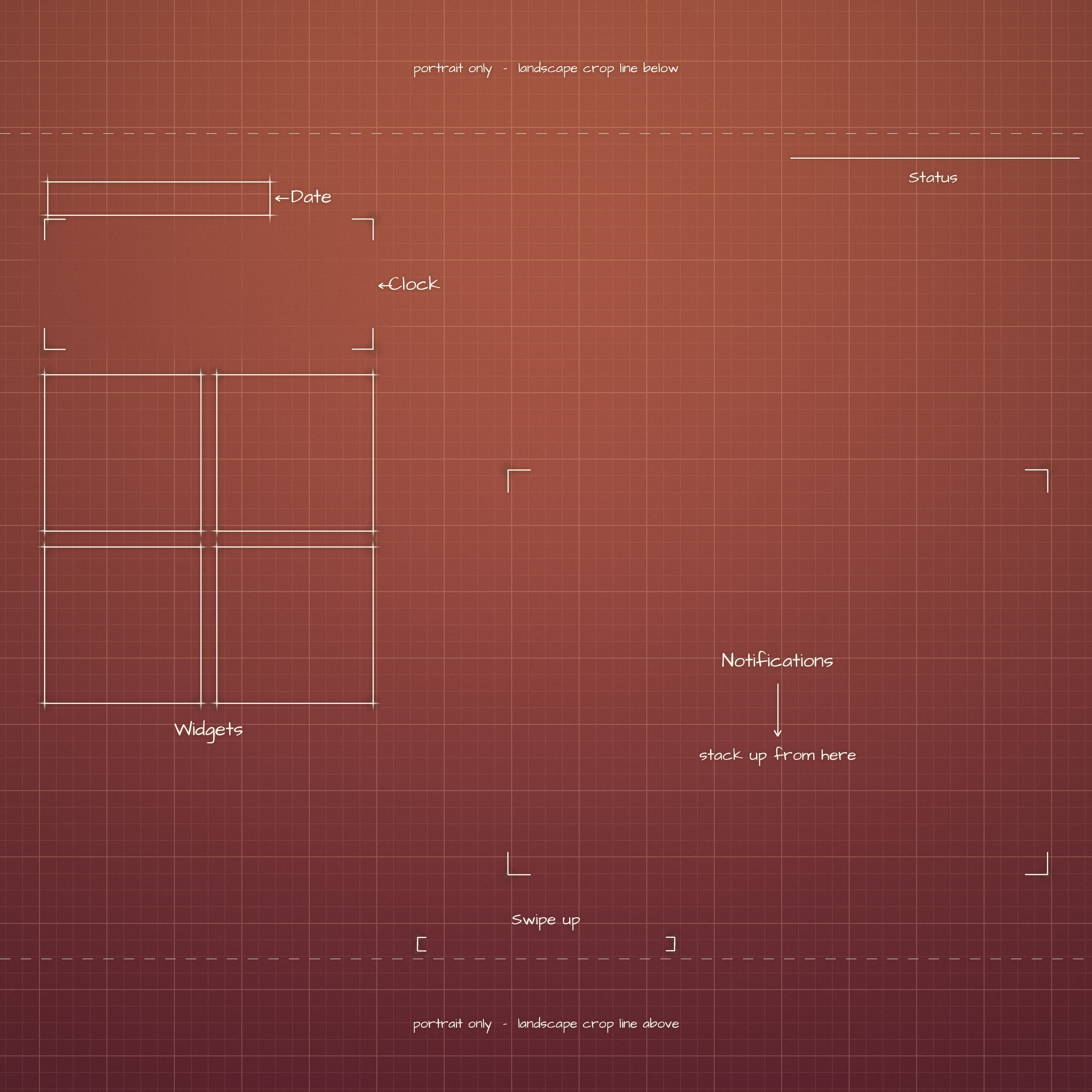
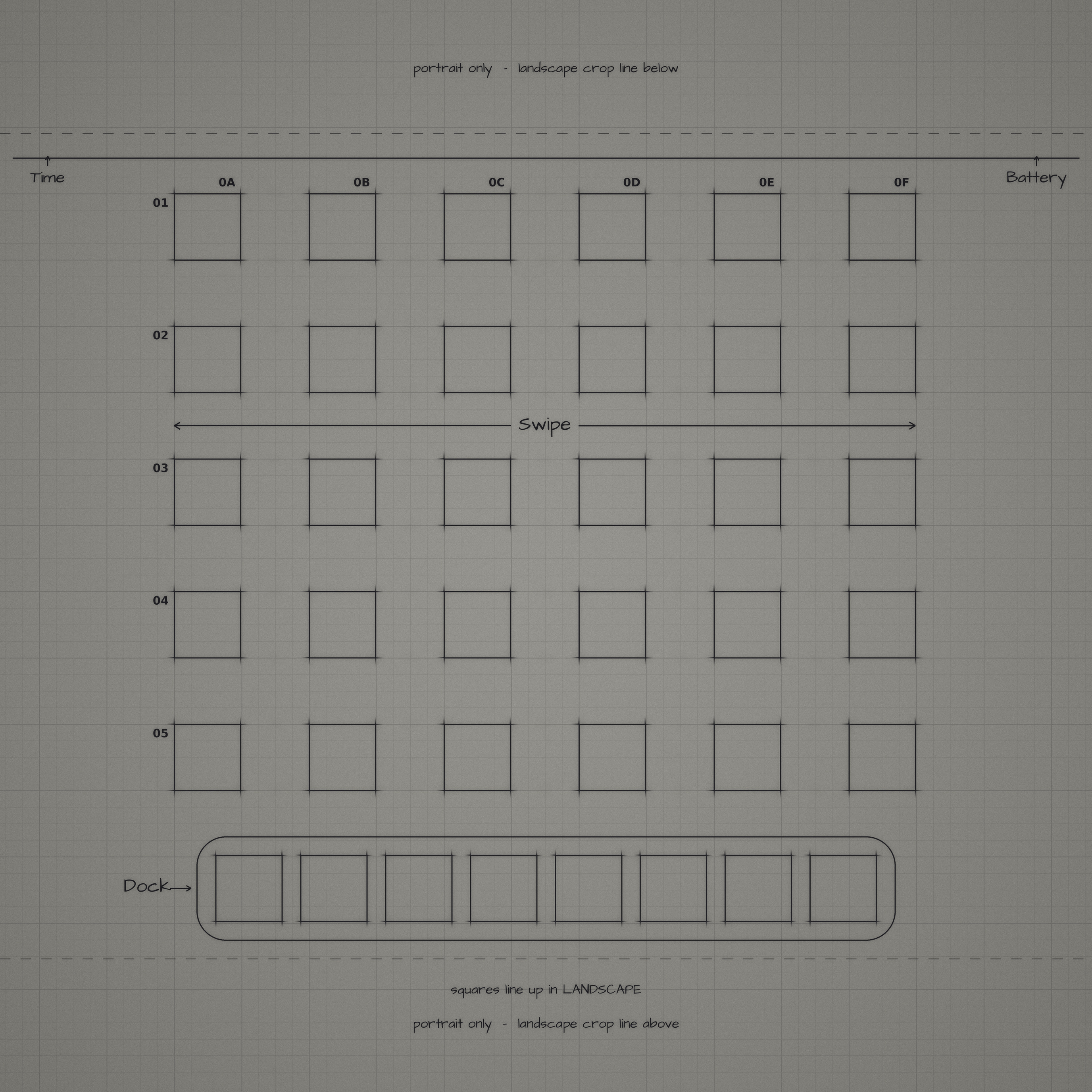
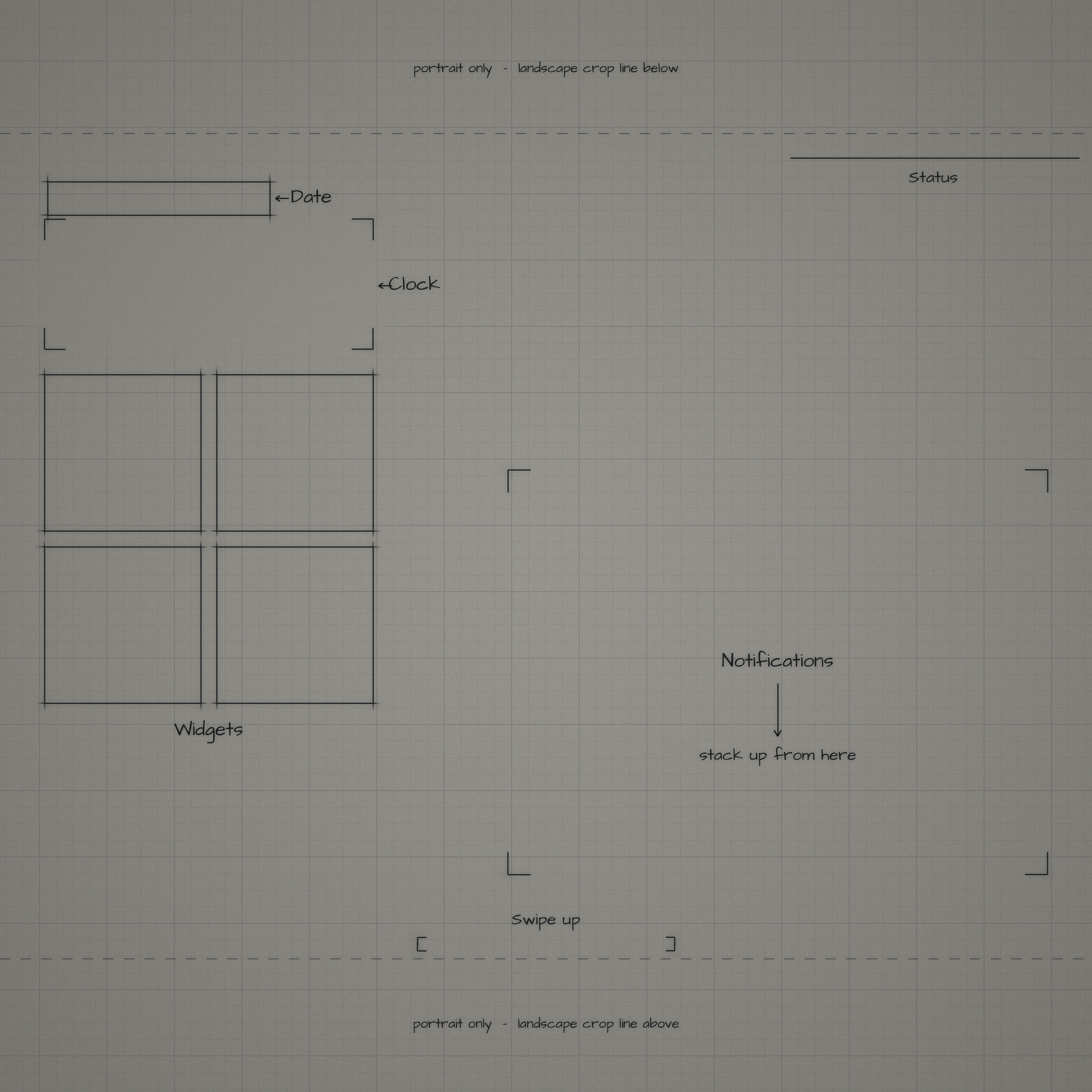
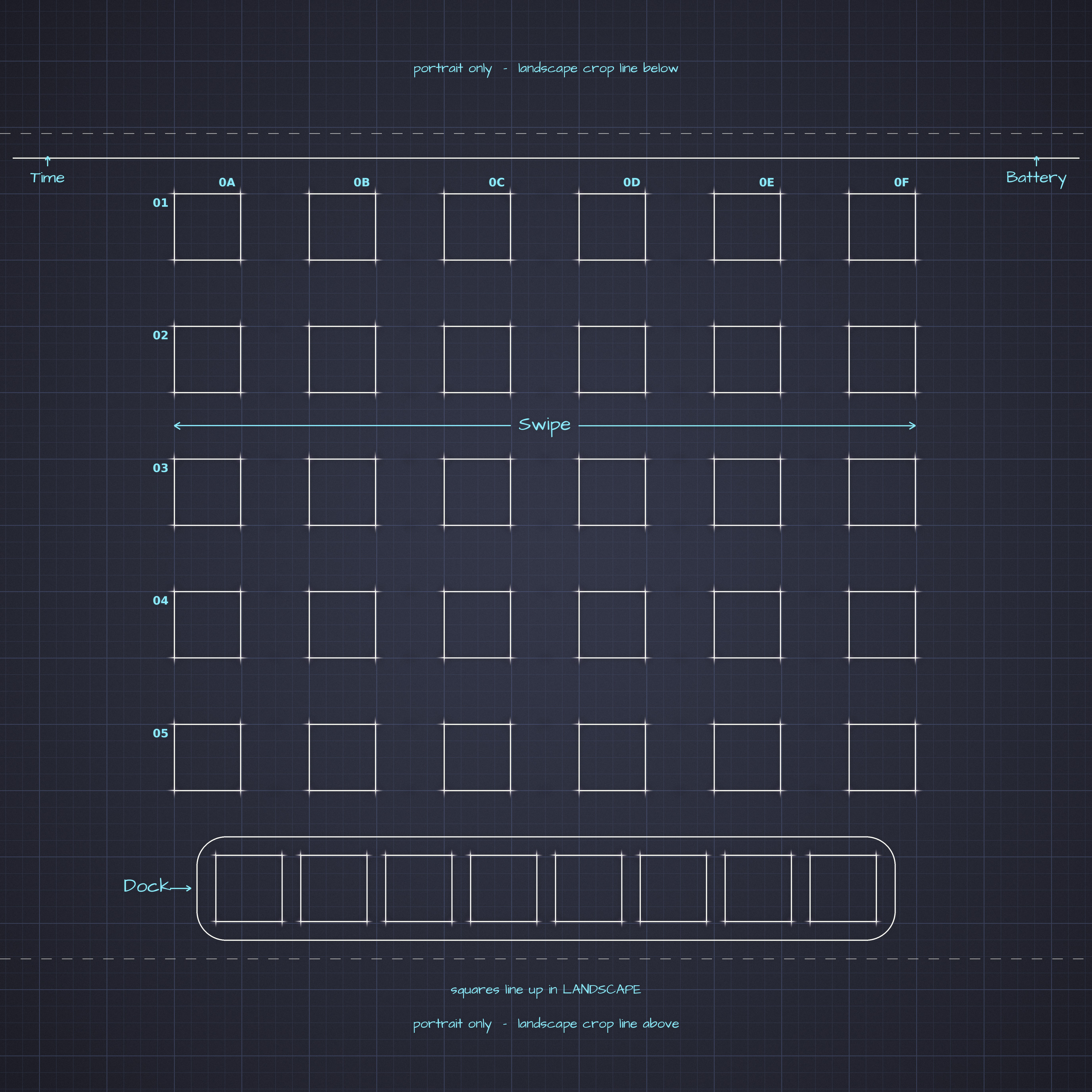
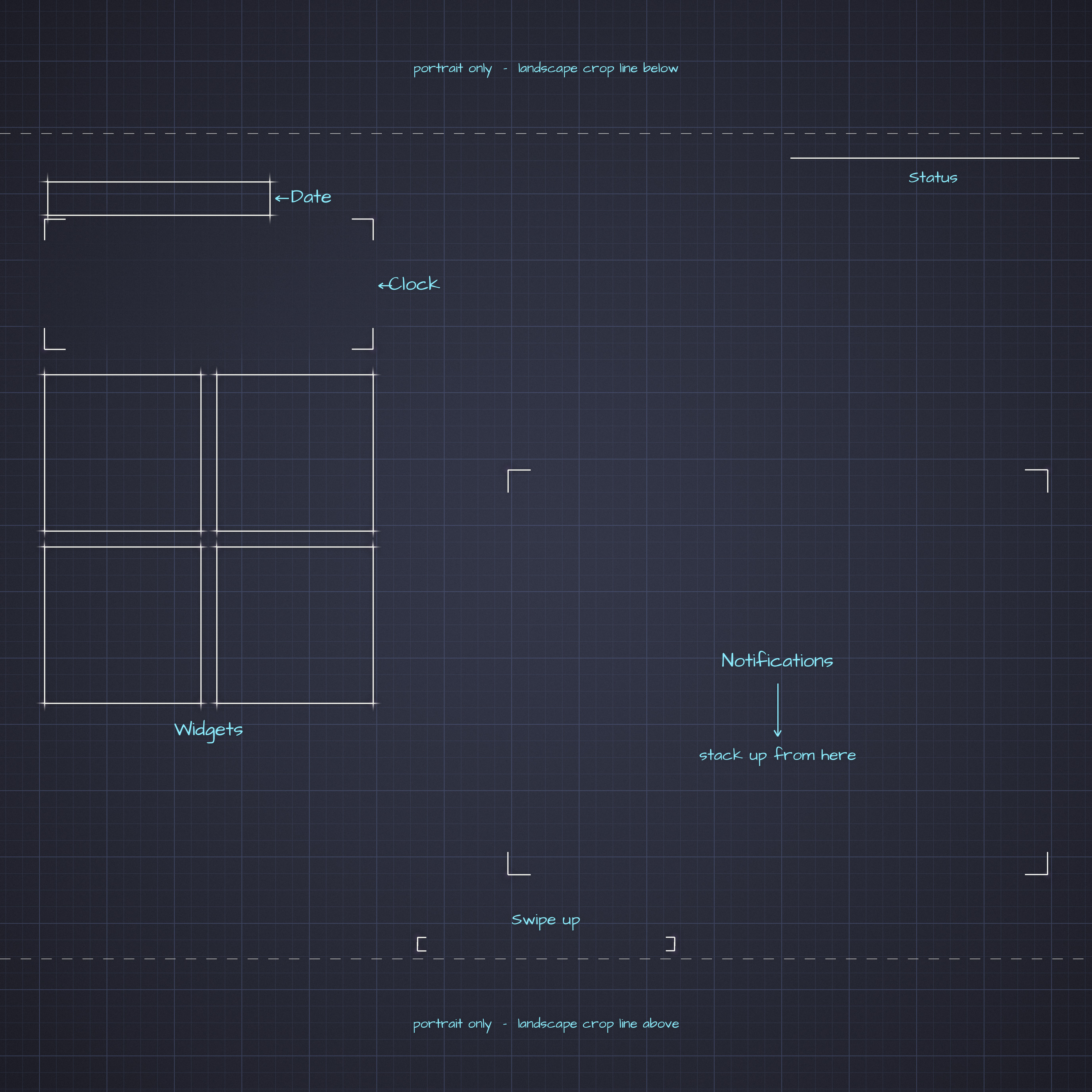
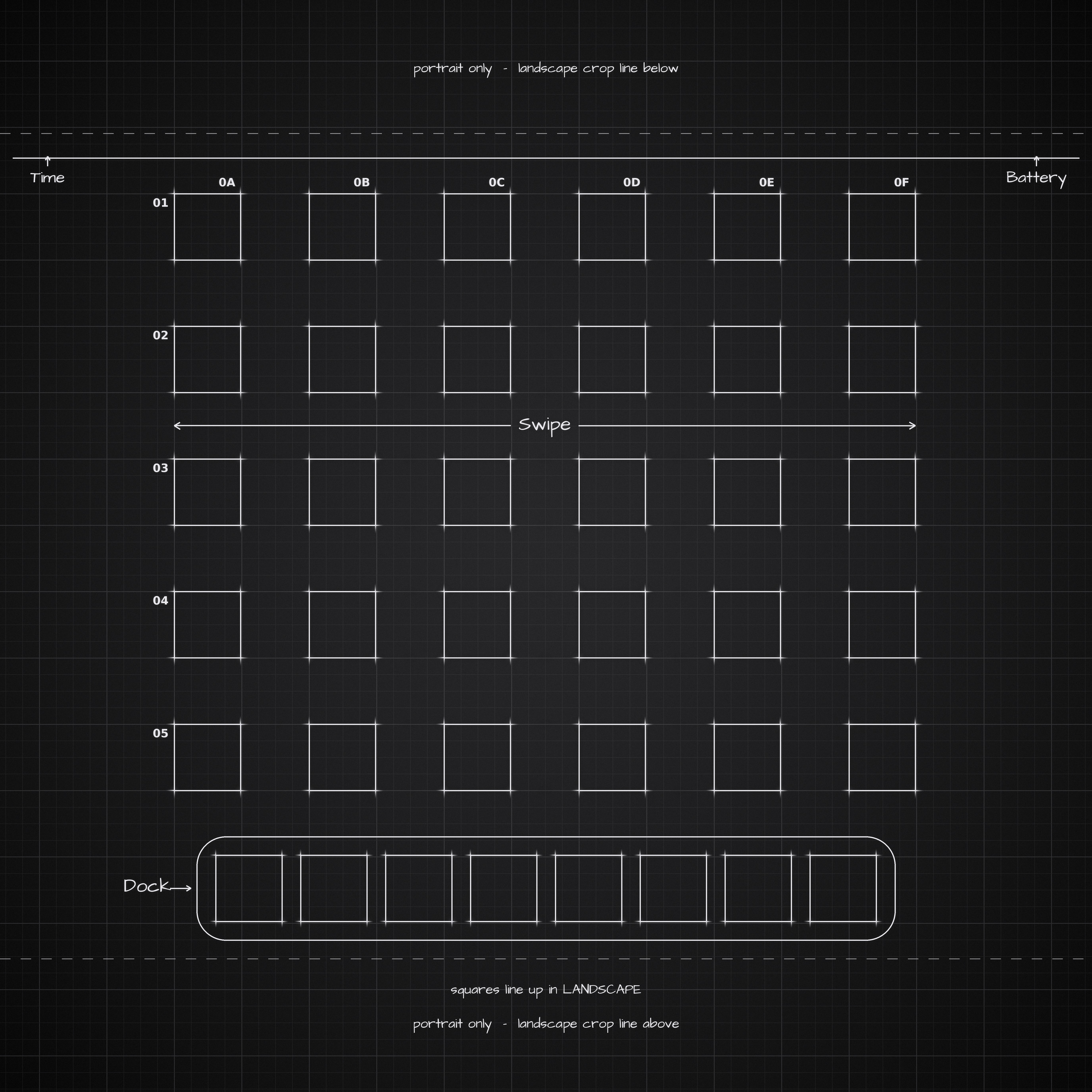
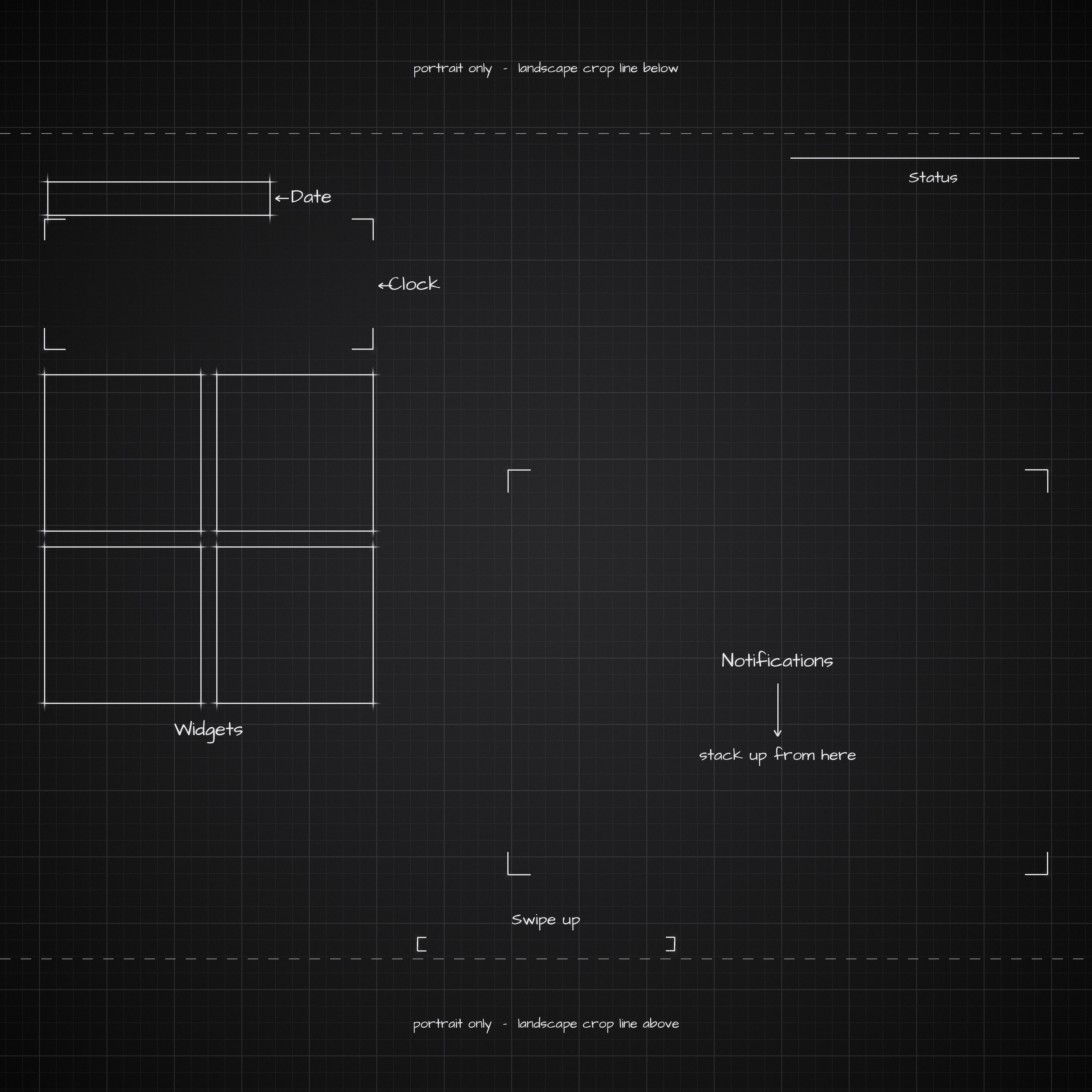
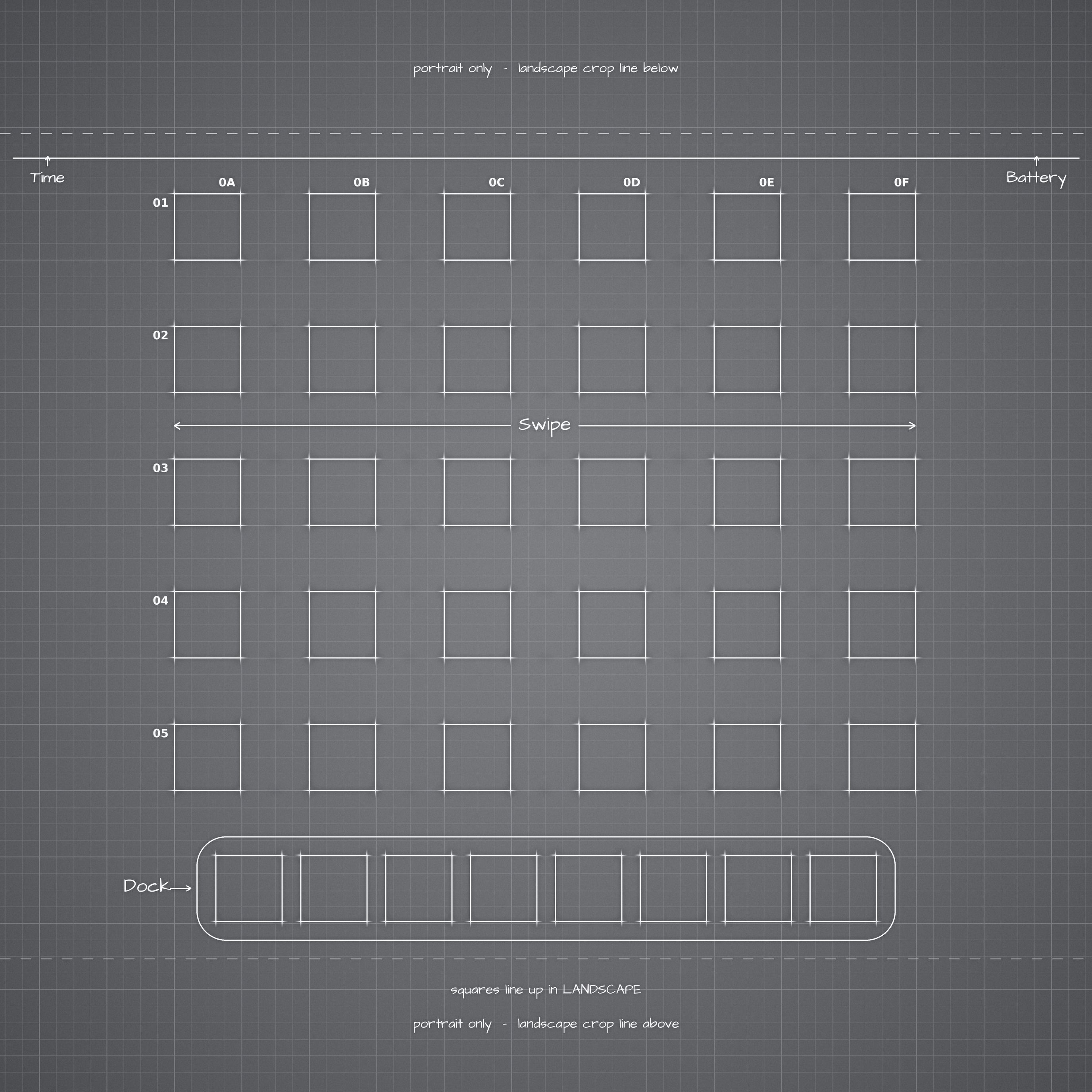
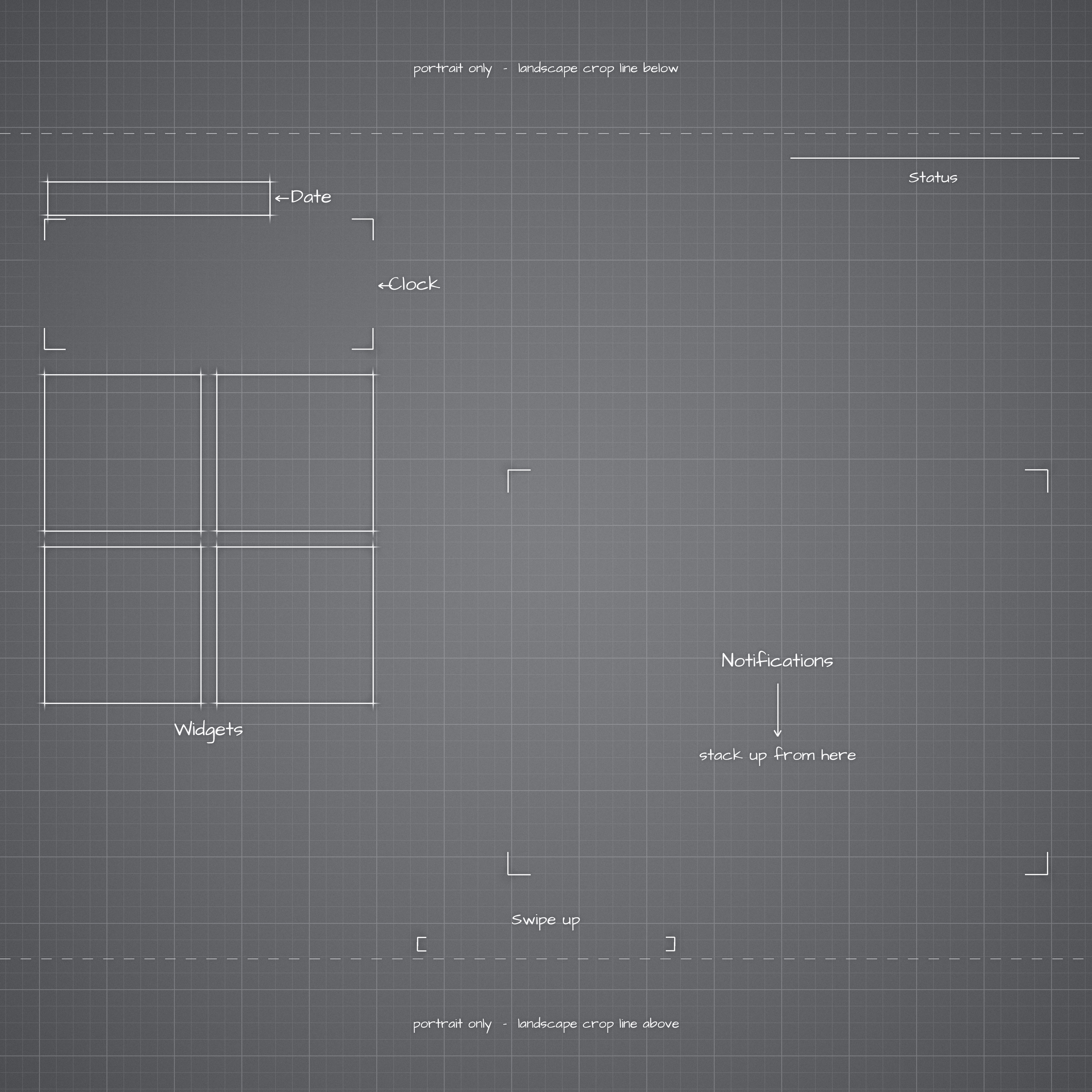
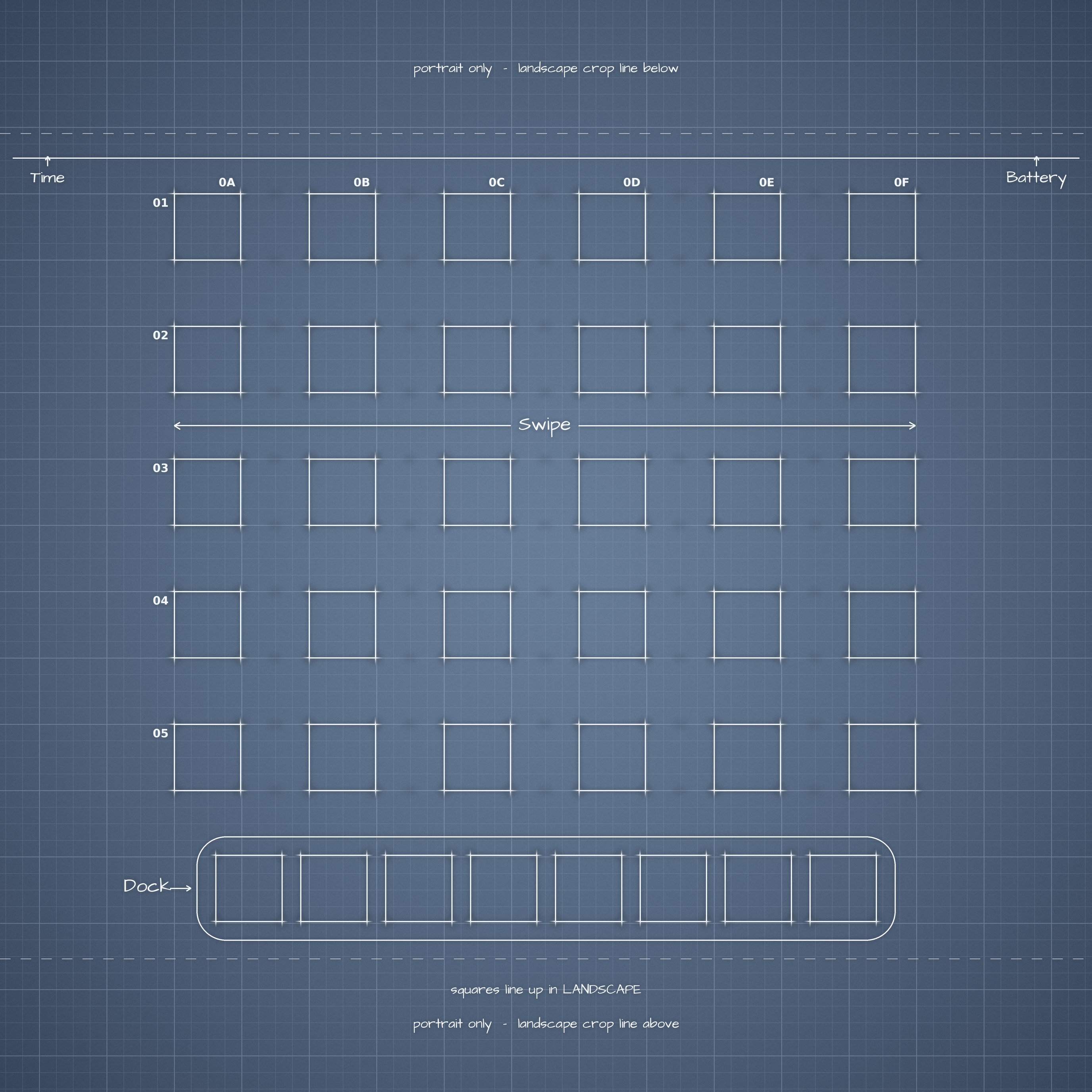
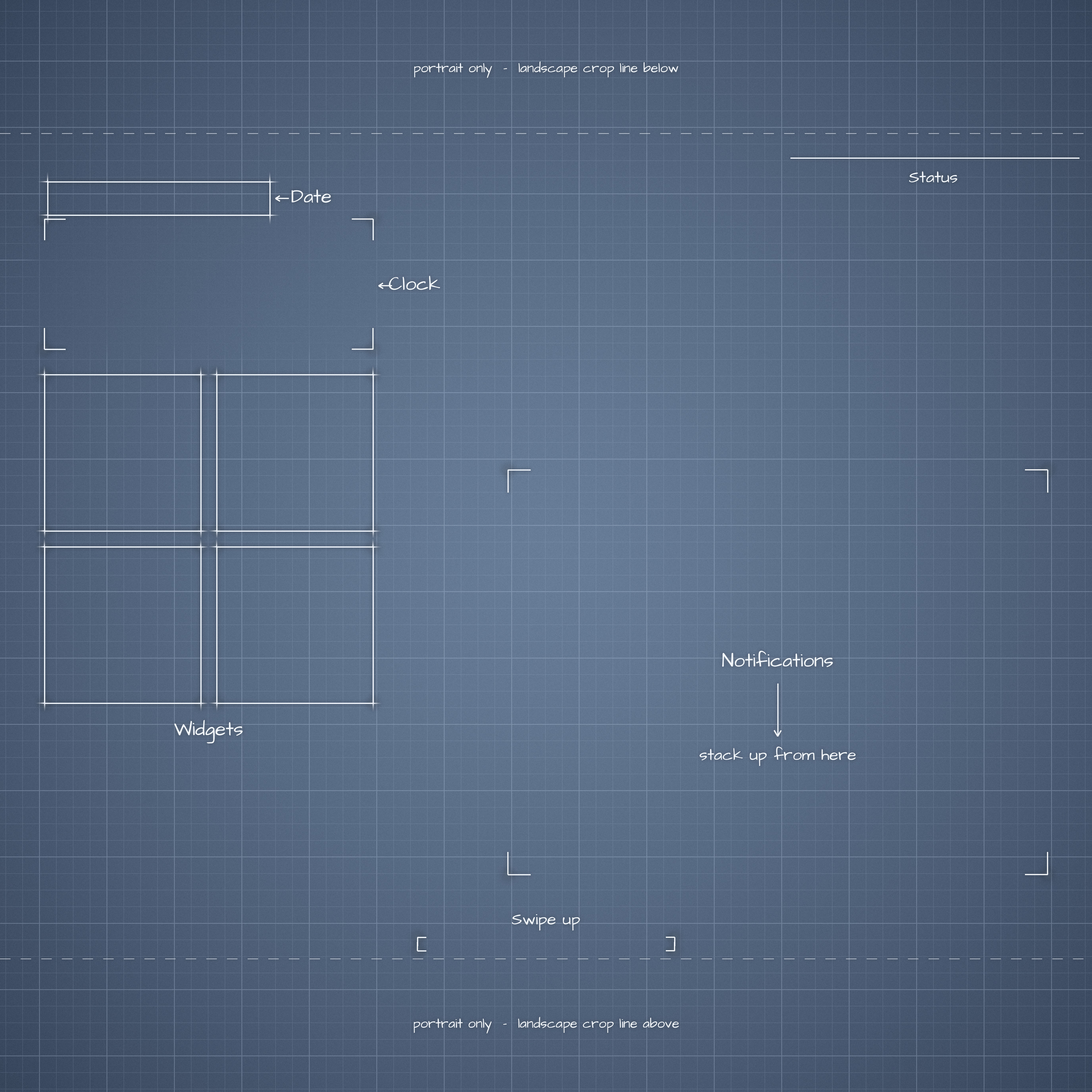
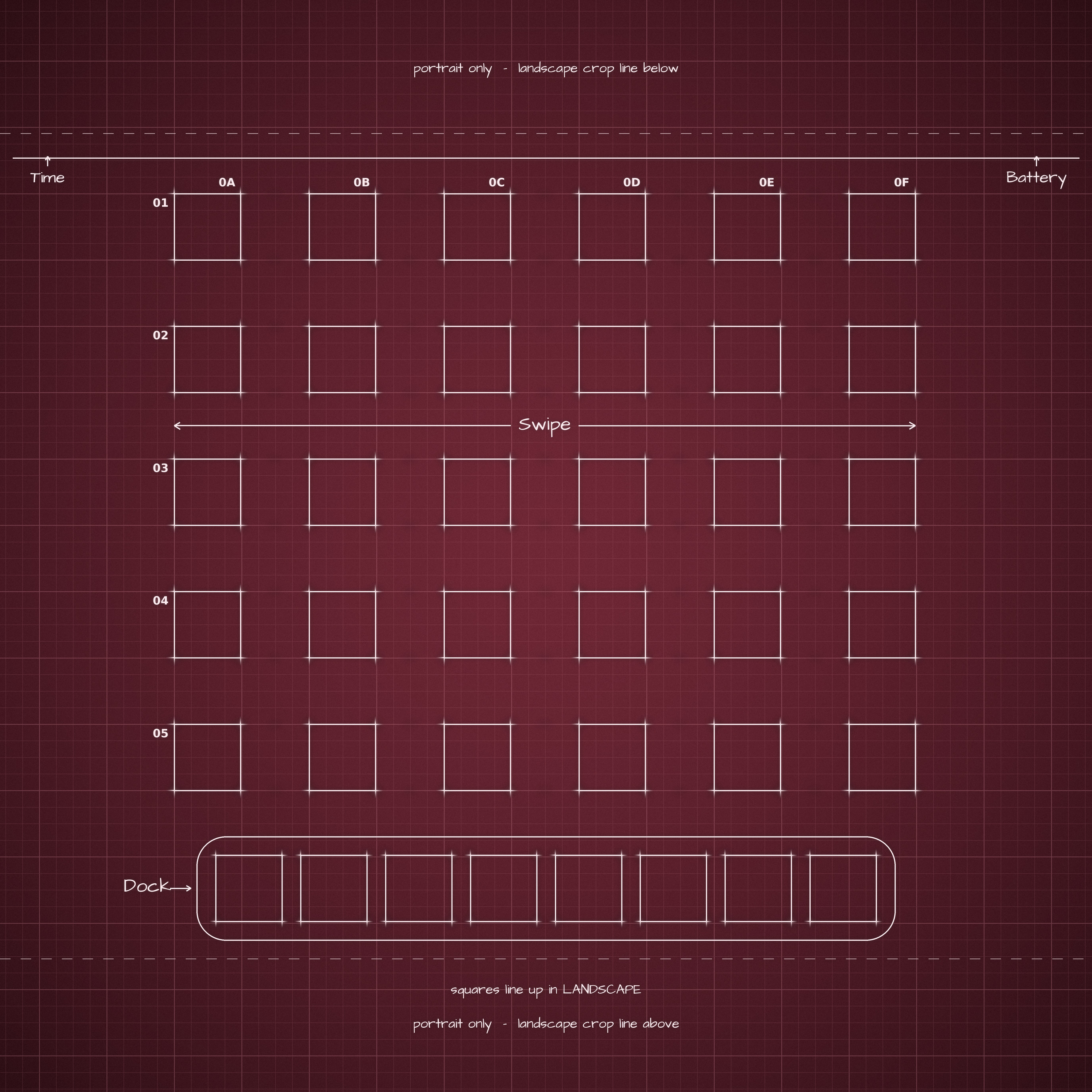
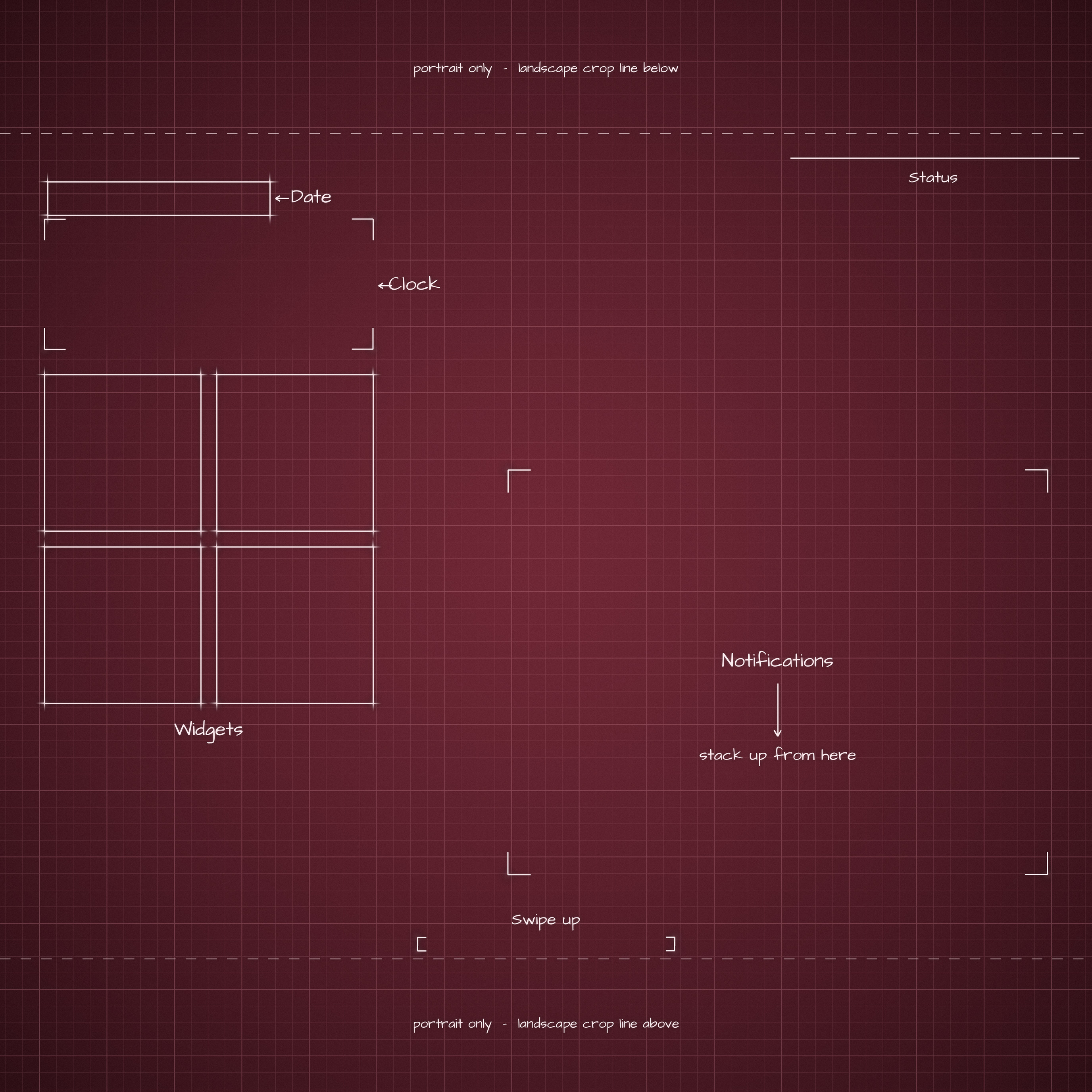
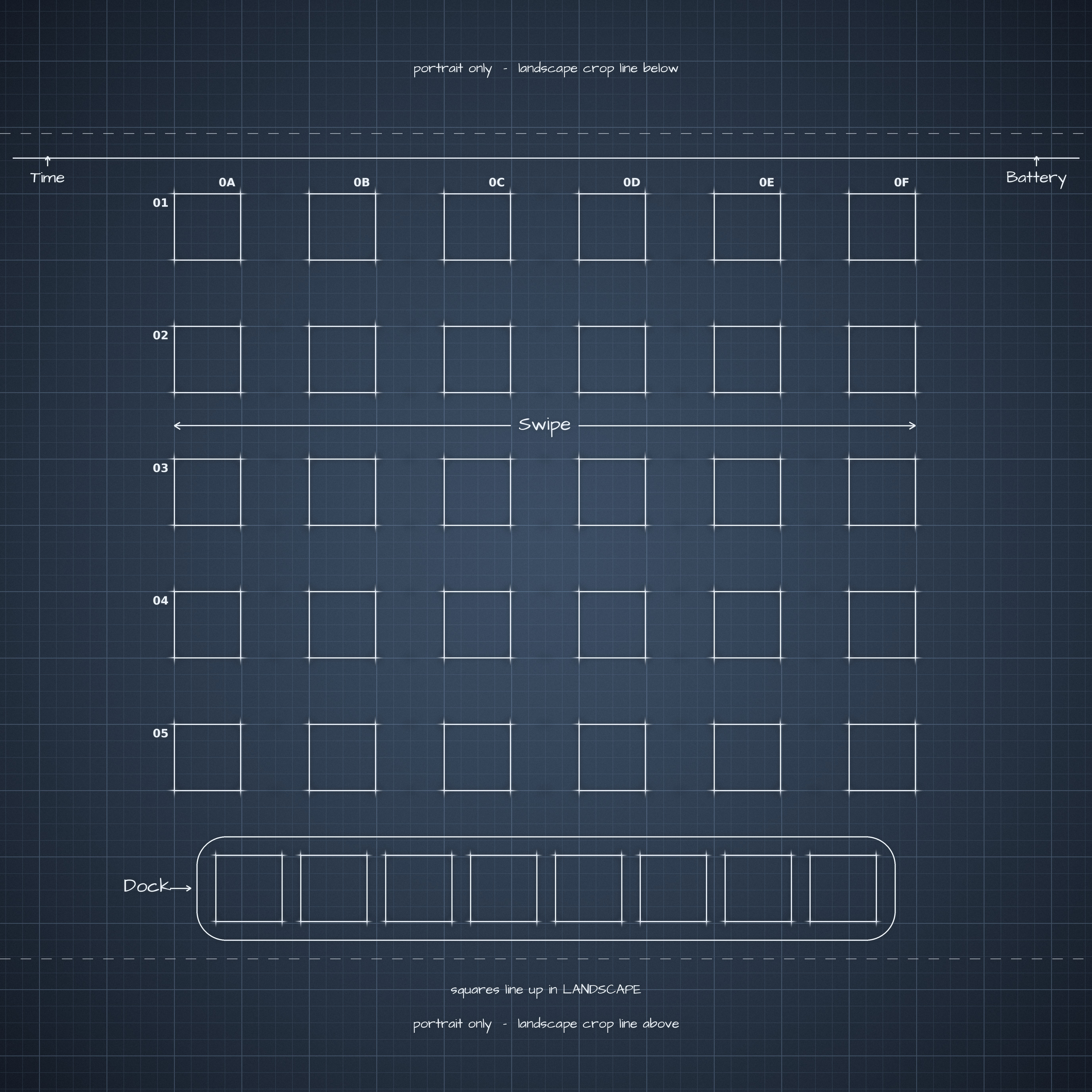
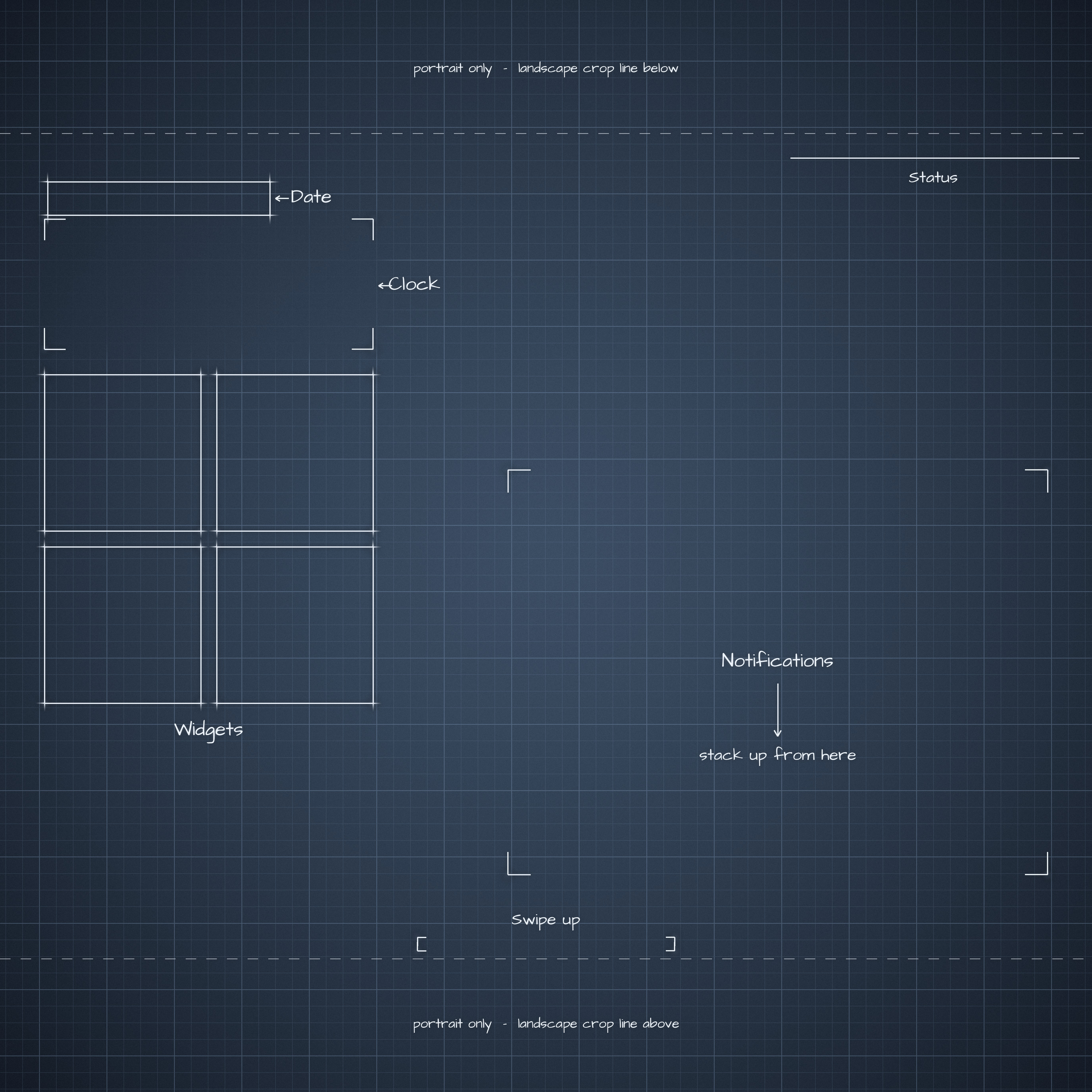
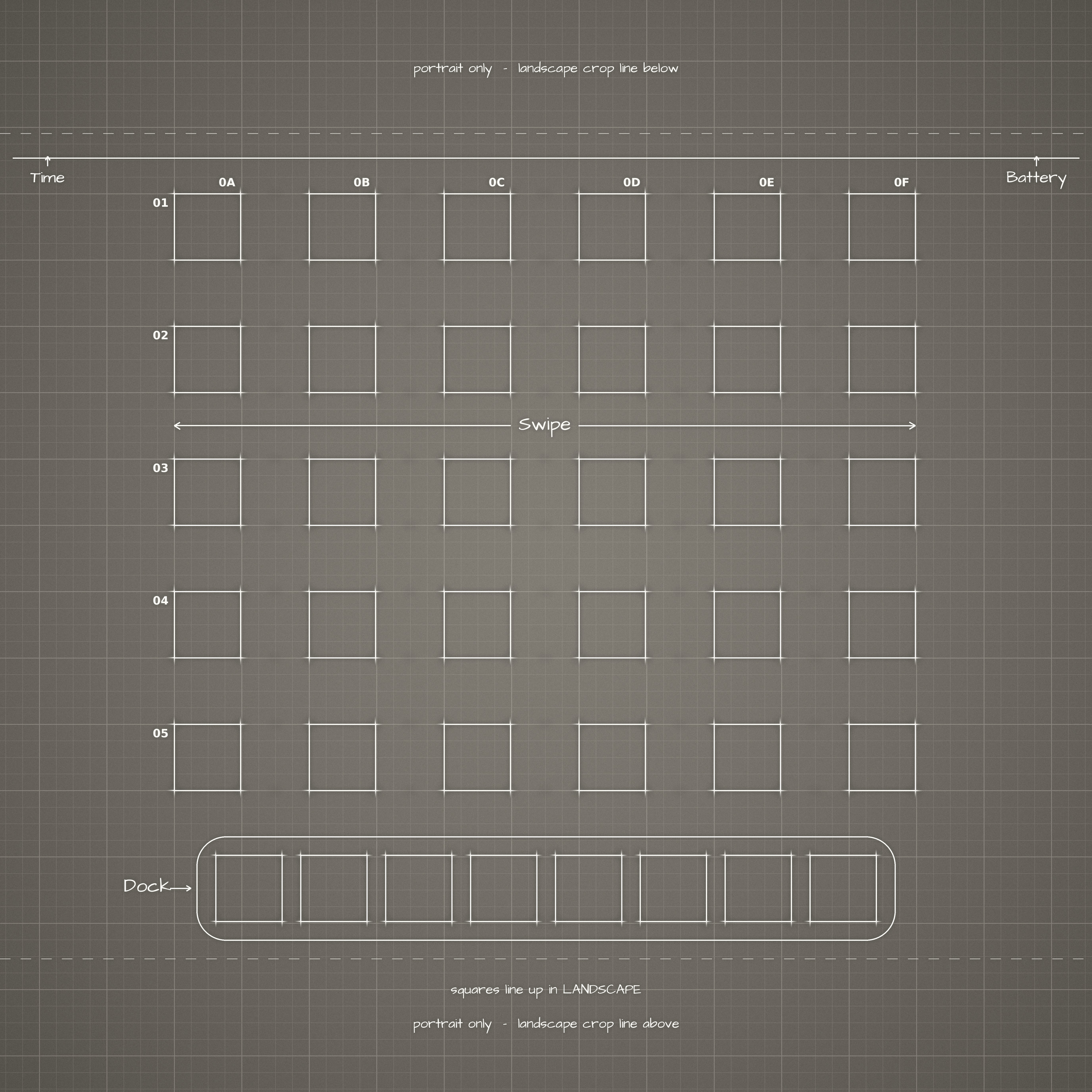
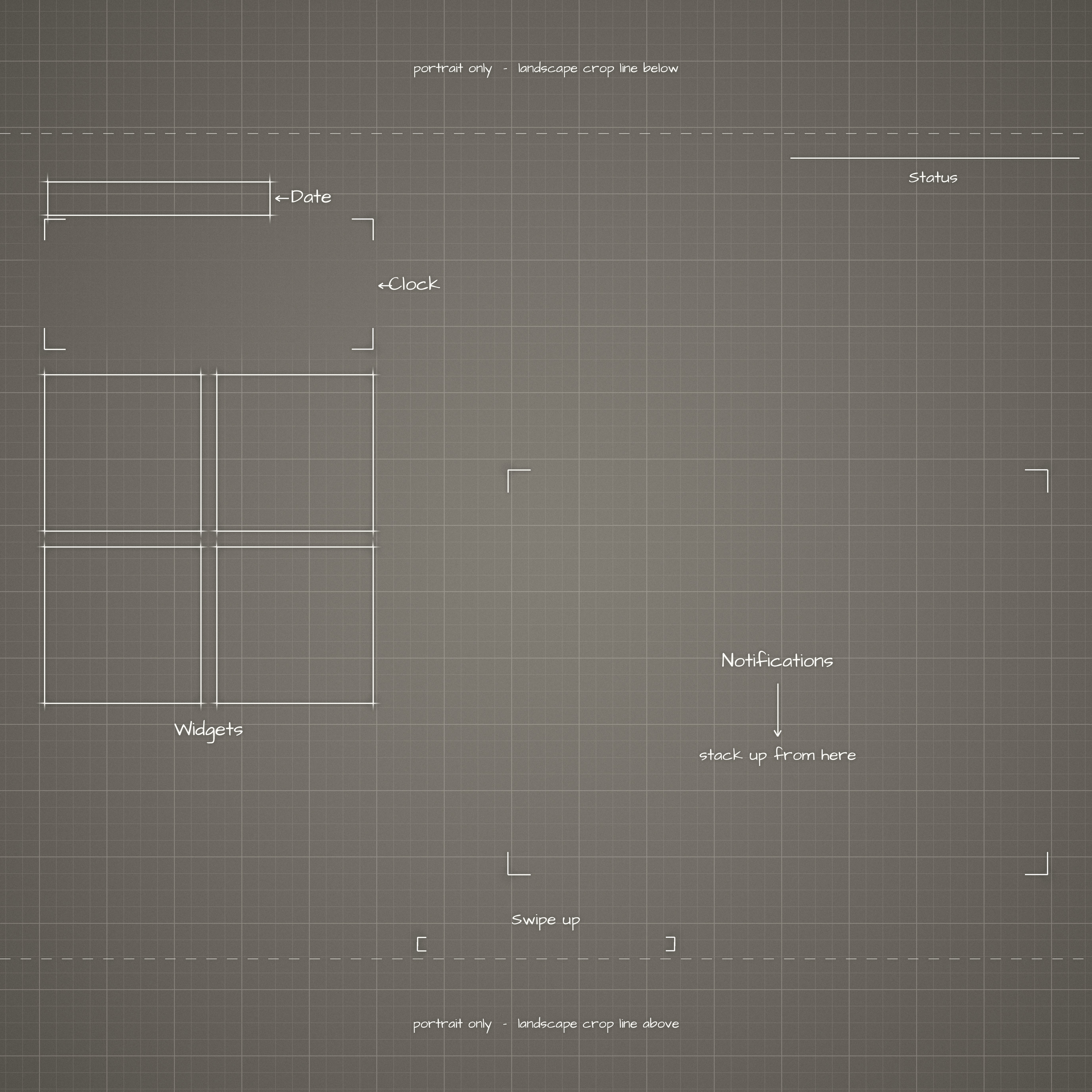
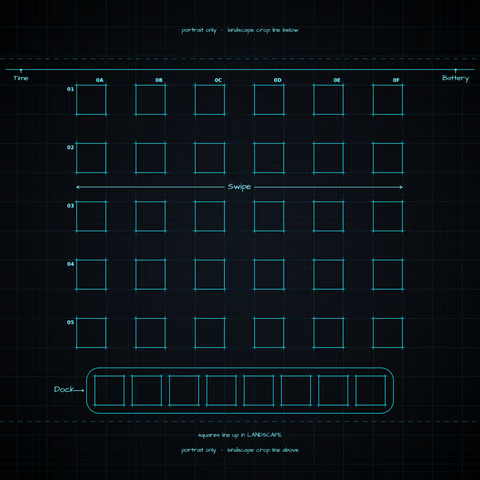
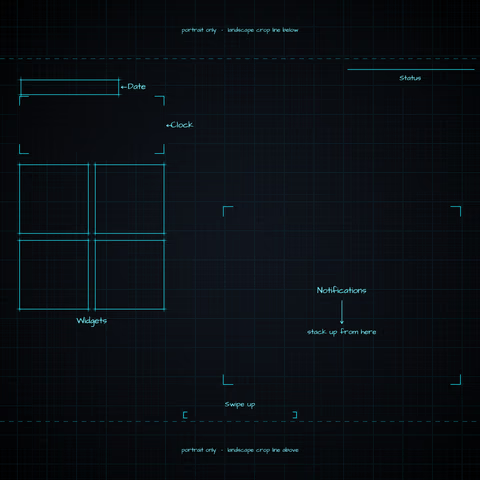
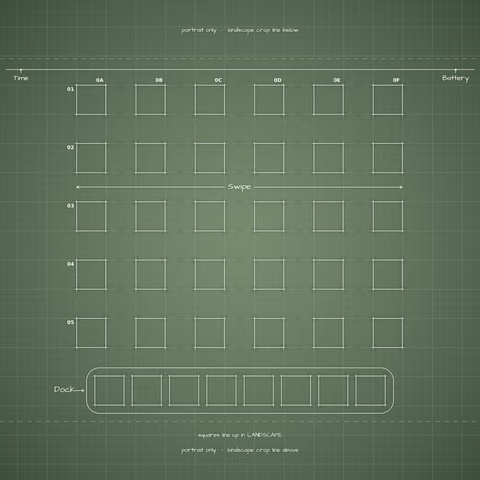
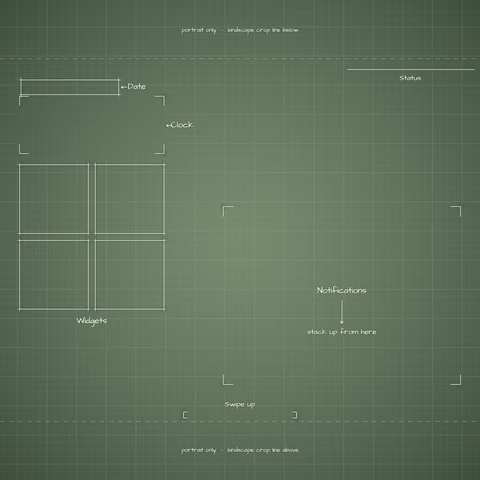
Blueprint wallpapers, redrawn so every box lines up with the current Home Screen icon grid and the Lock Screen clock and widgets. For iPhone and iPad.
A Home and a Lock Screen image in each of 14 colors, square at 2752×2752 and aligned for landscape.
All 28 images come in 3 zips, so each stays a quick download.
Navy Blueprint, Mocha Mousse, Midnight Neon, and Sage. 11.7 MB.
Digital Lavender, Terracotta Sunset, Mono Graphite Paper, and Dracula. 11.9 MB.
The six iPhone colors. 16.2 MB.

Eight palettes drawn from current color trends.
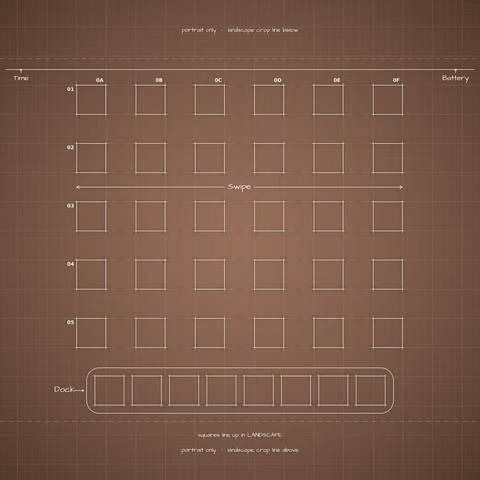
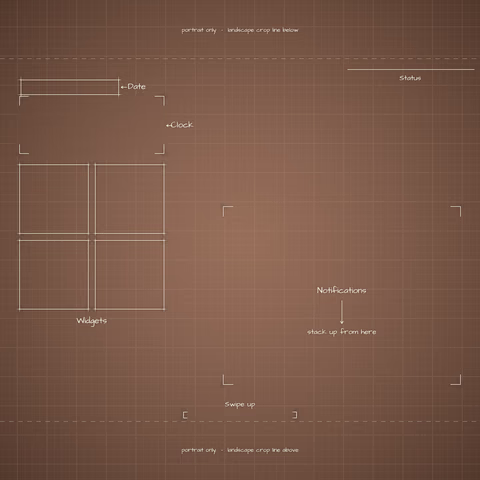
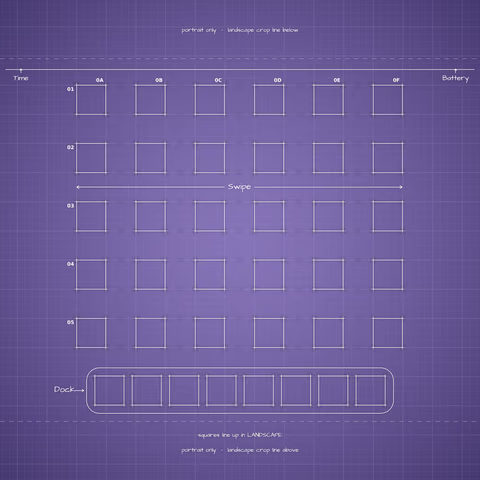
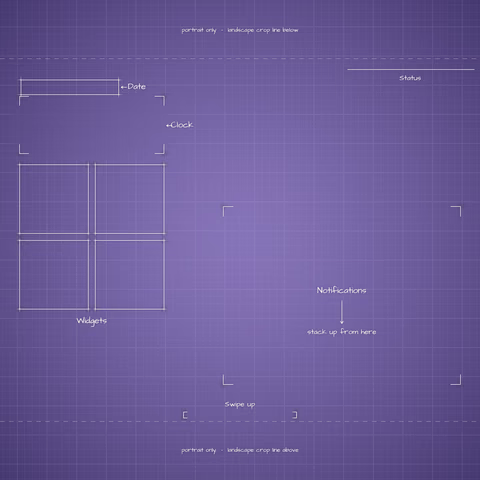
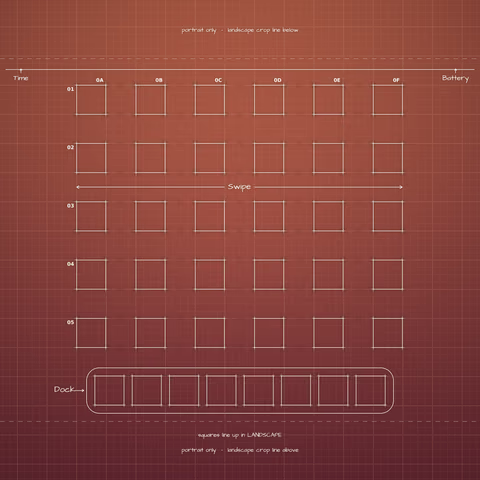
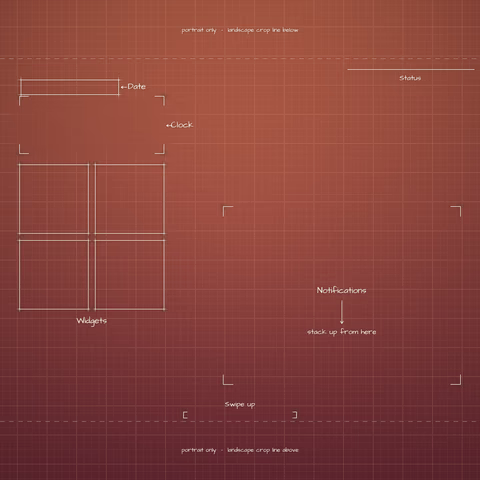
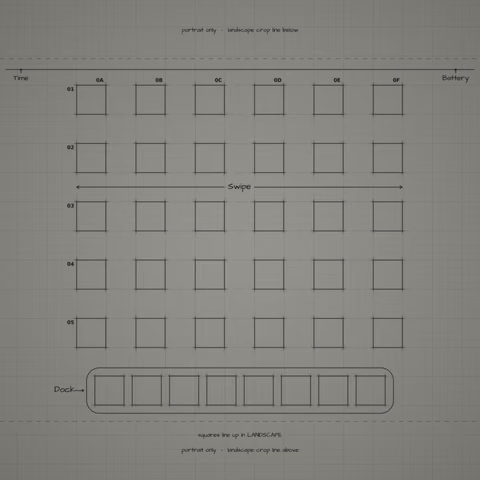
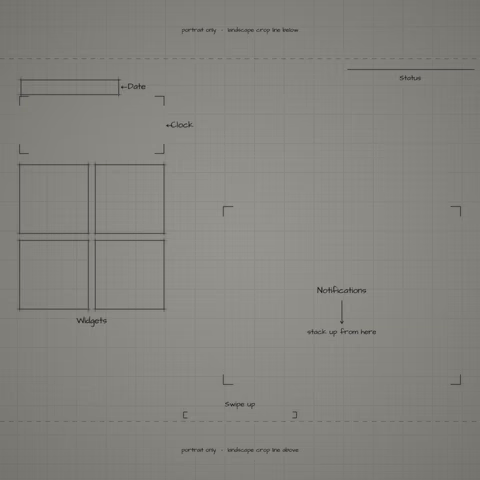
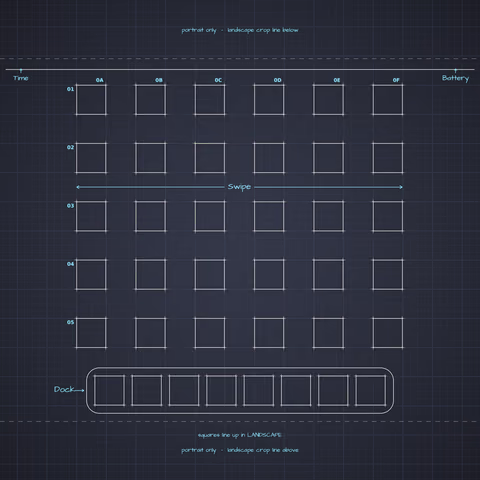
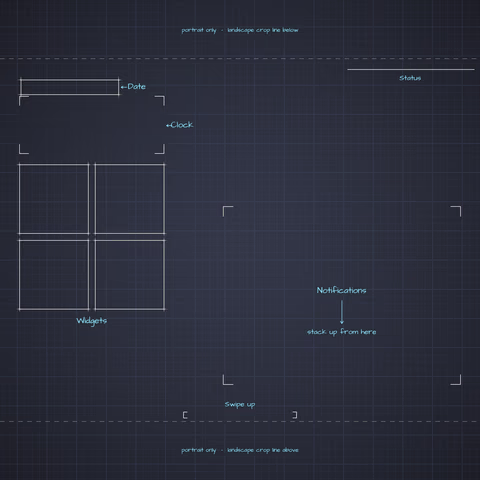
Six palettes inspired by the iPhone 18 Pro and iPhone Duo finishes. They are toned to mid-range values so white labels and the clock stay readable, so they are not exact matches.
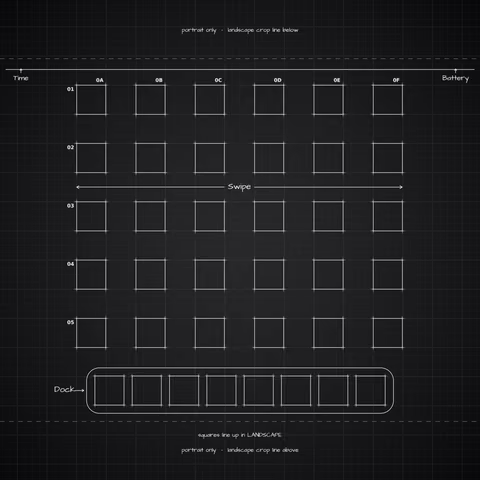
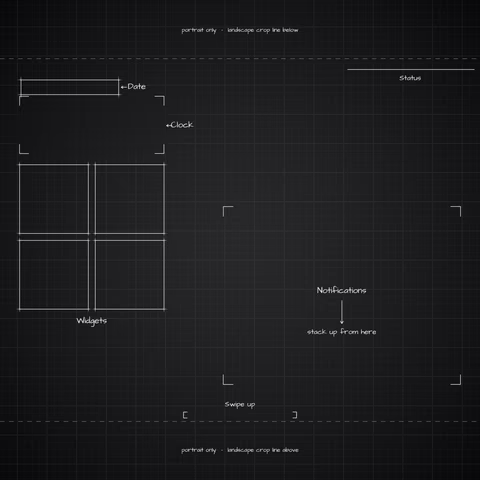
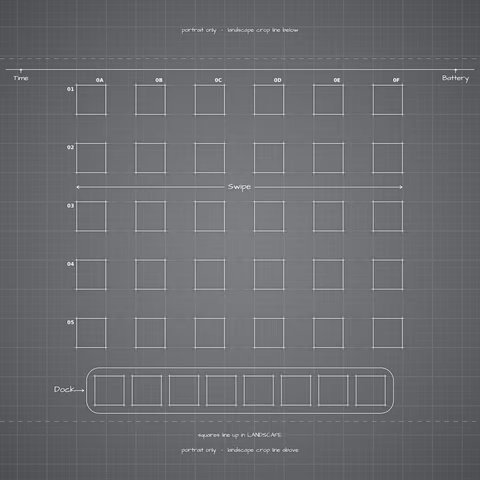
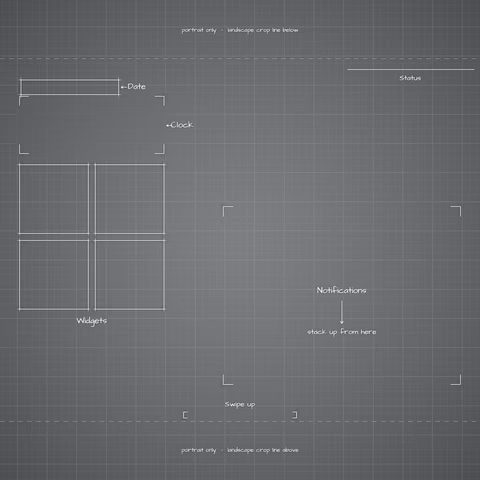
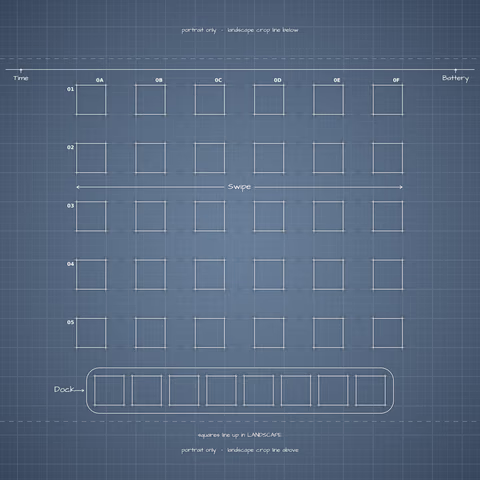
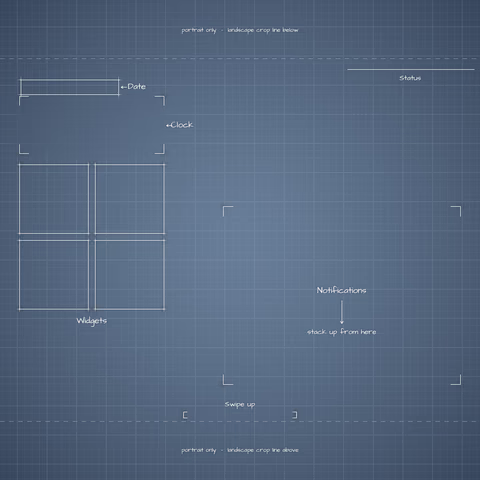
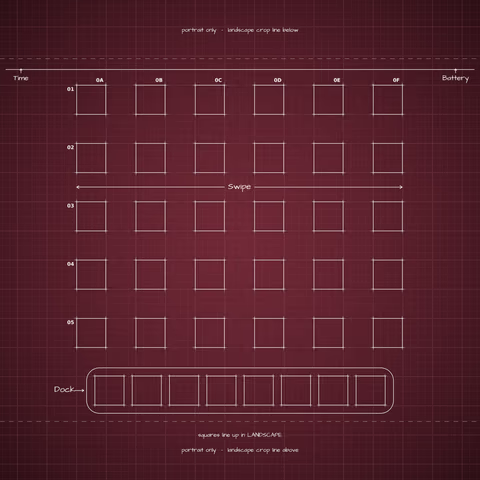
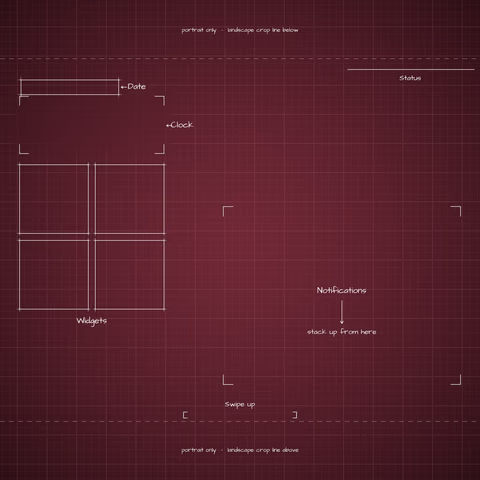
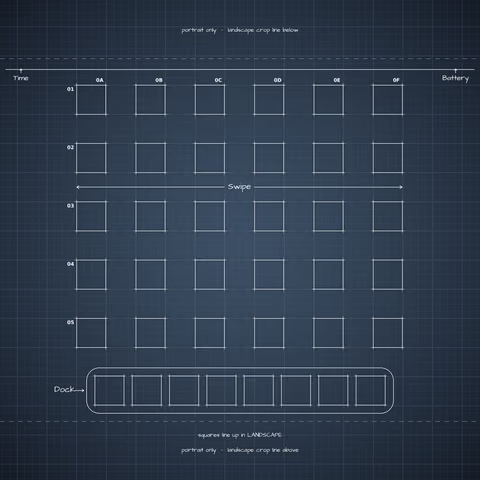
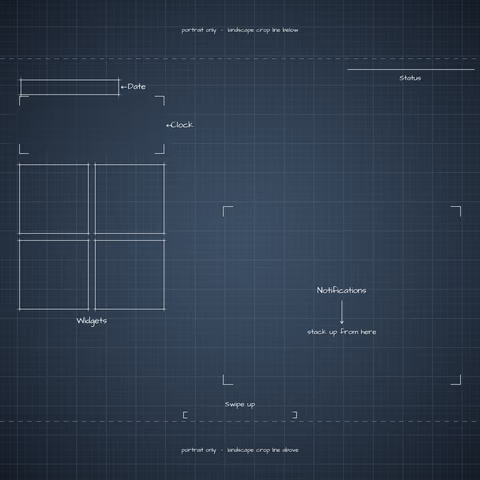
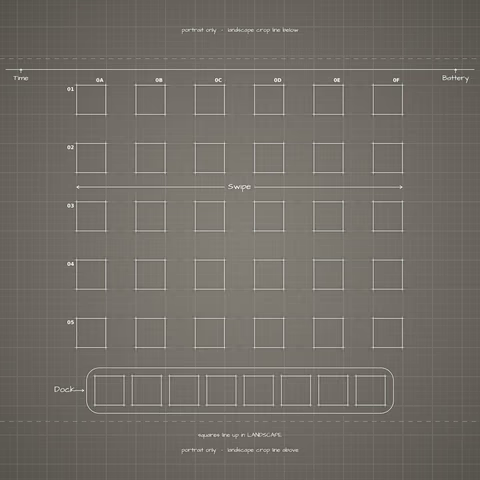
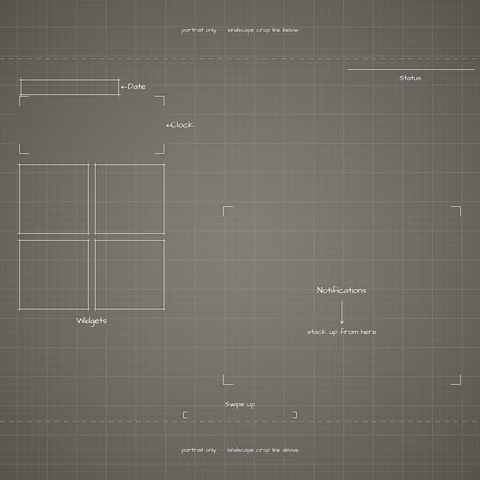
iPadOS uses one square image for both orientations and crops into the center, so nothing is scaled. Any zoom or crop moves the boxes off the icons.