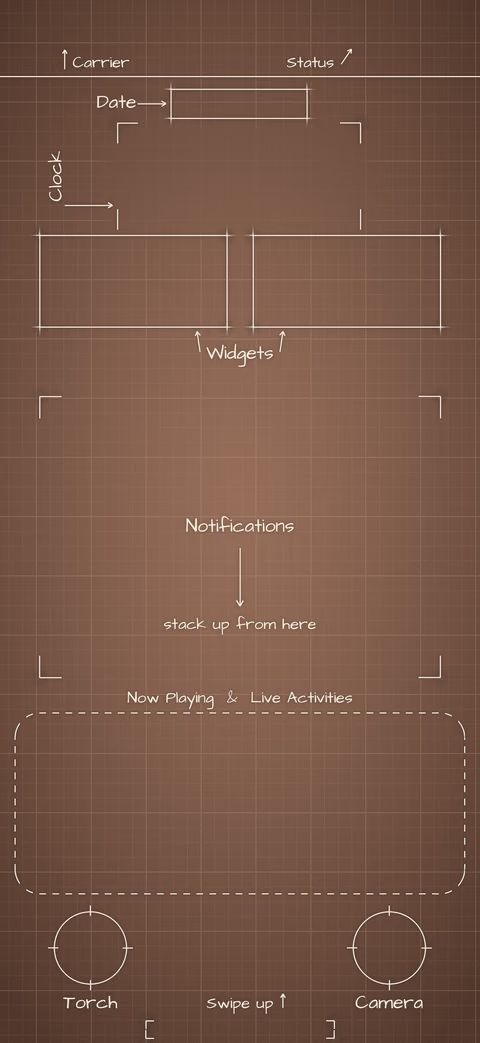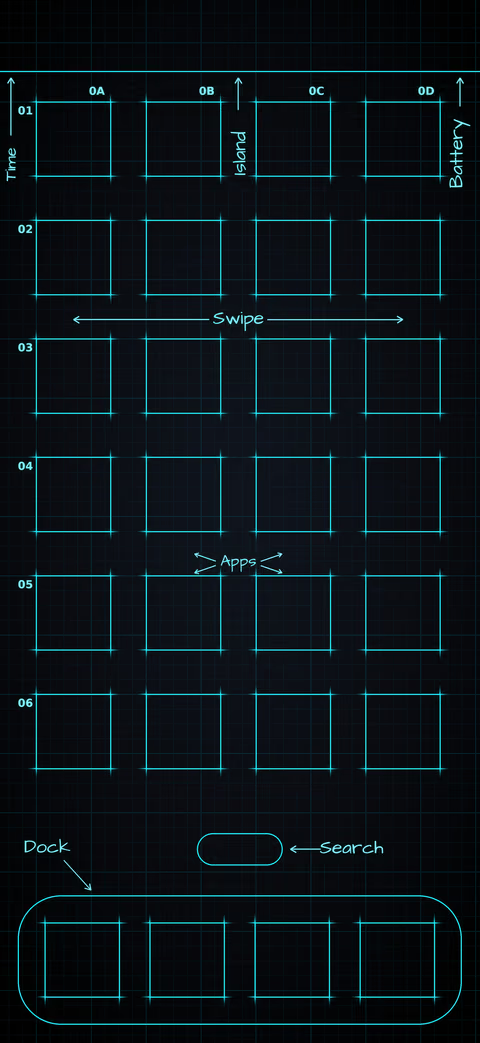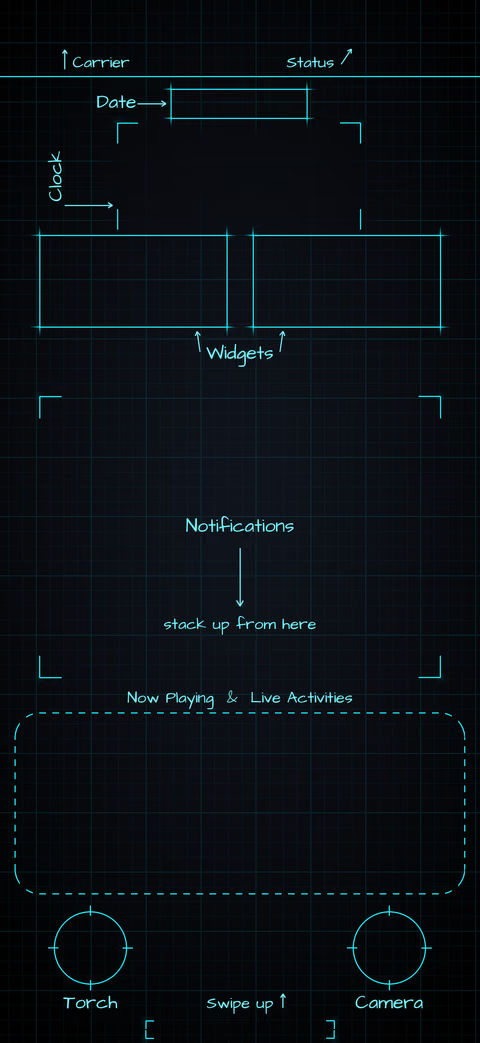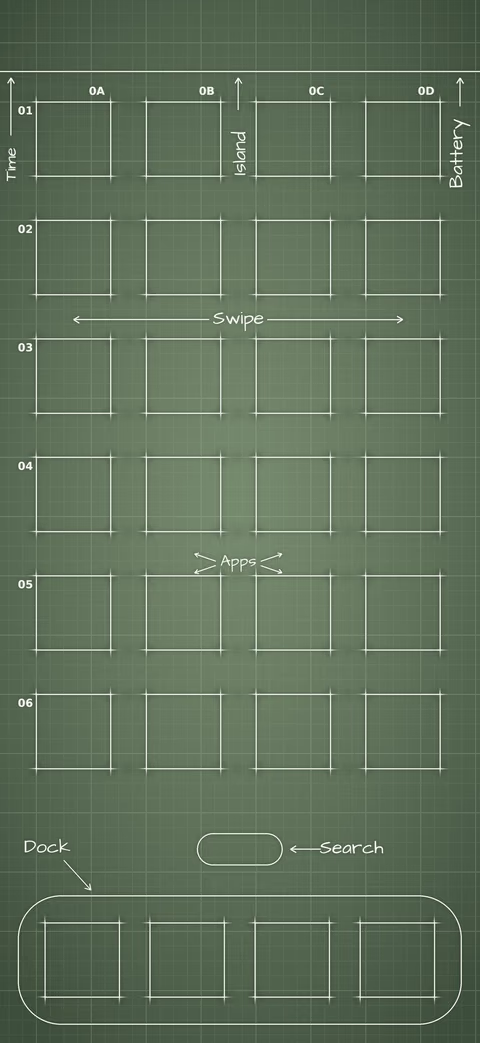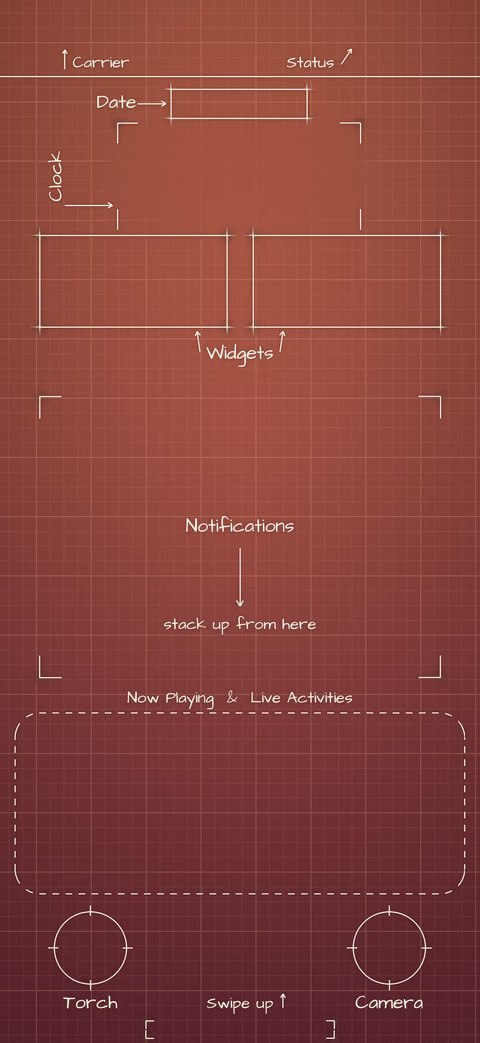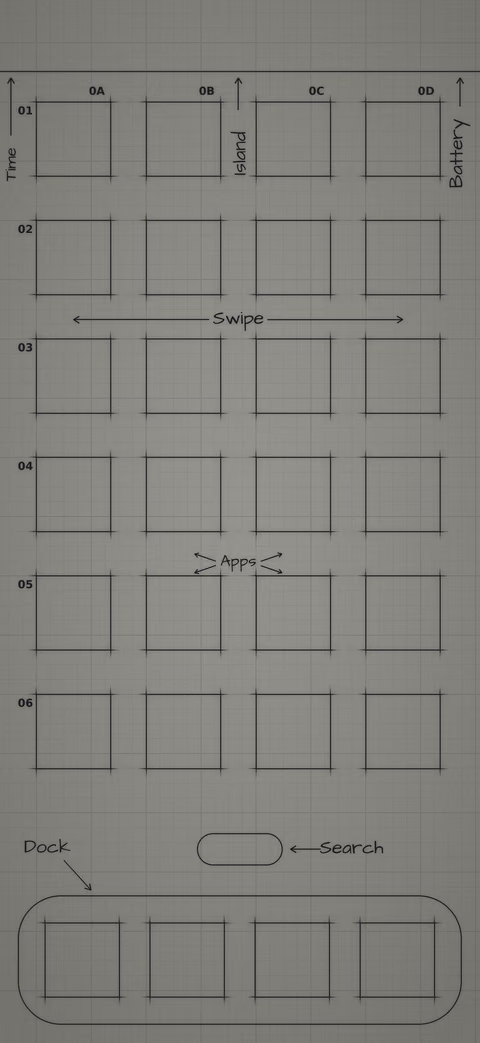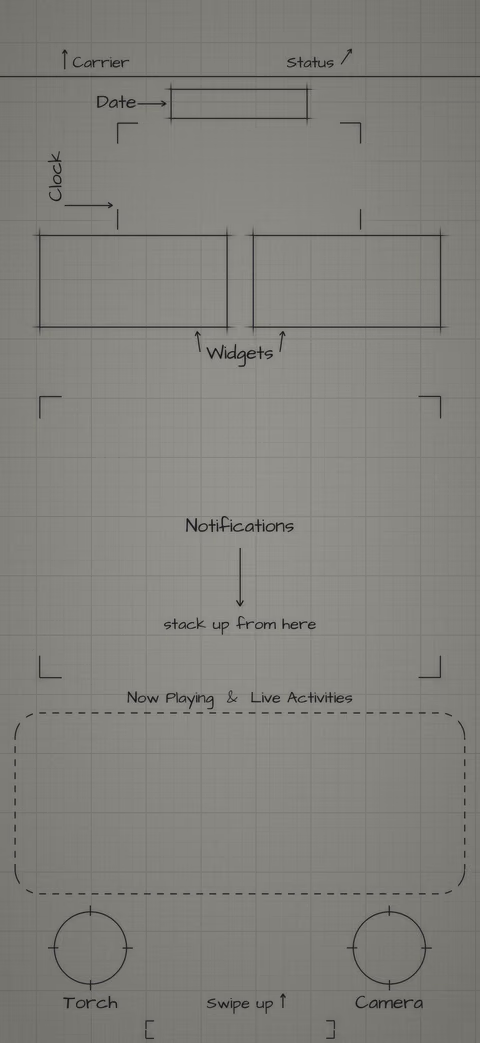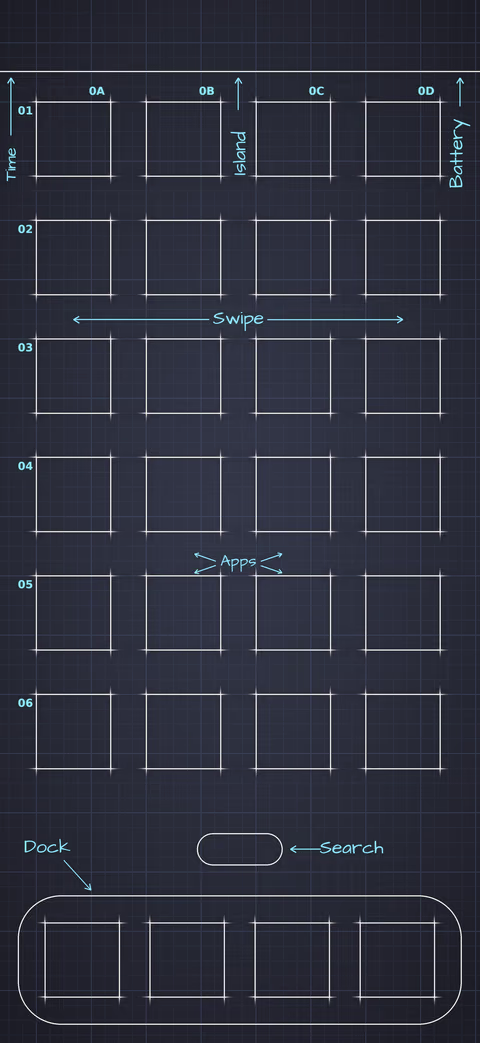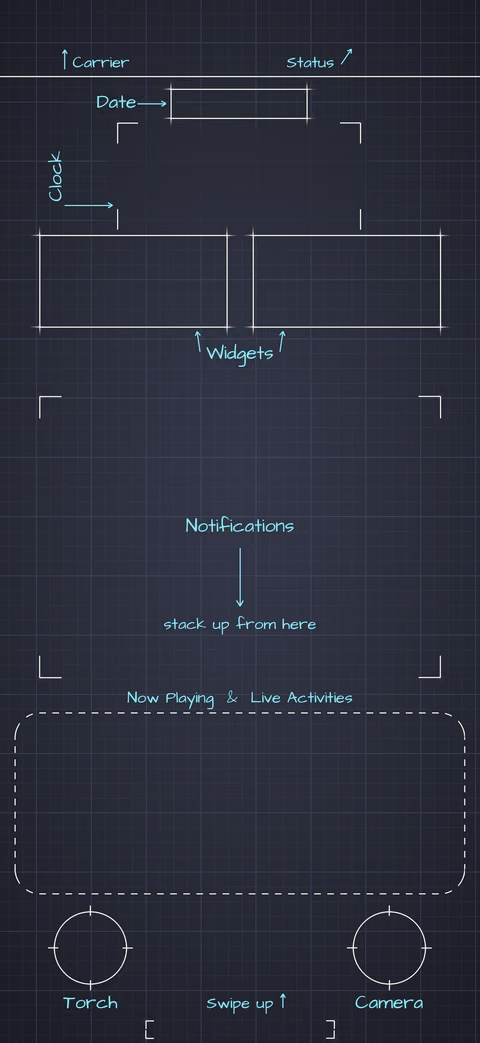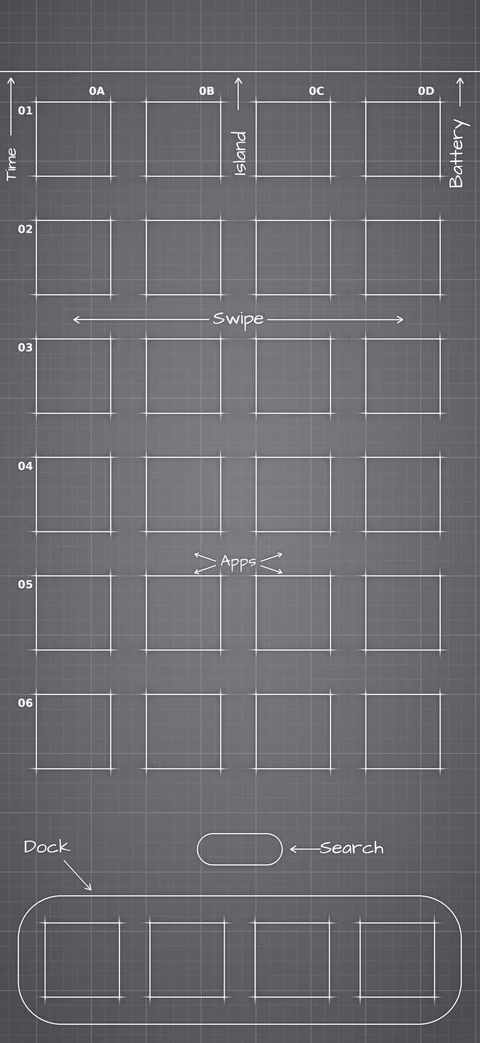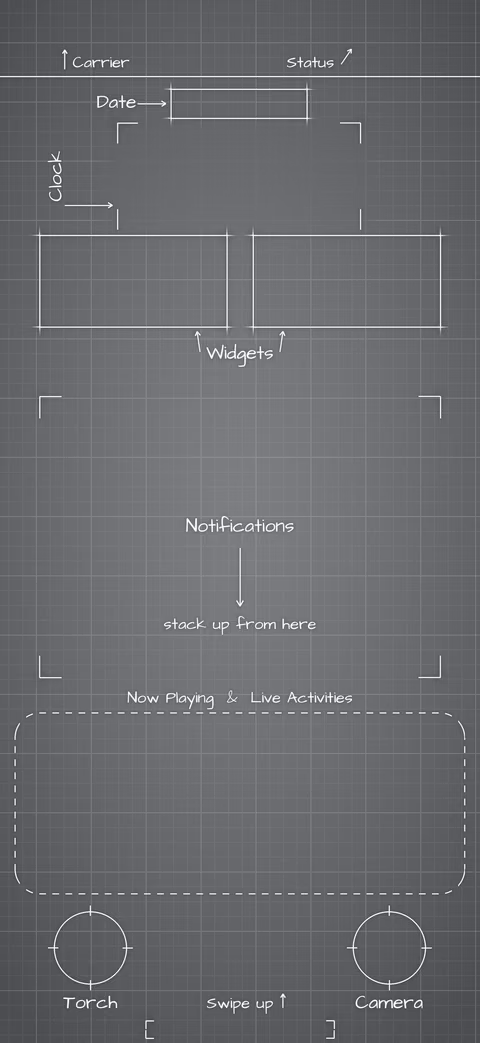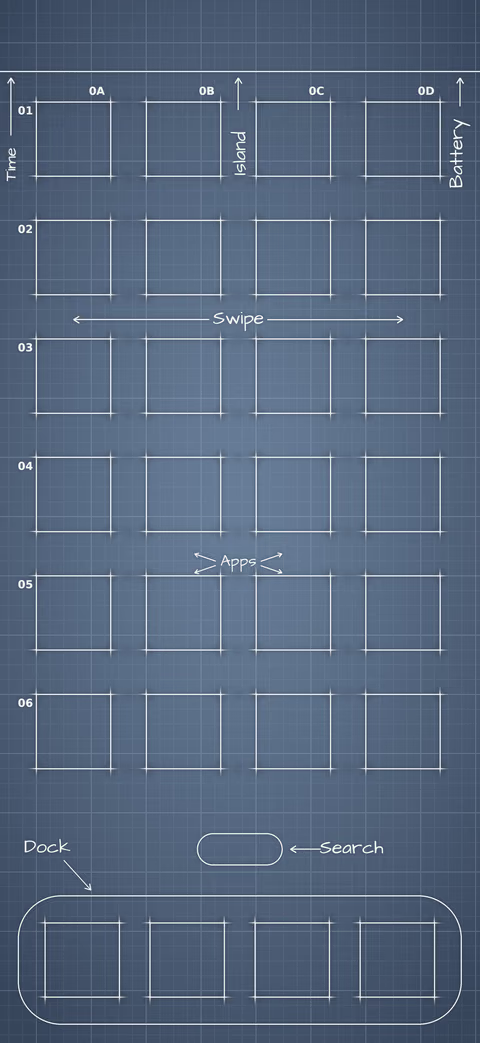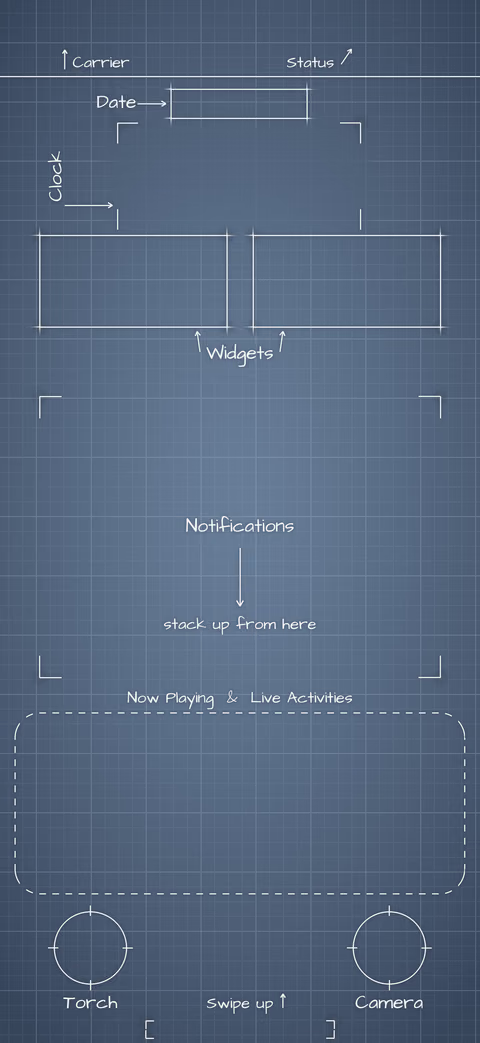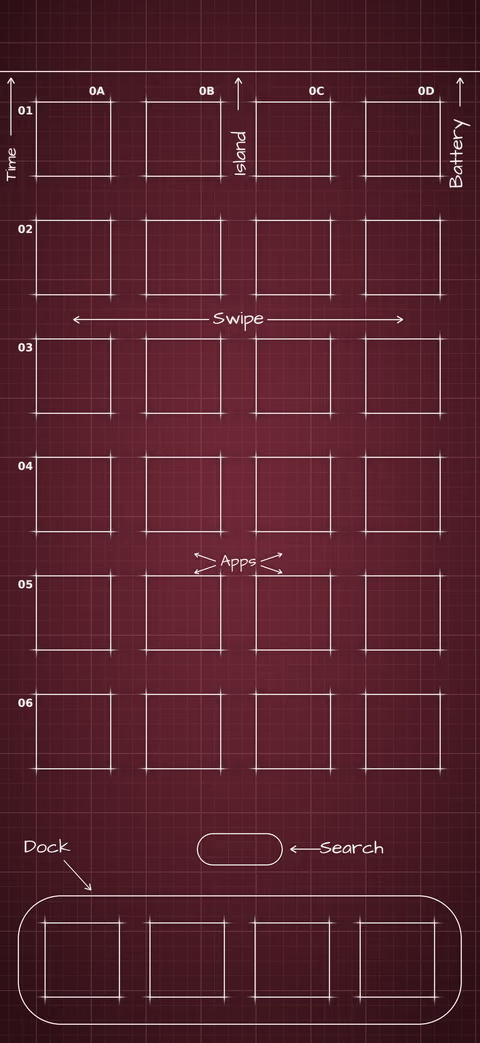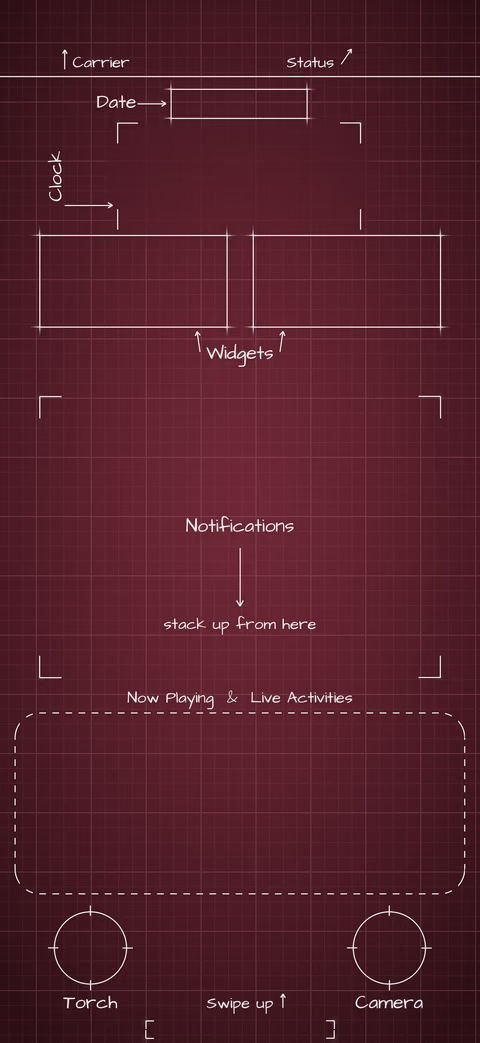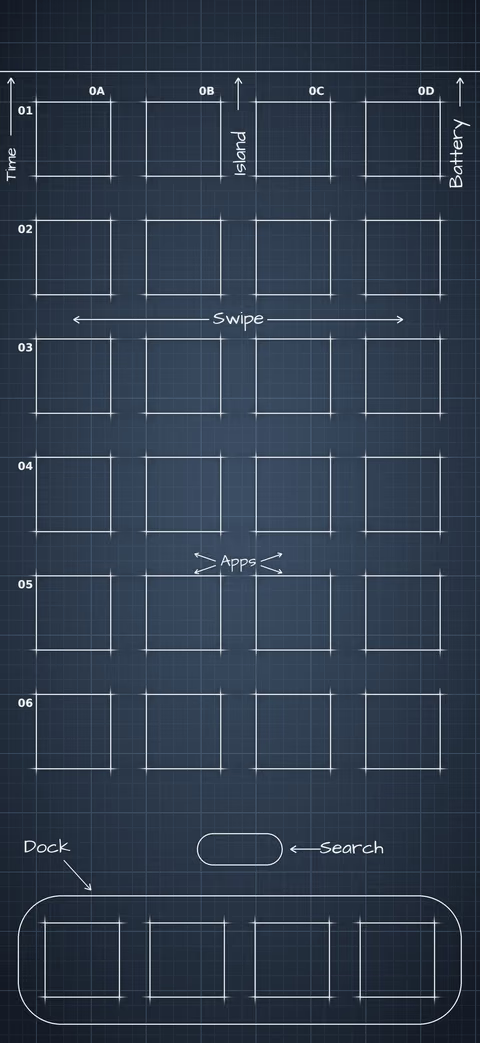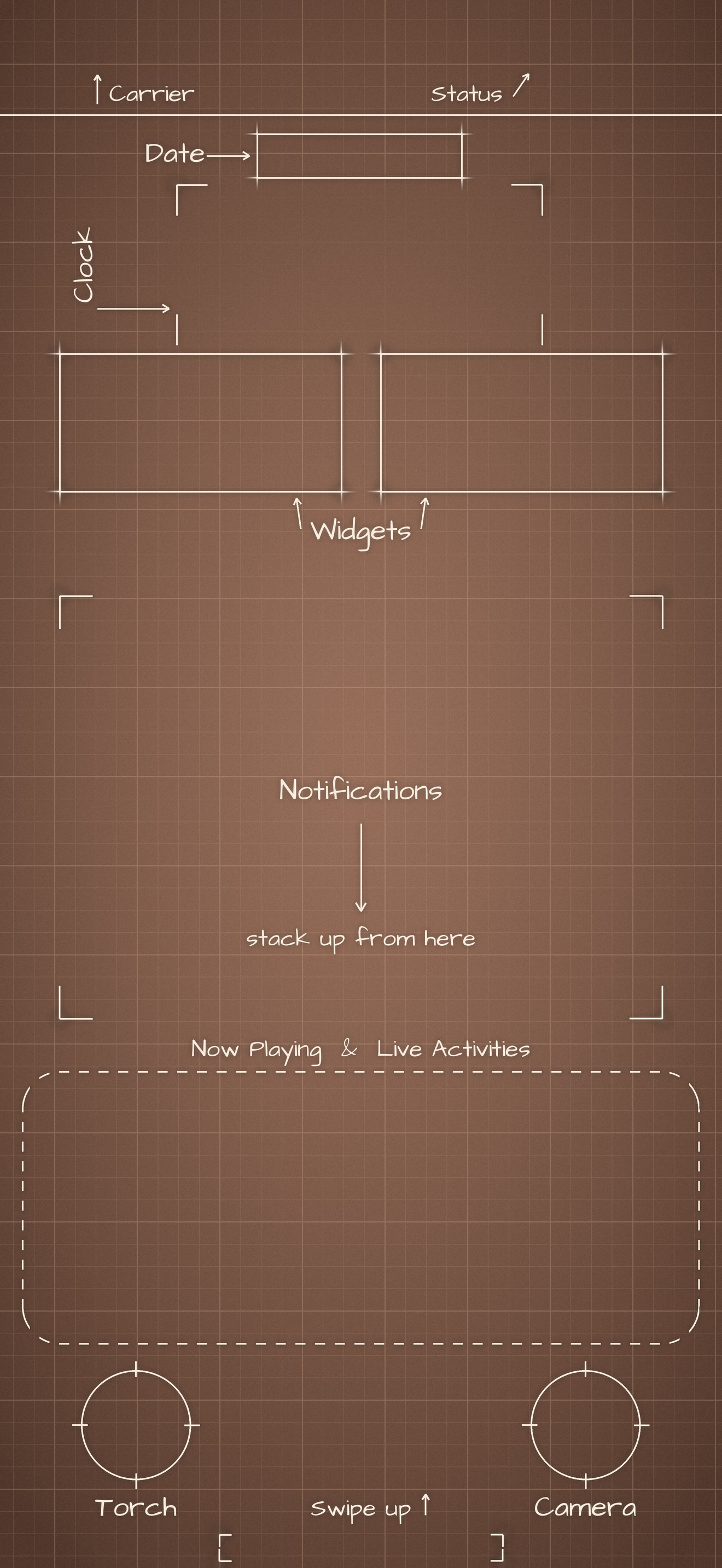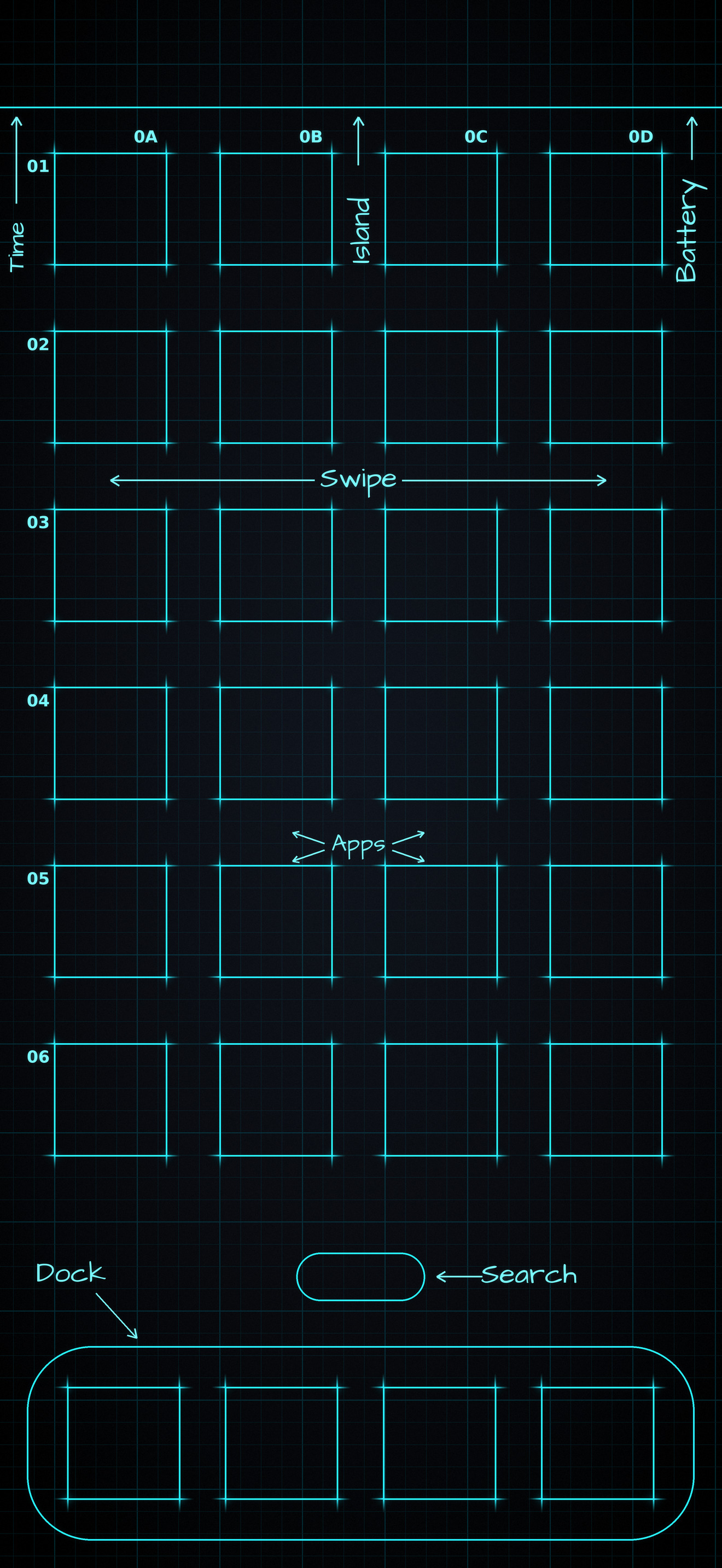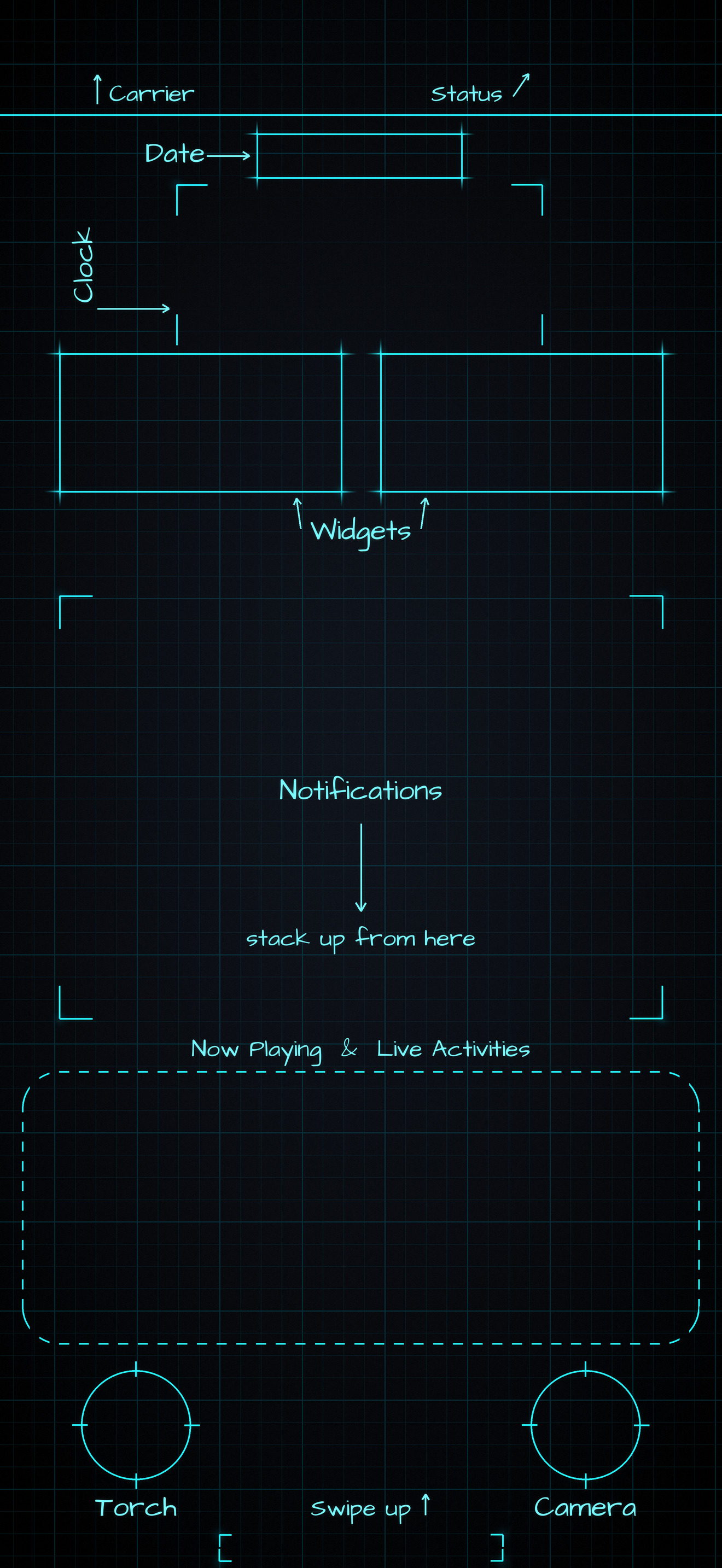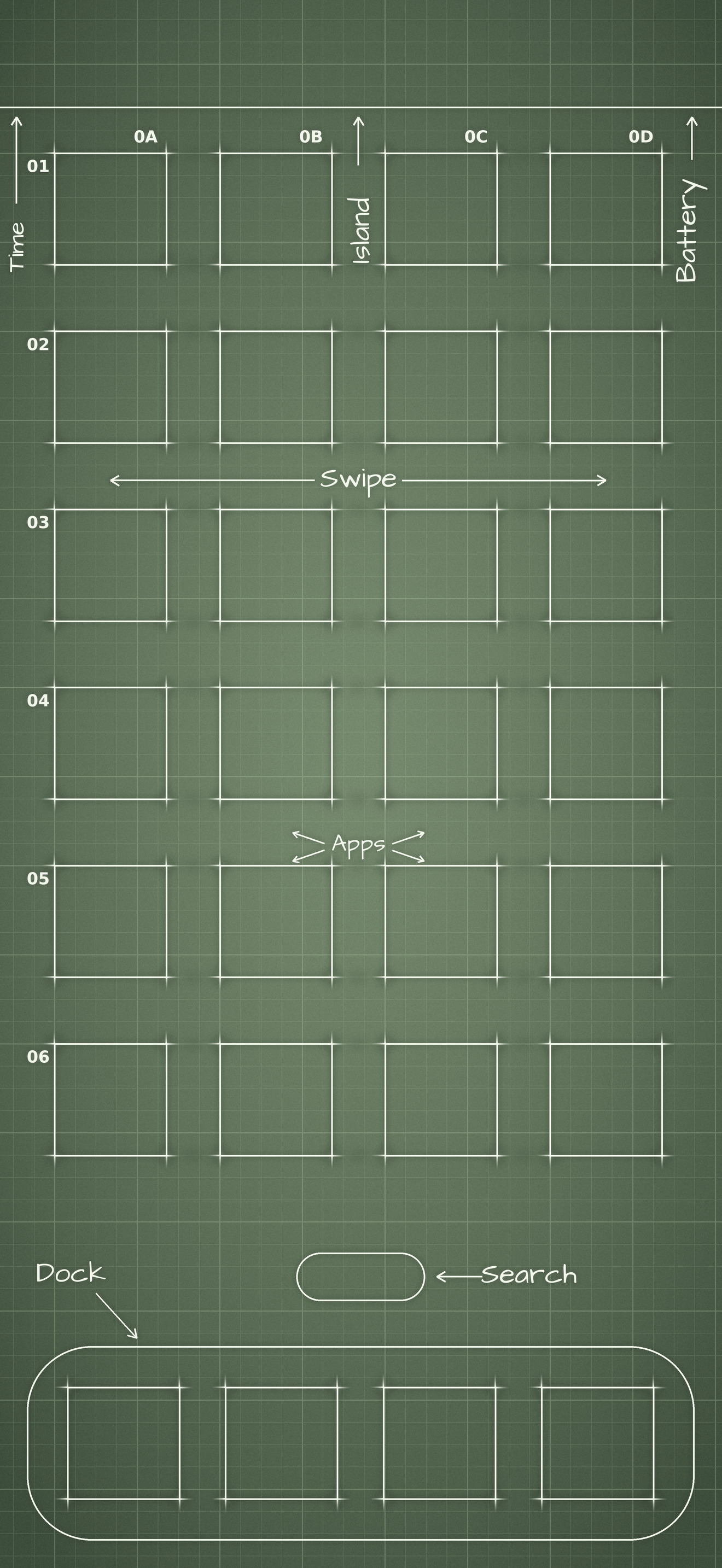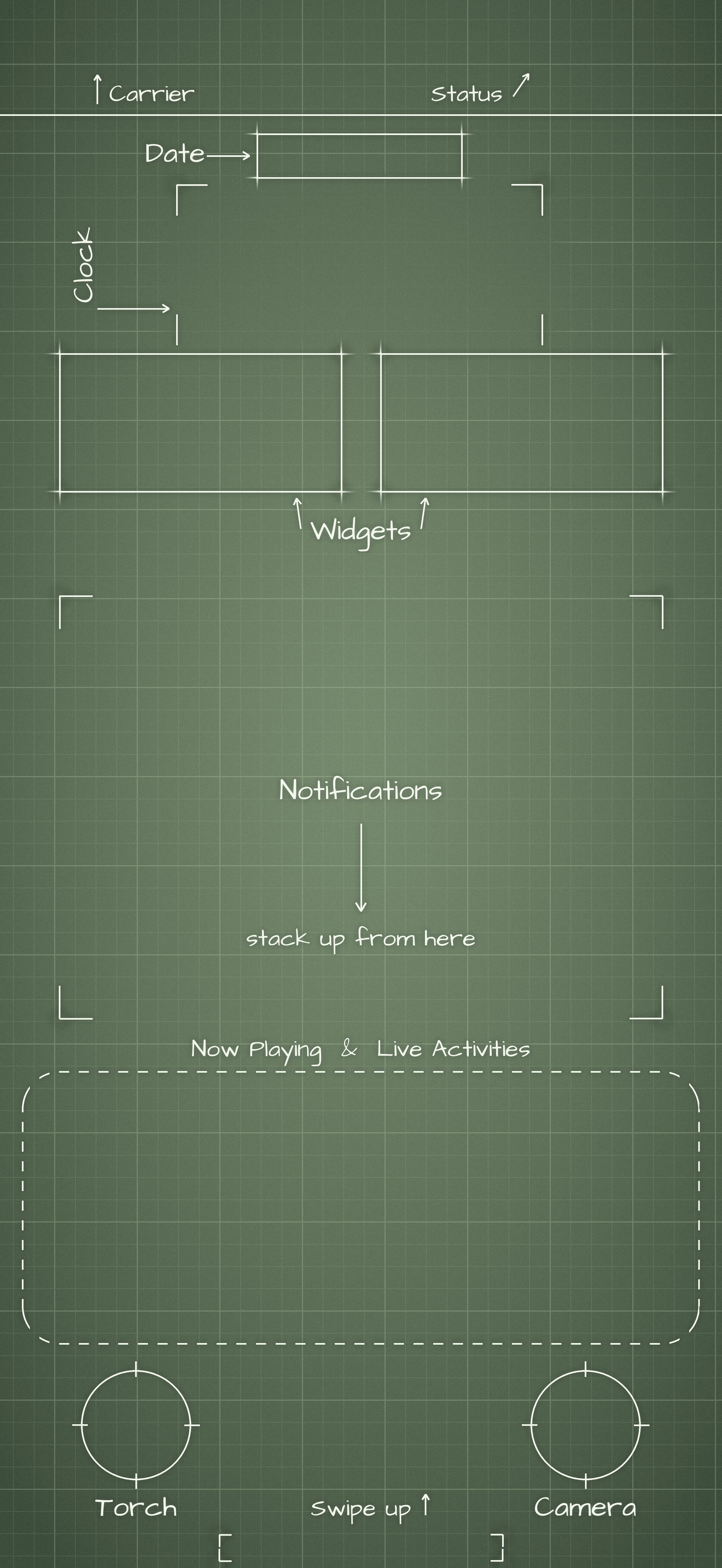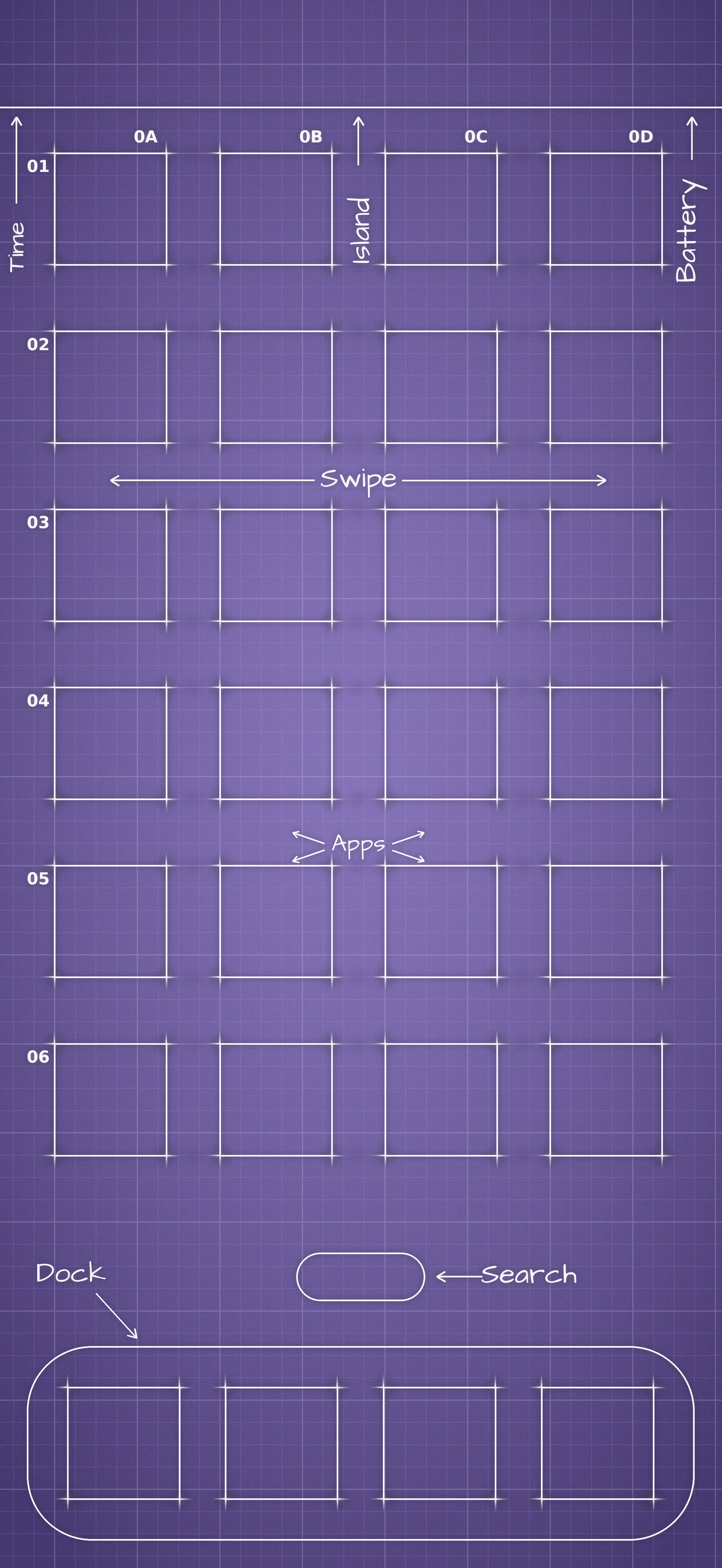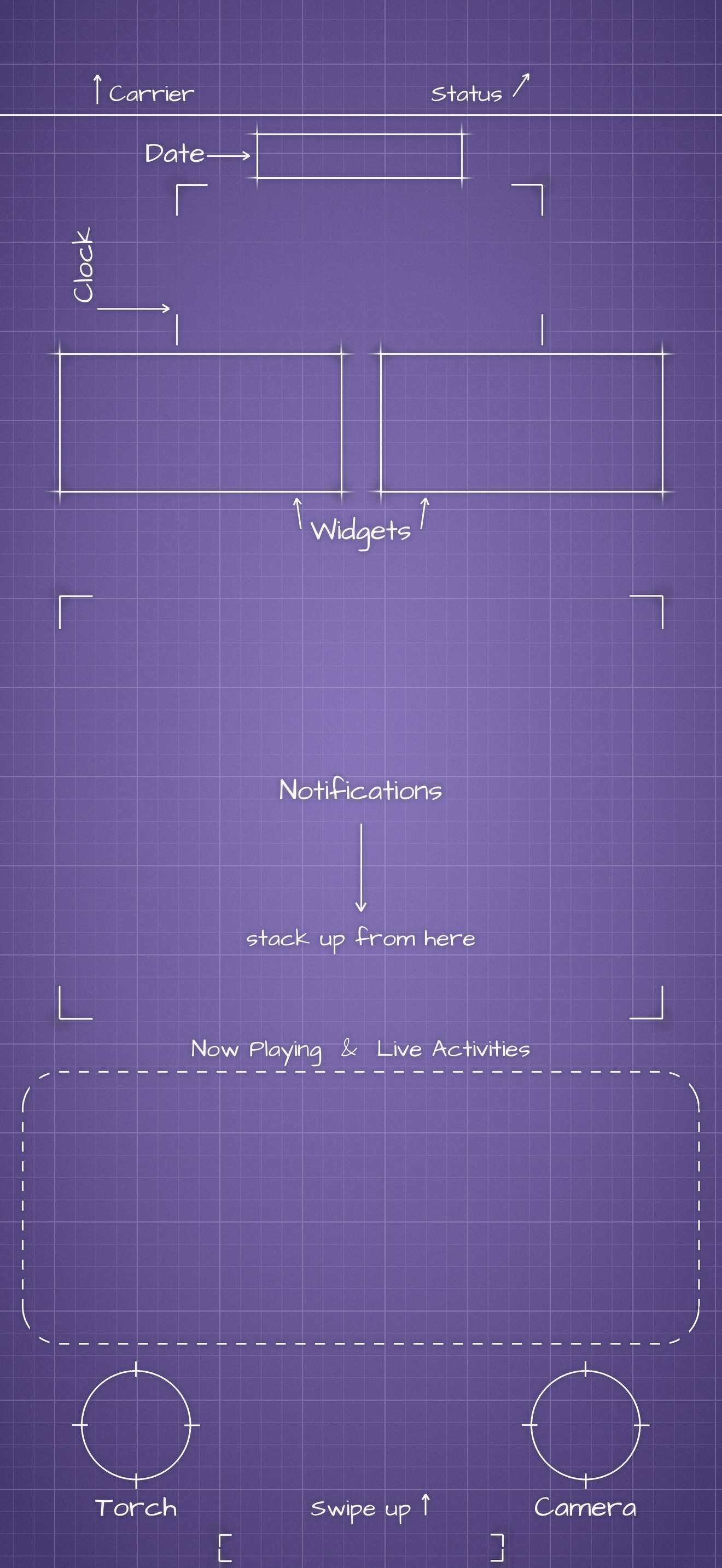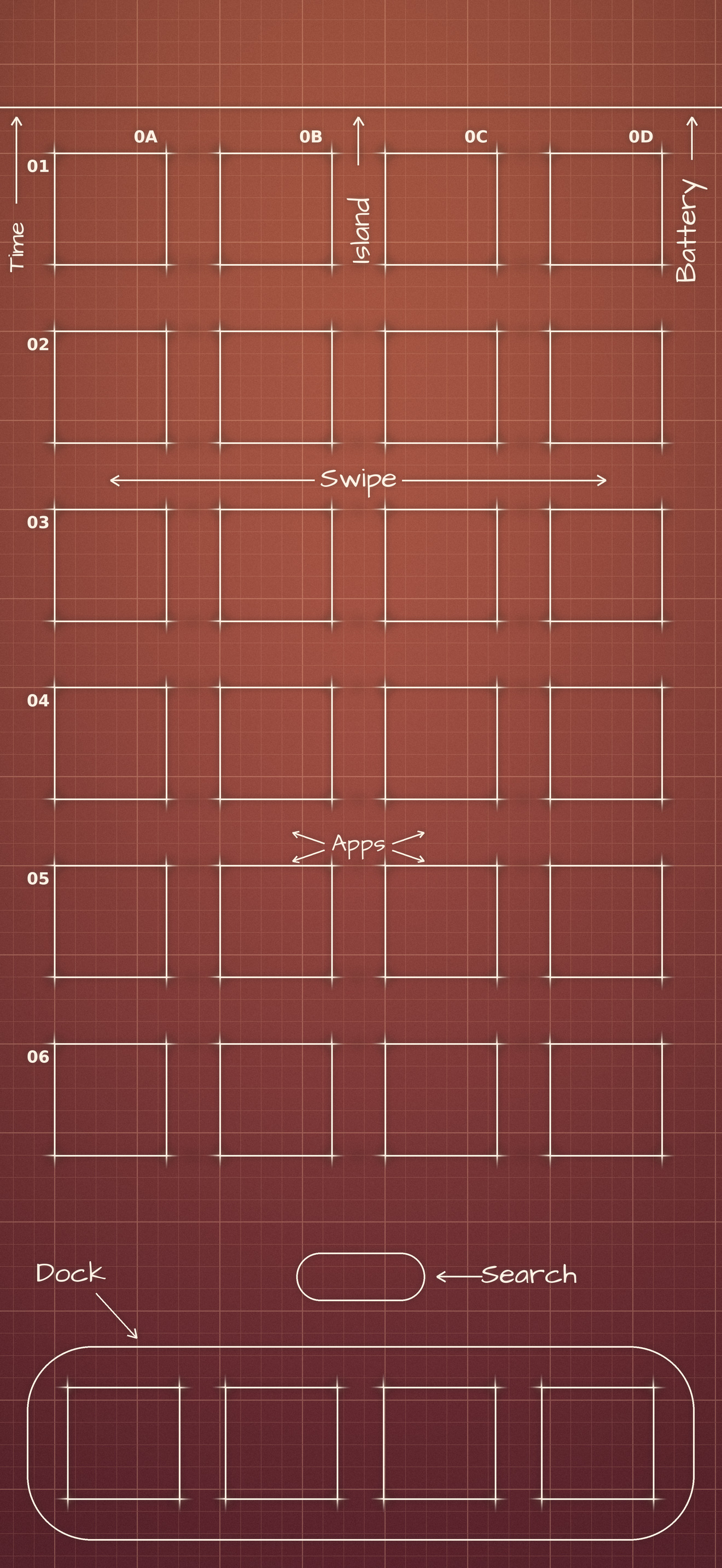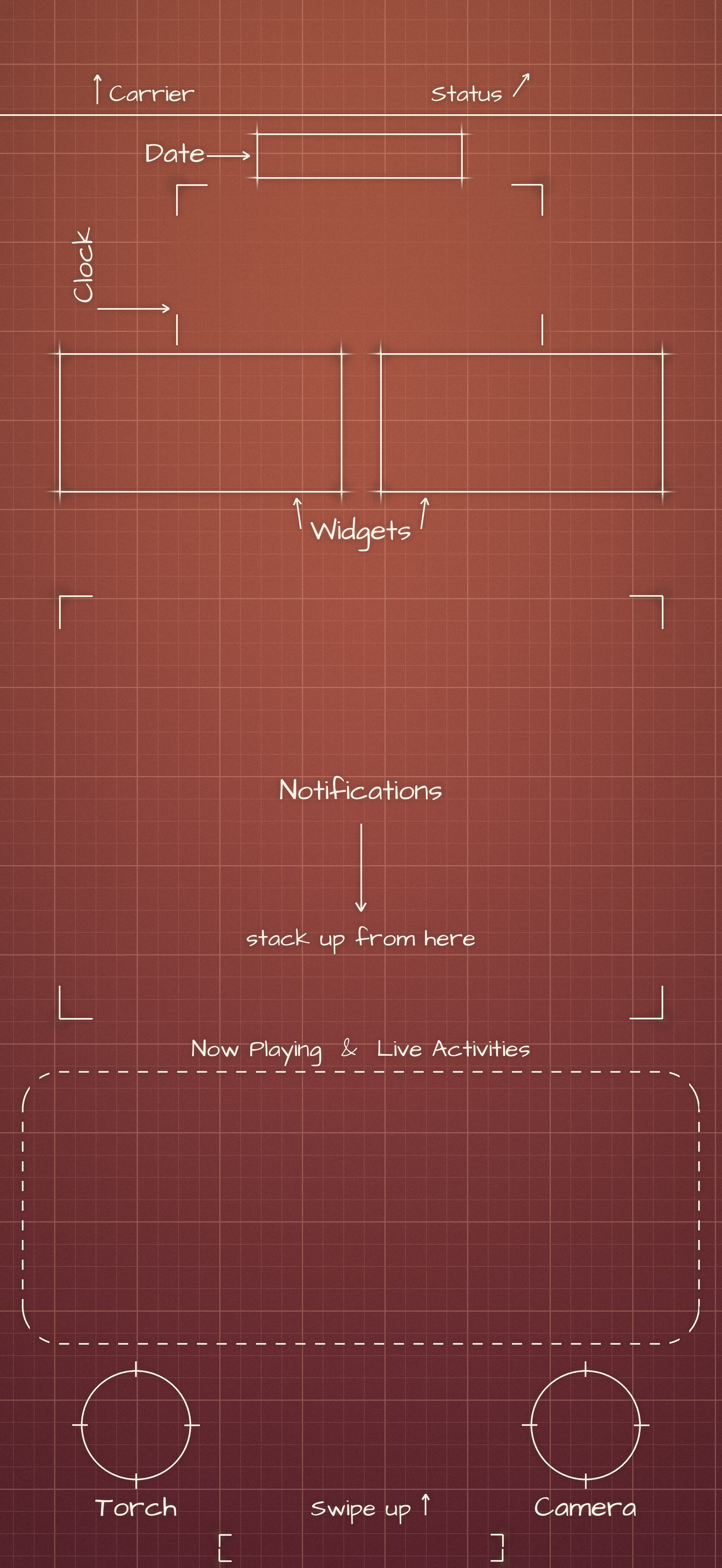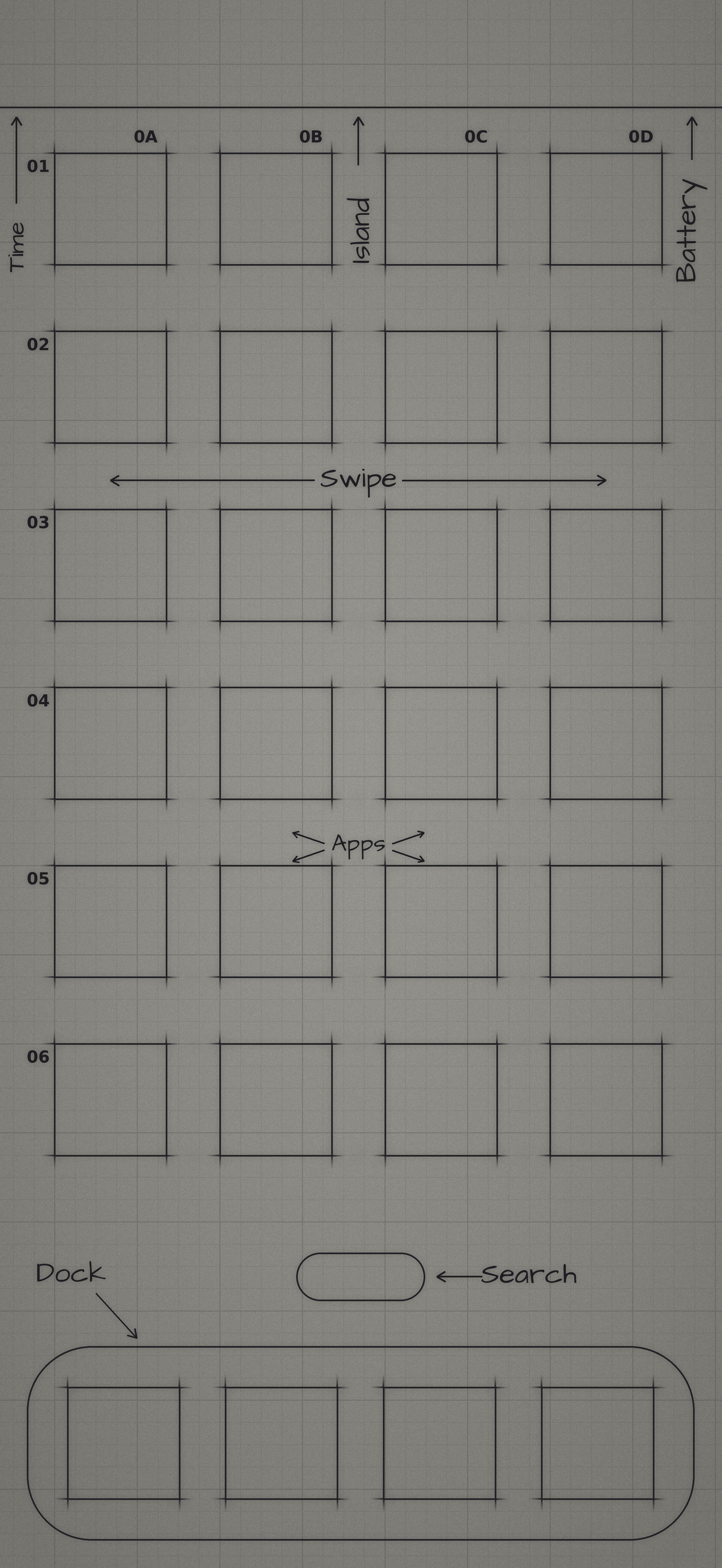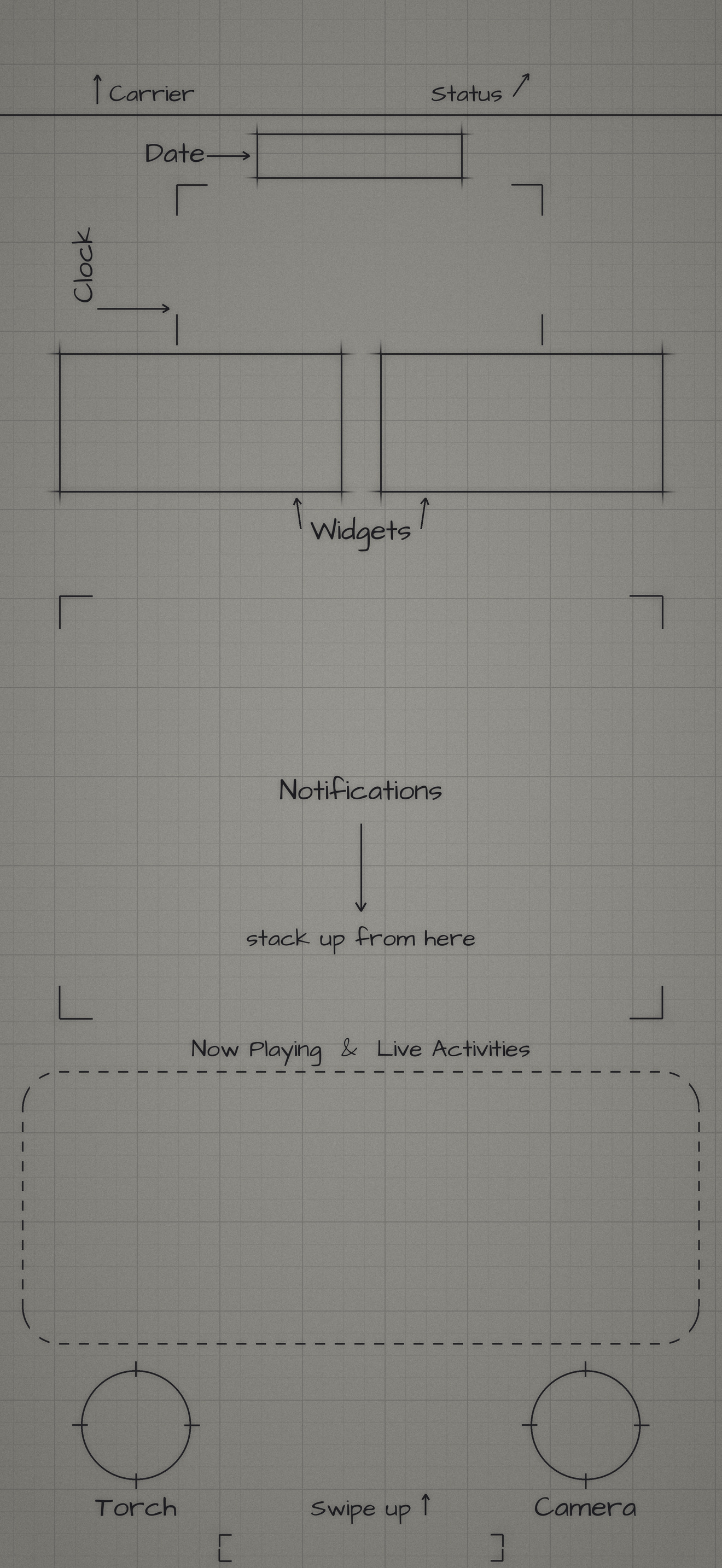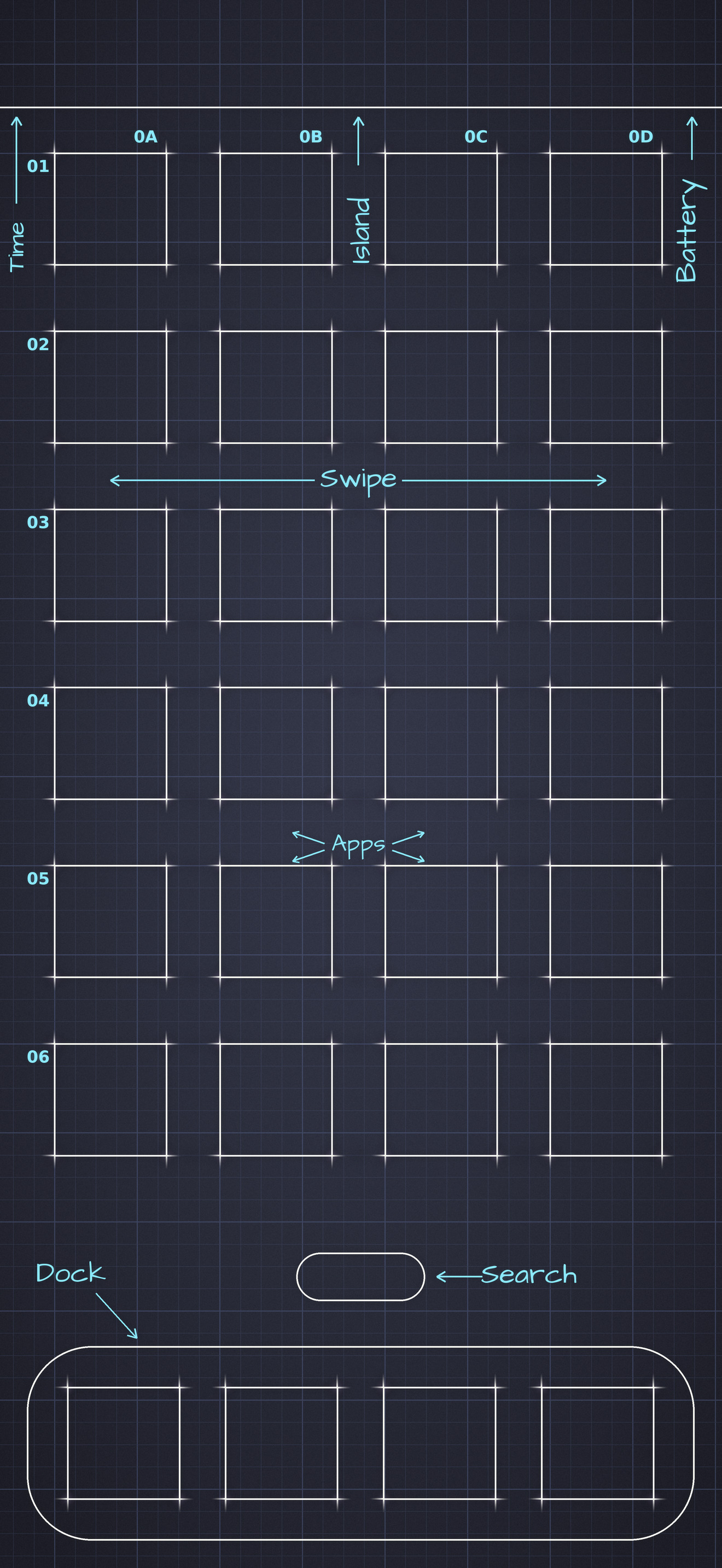
Satisfying again.

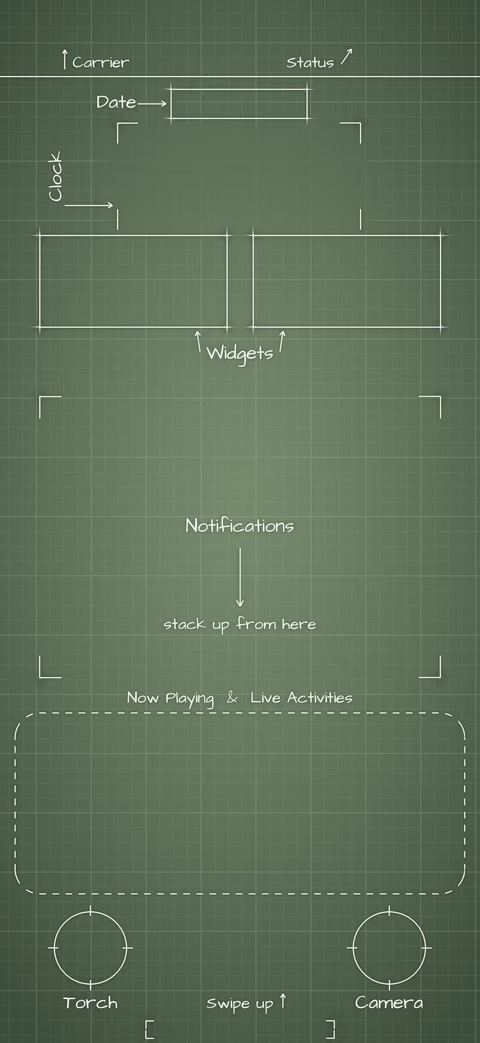
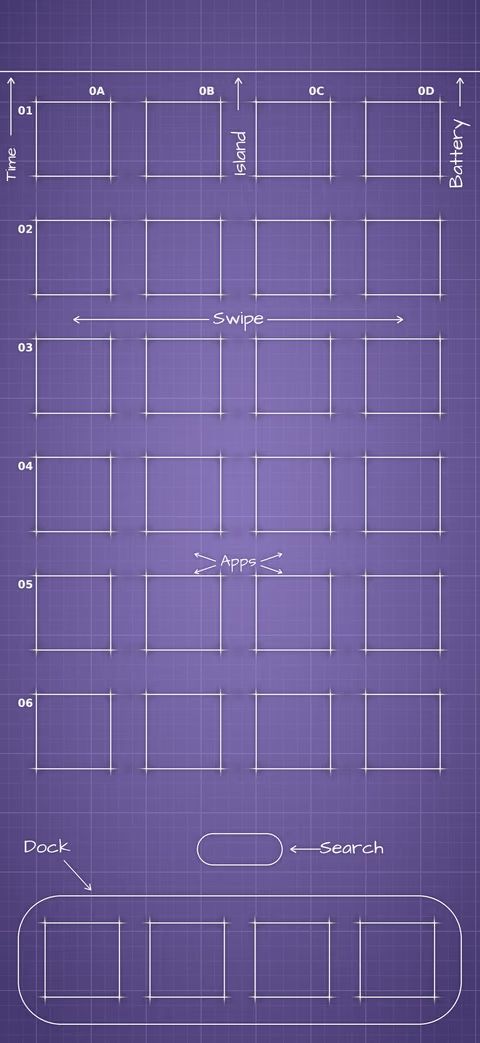
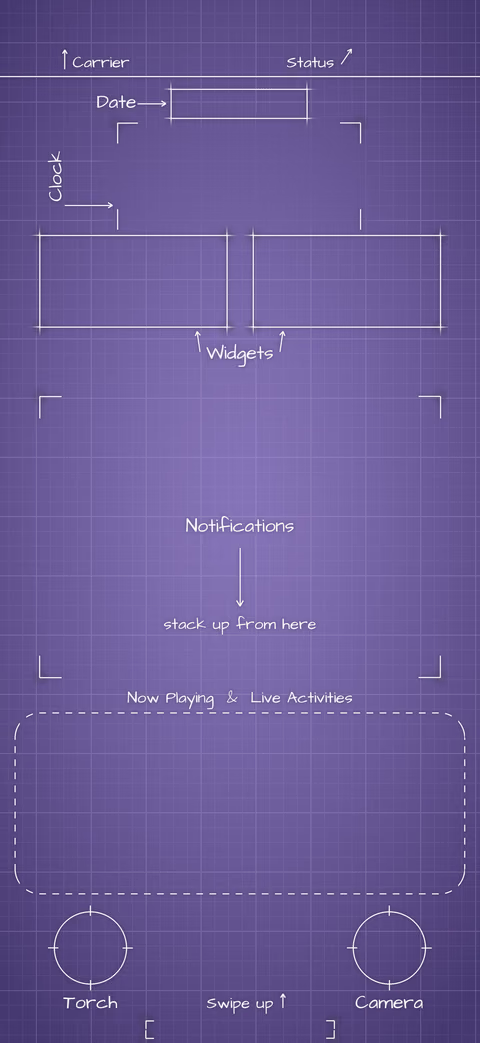
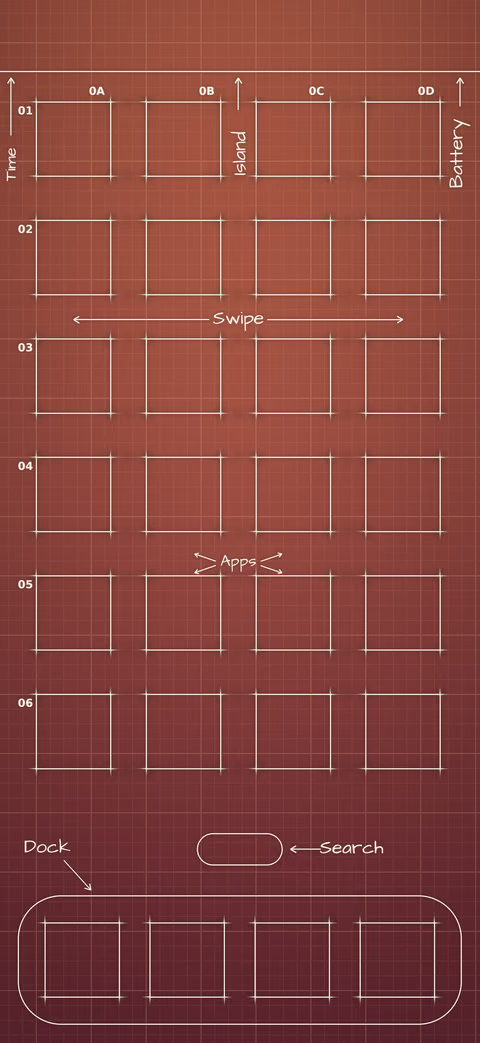
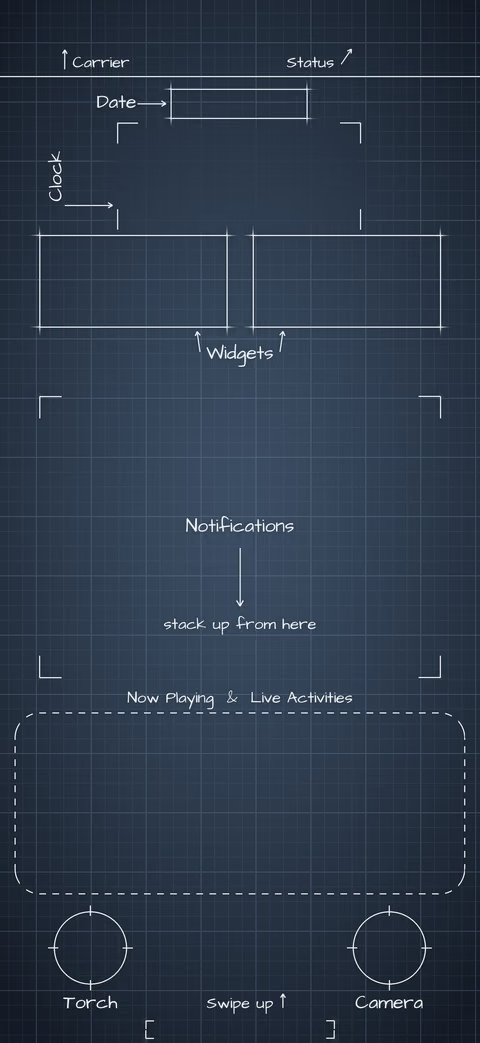
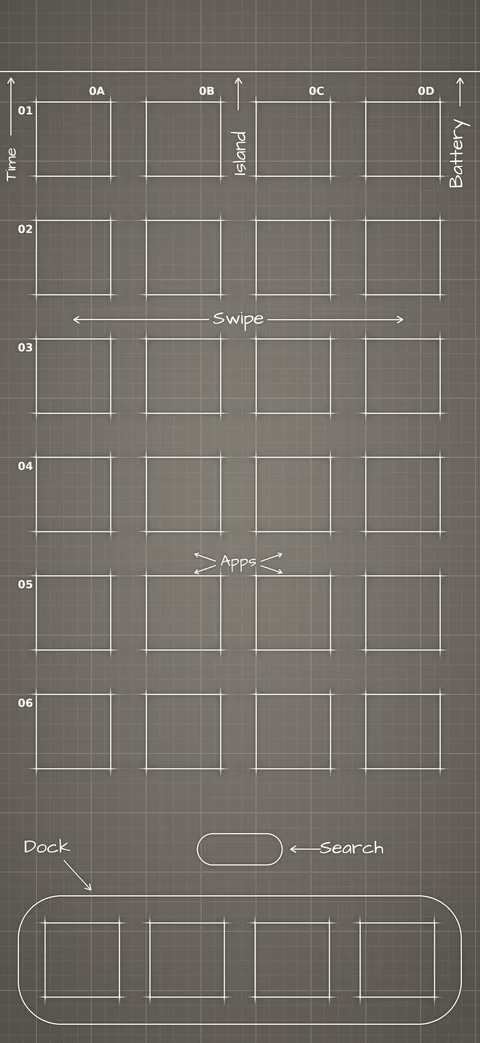
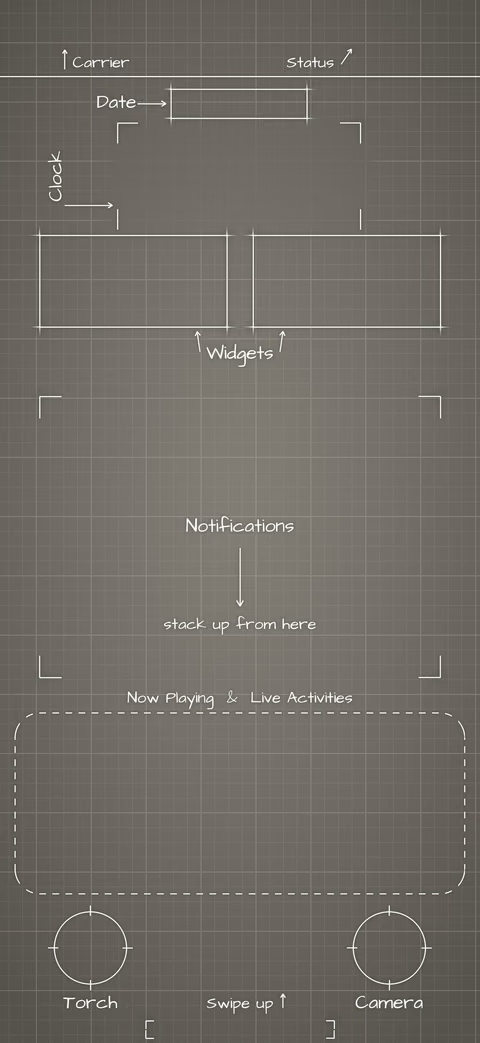
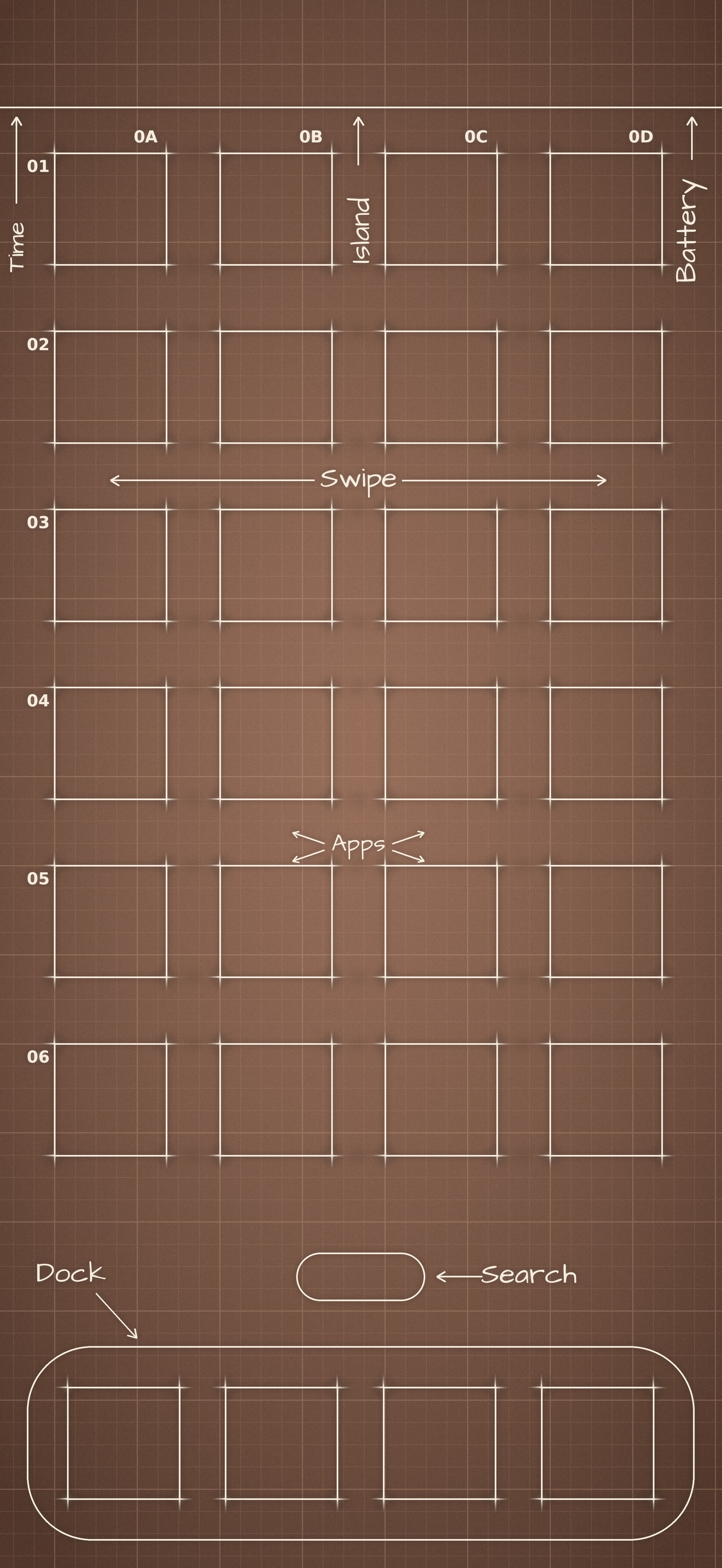
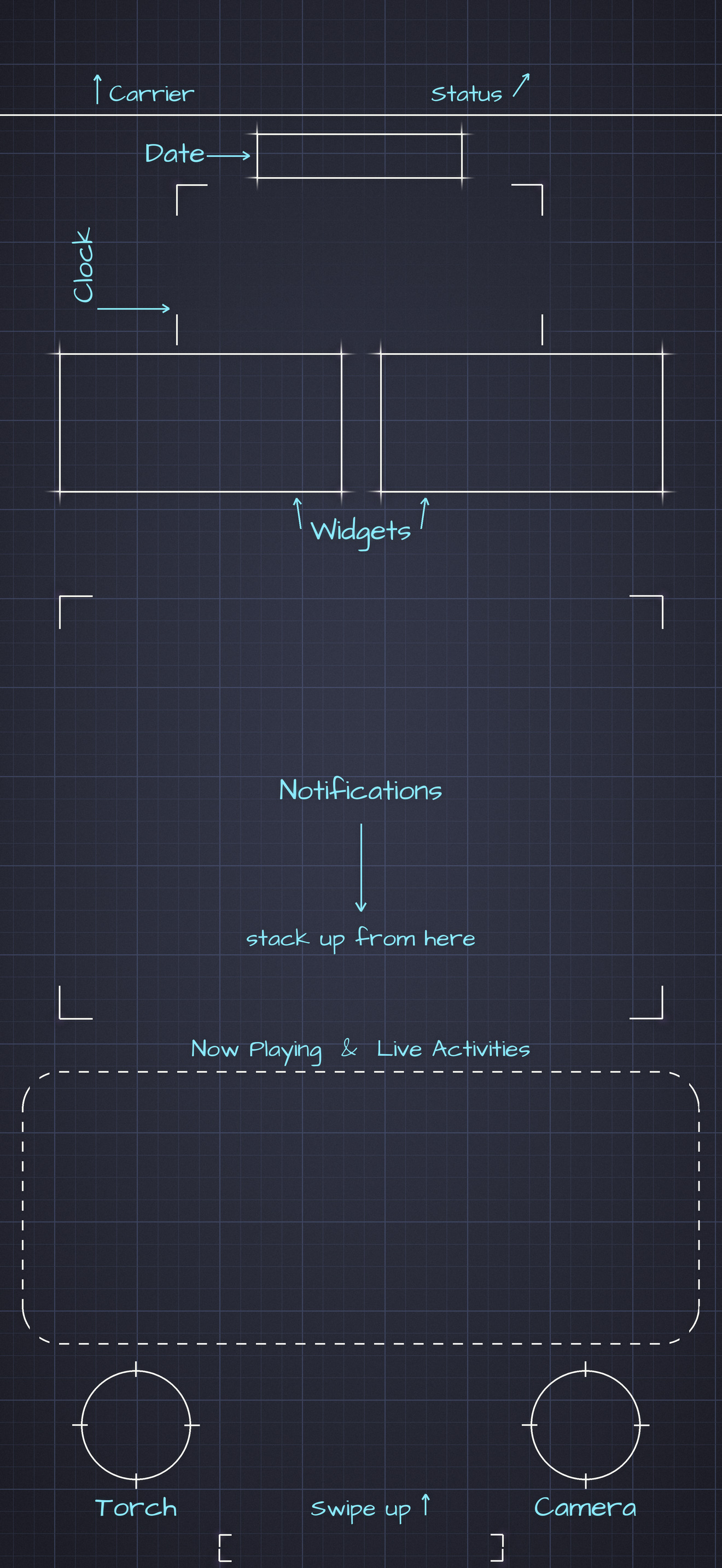
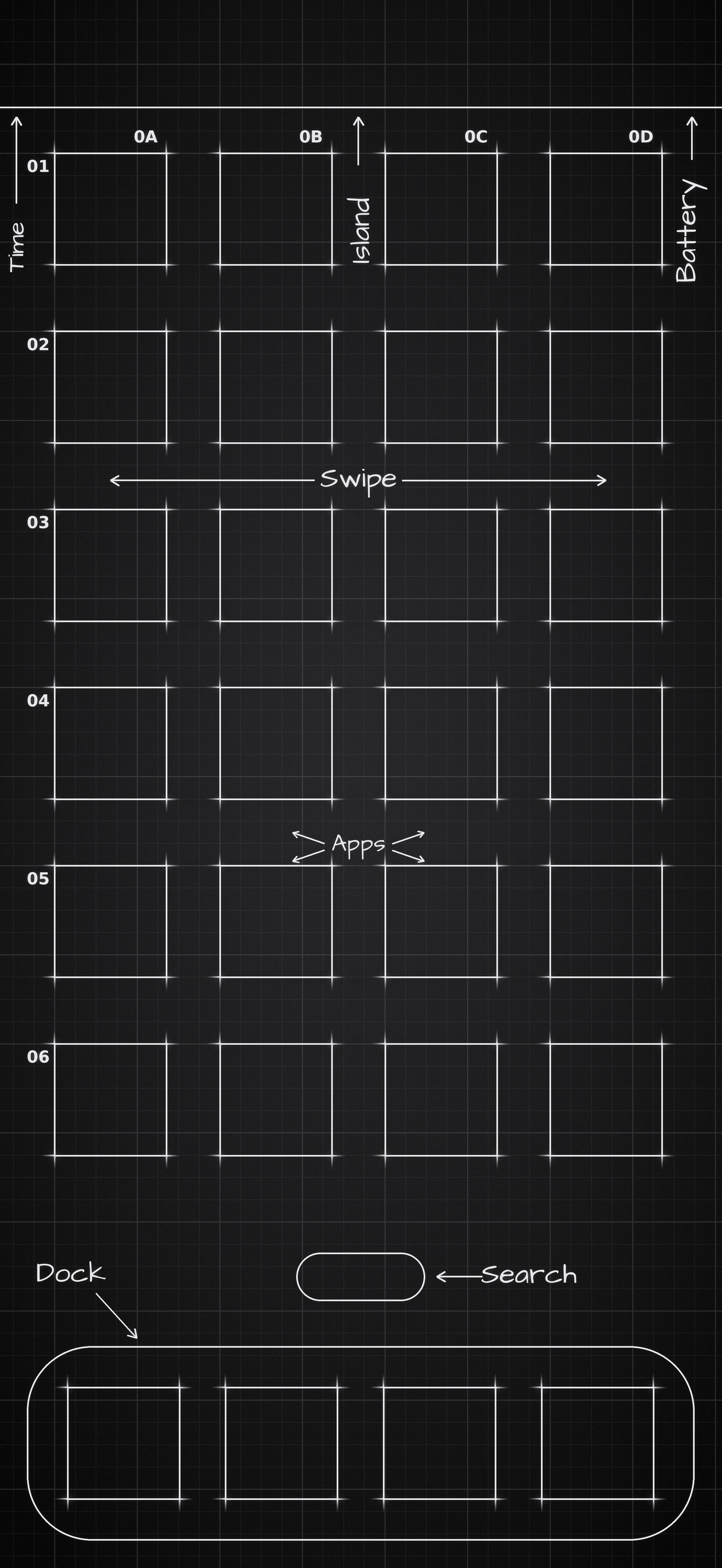
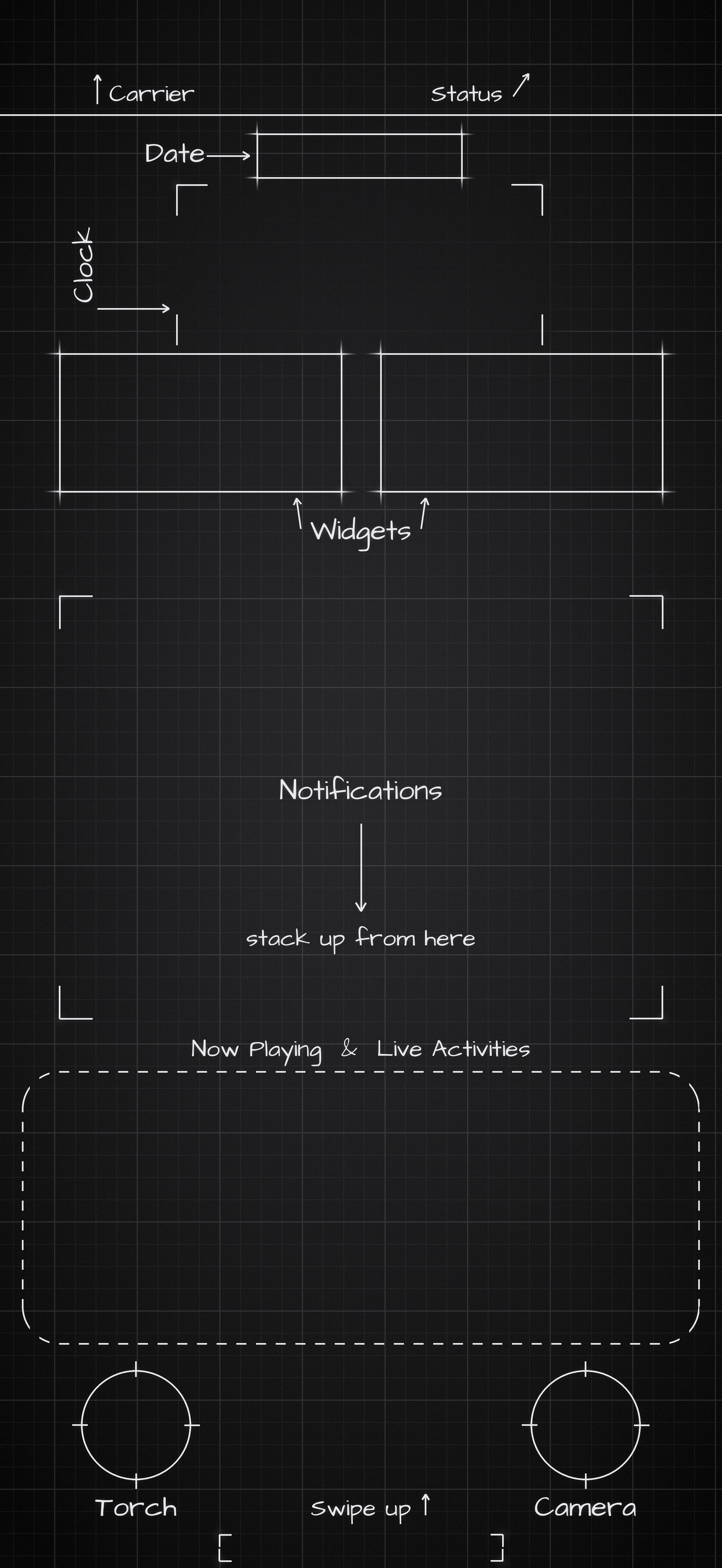
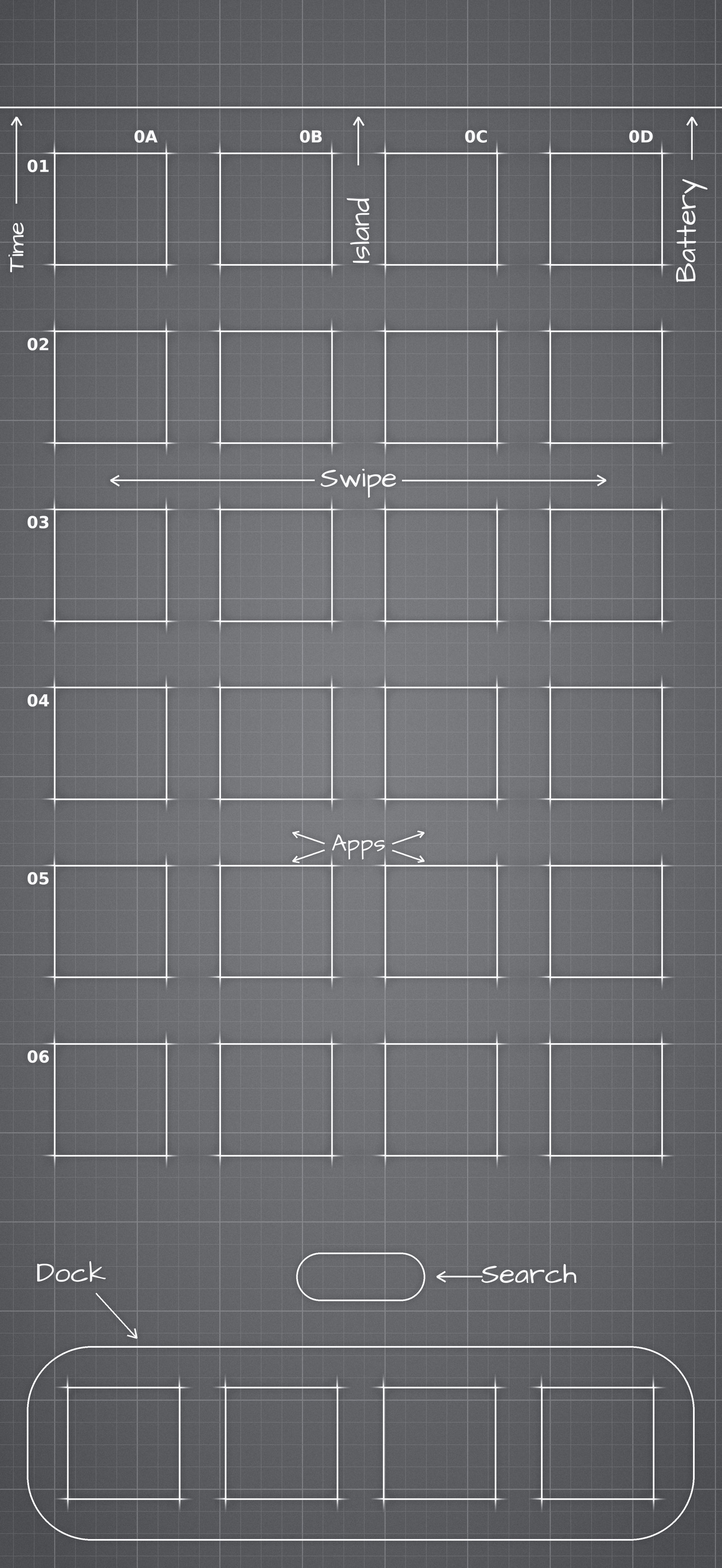
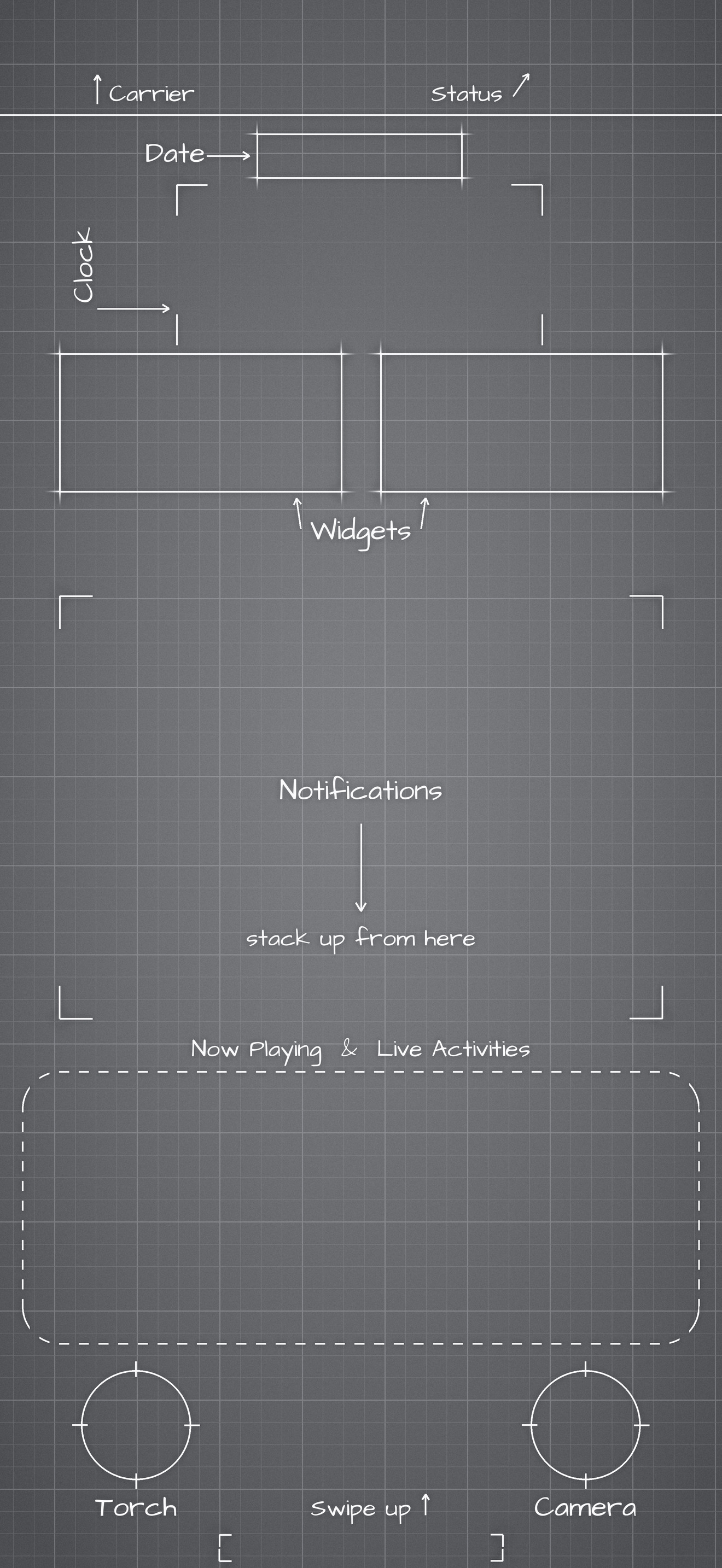
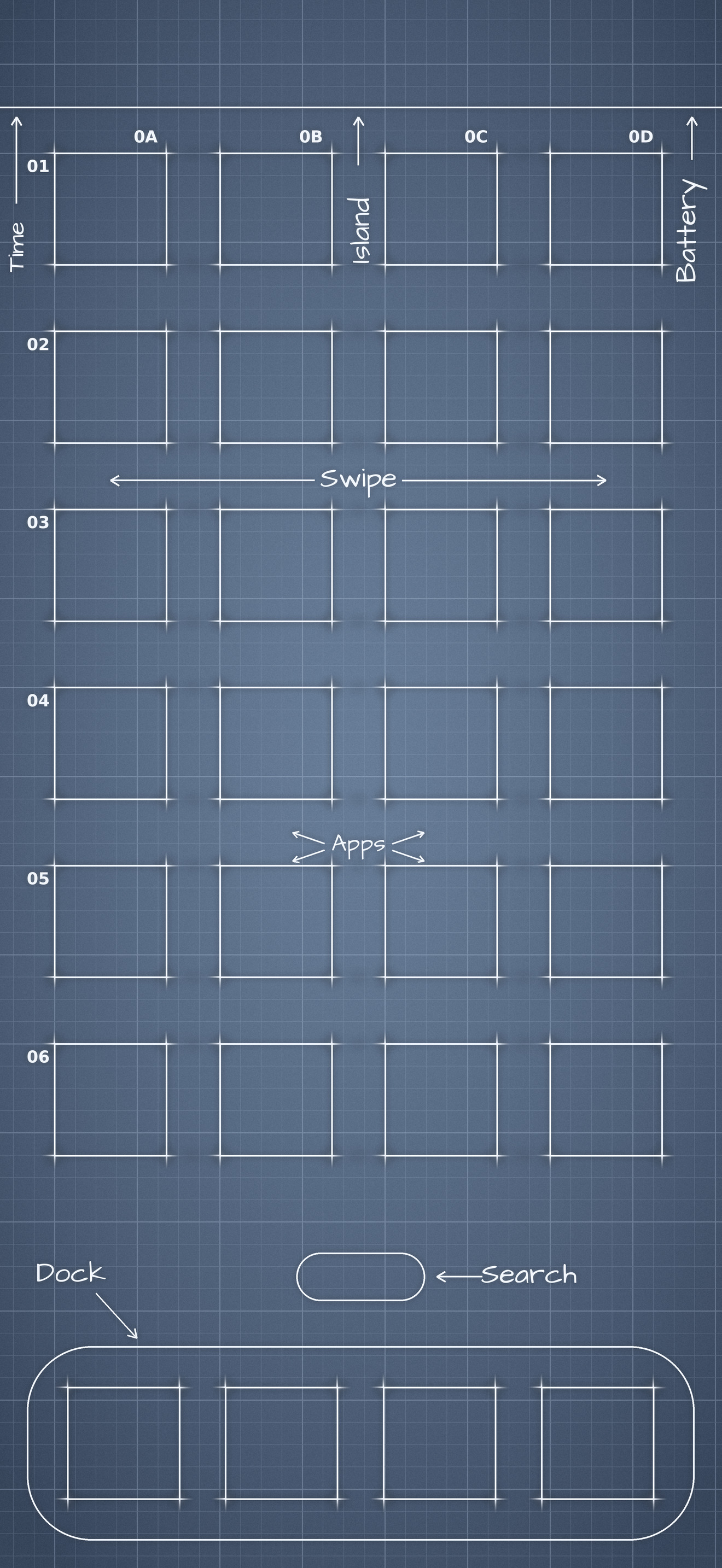
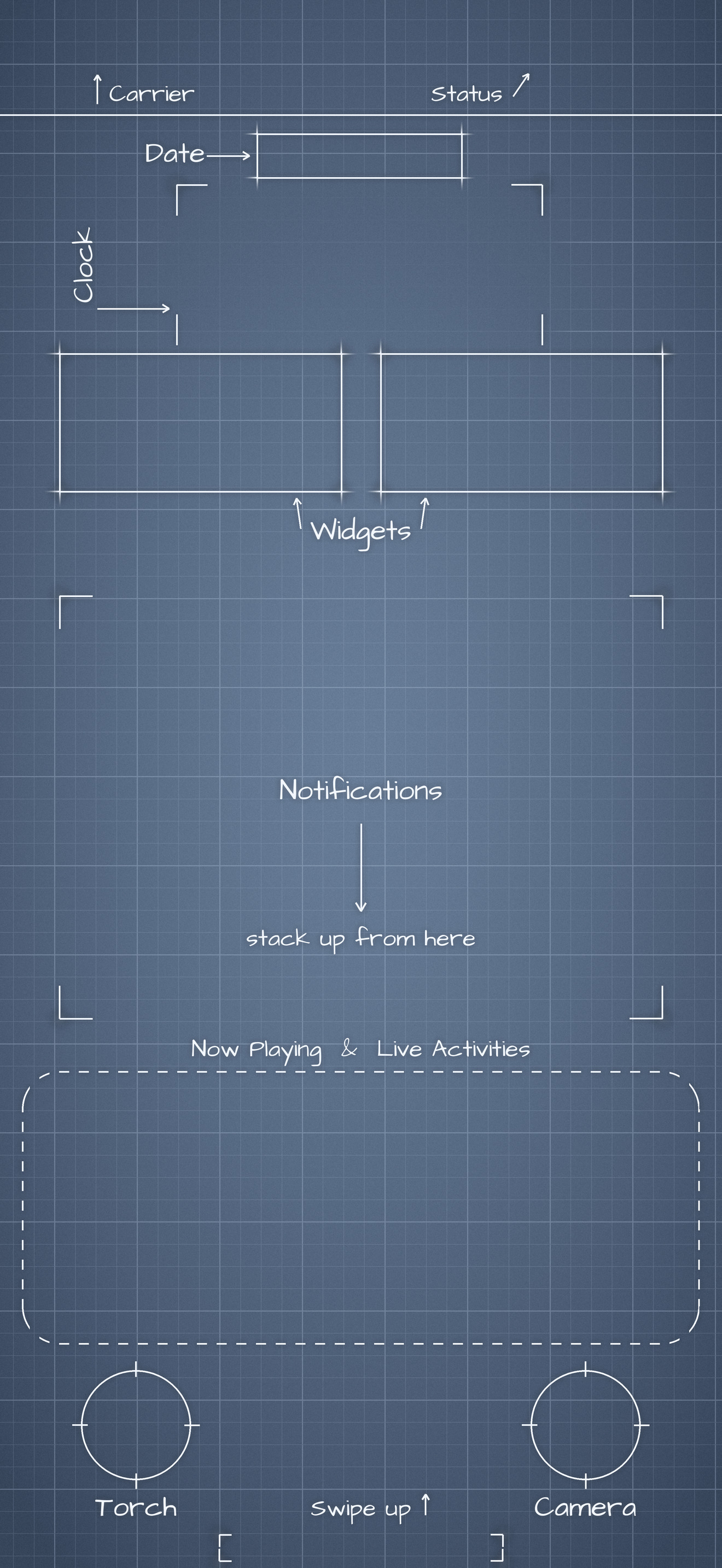
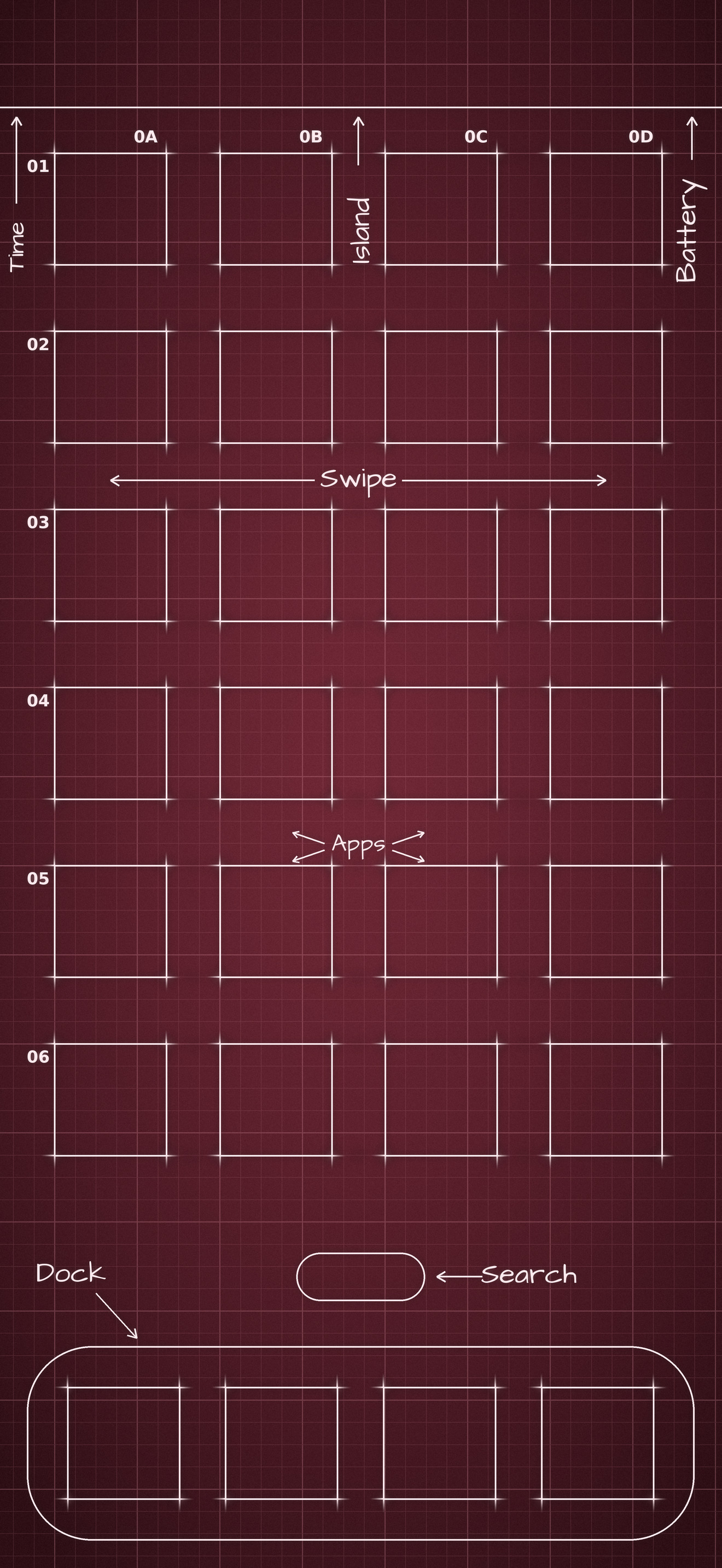
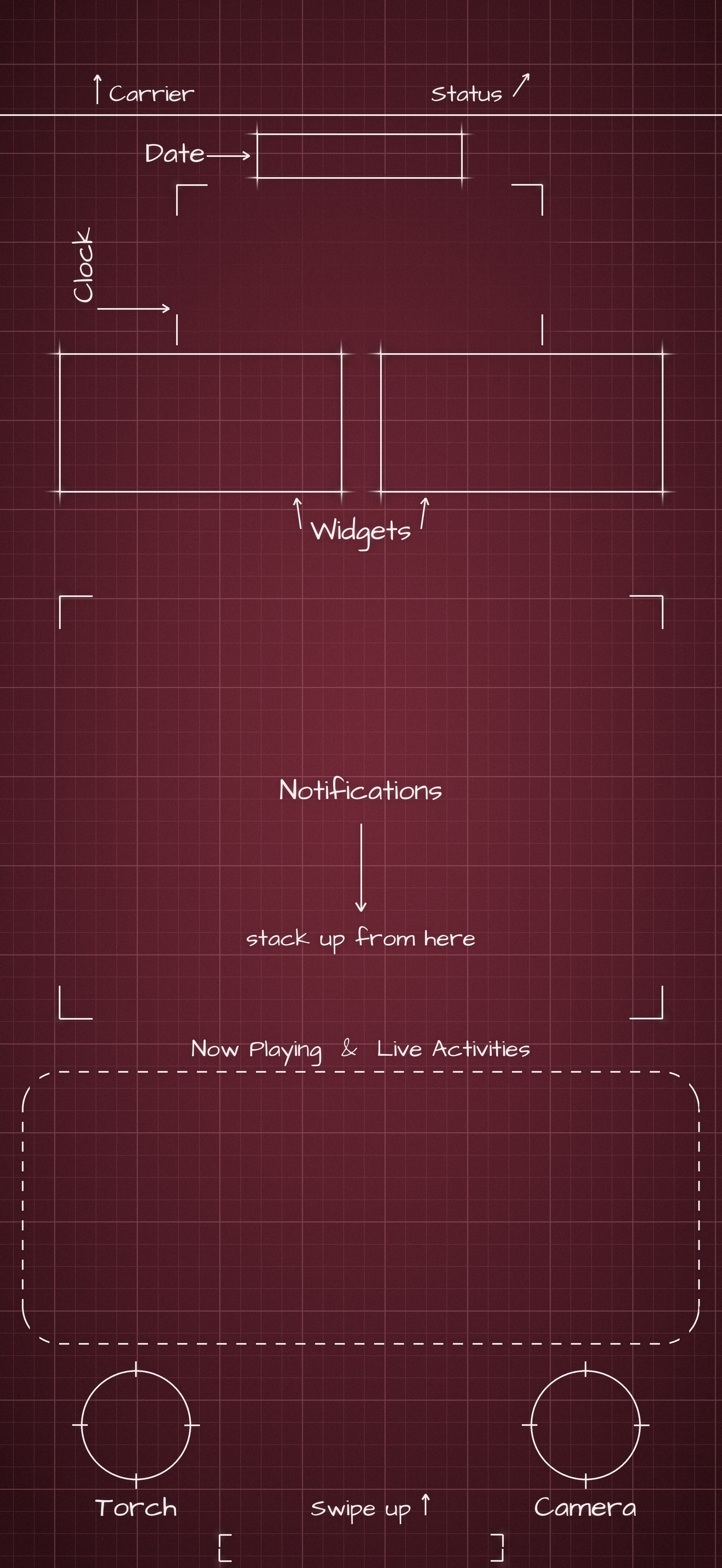
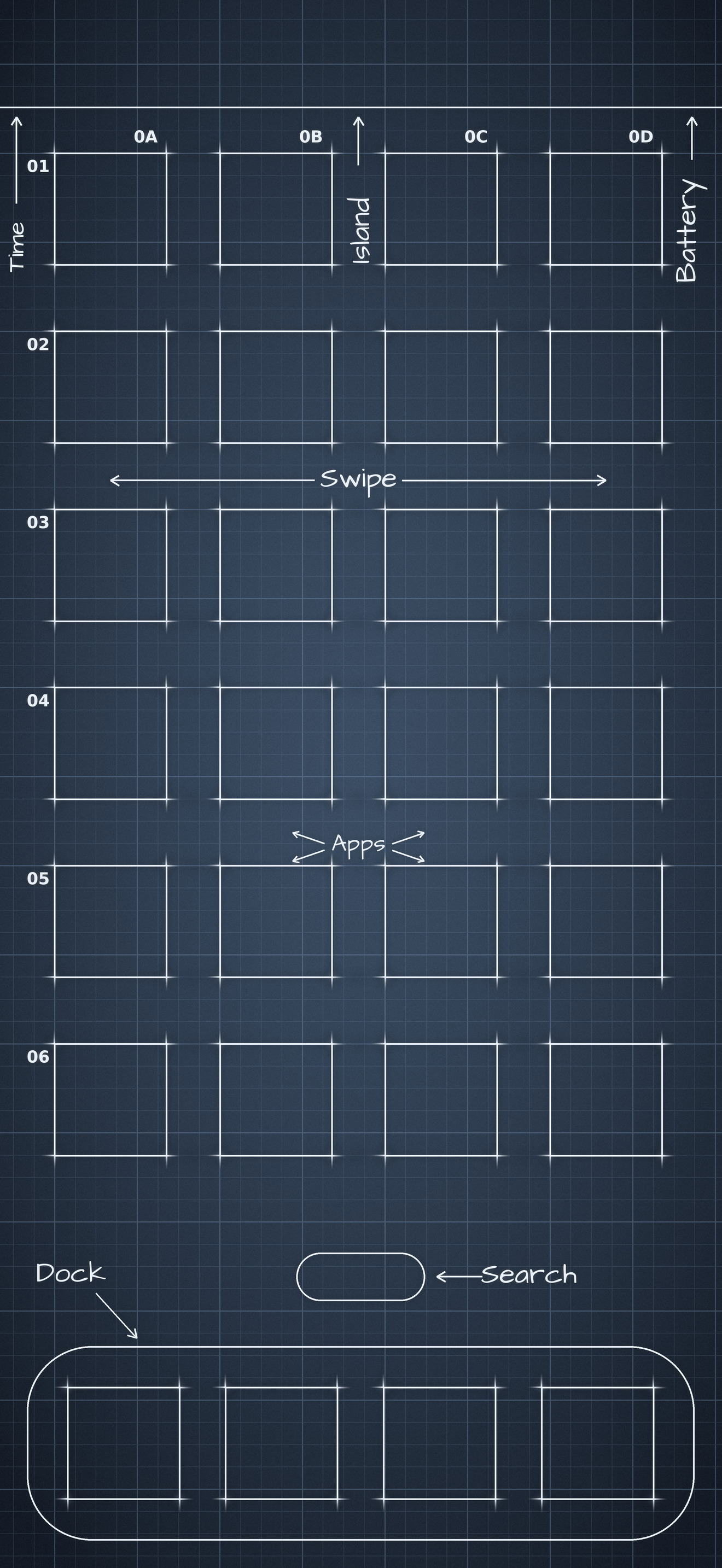
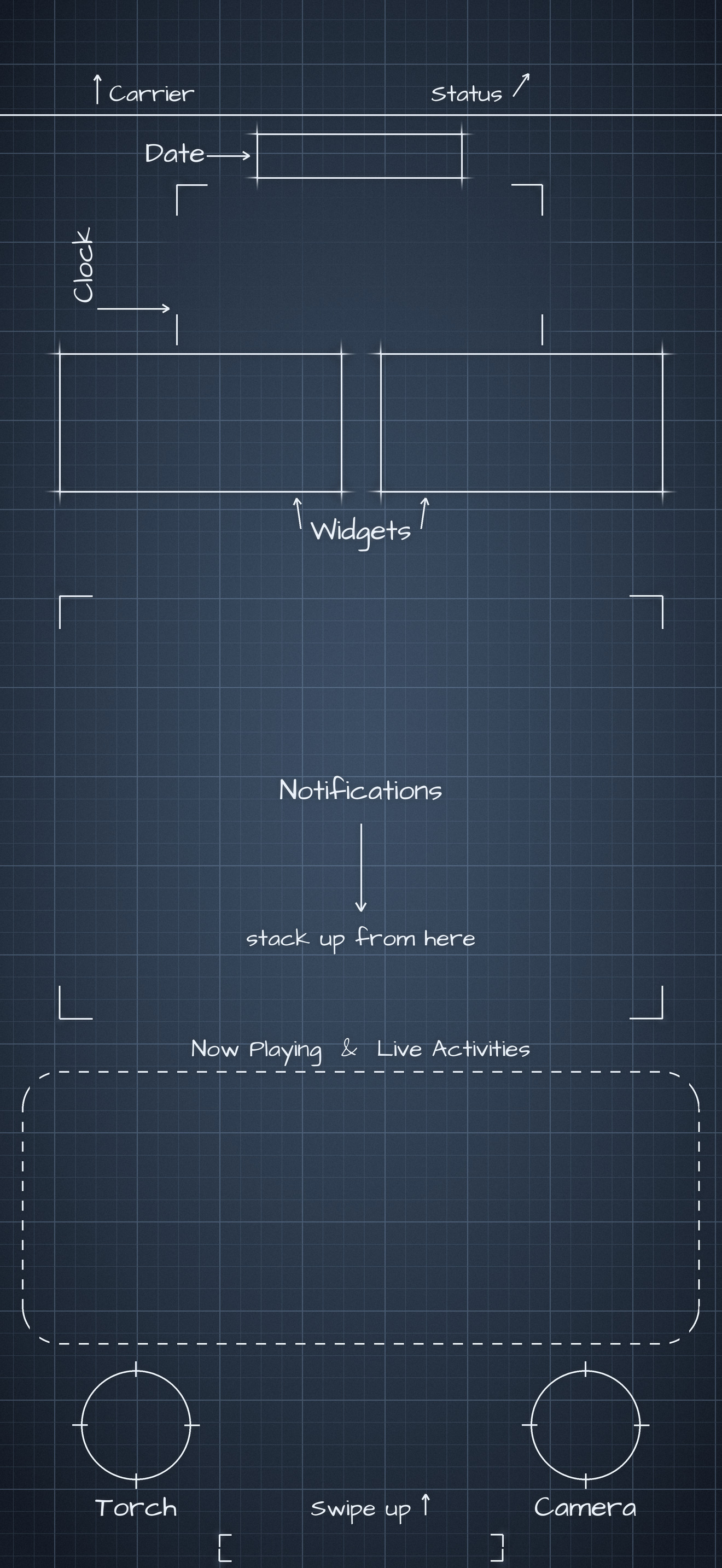
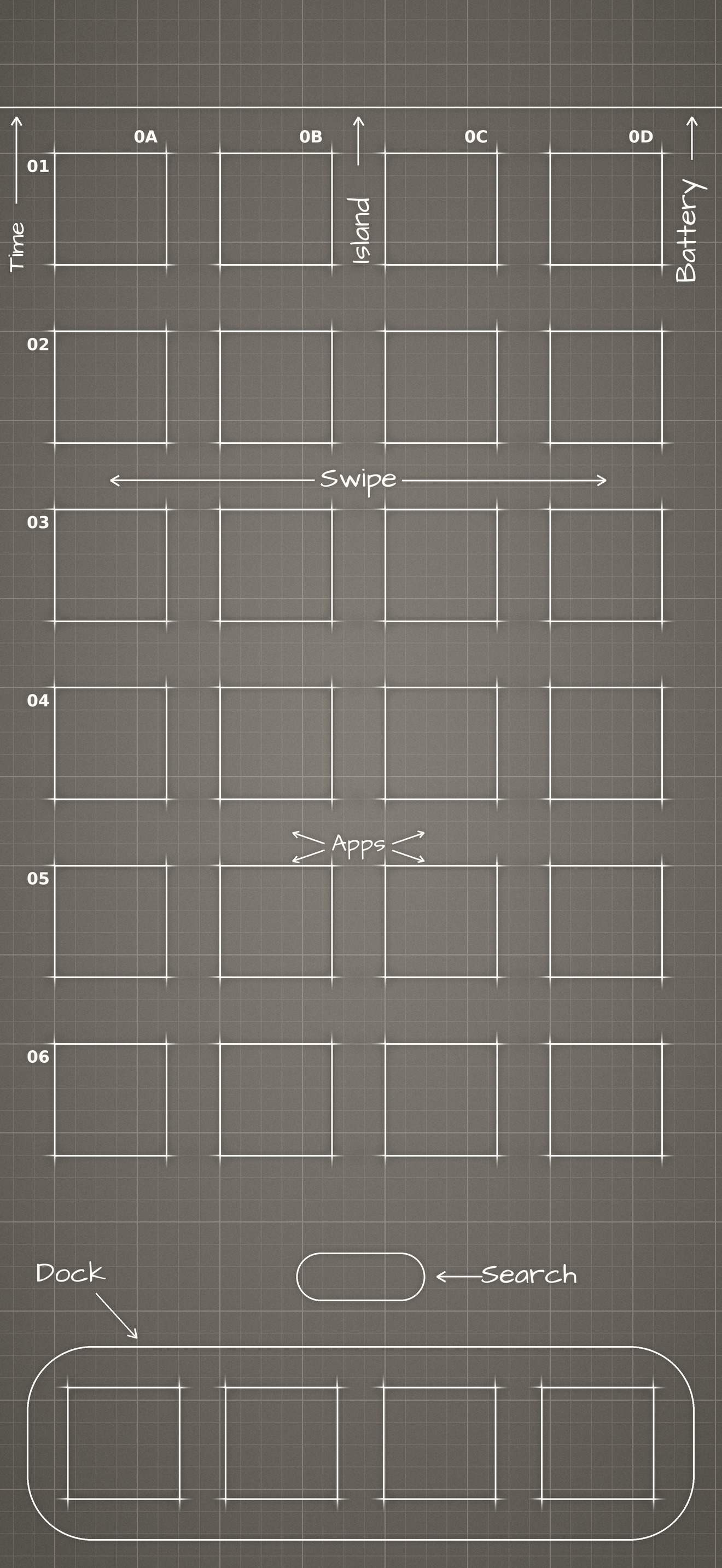
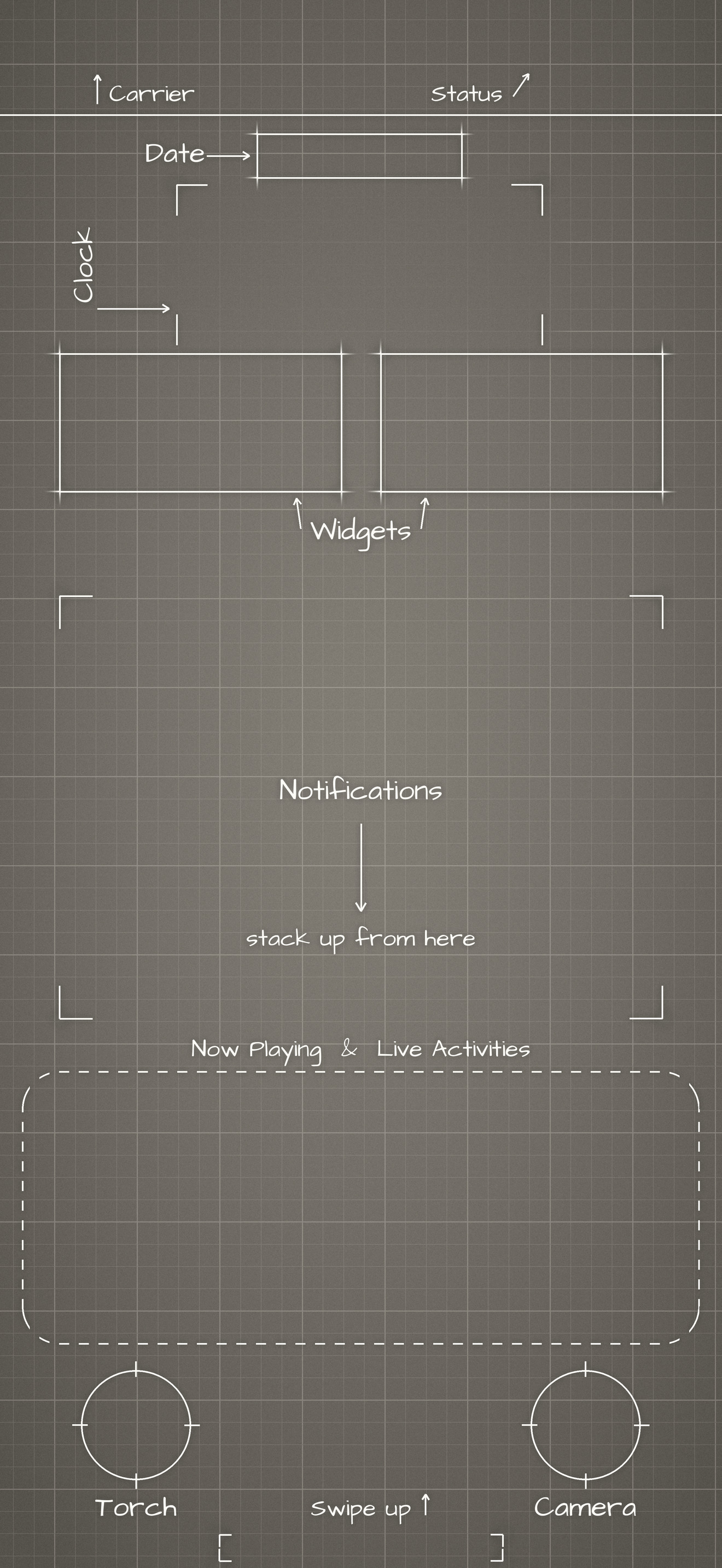
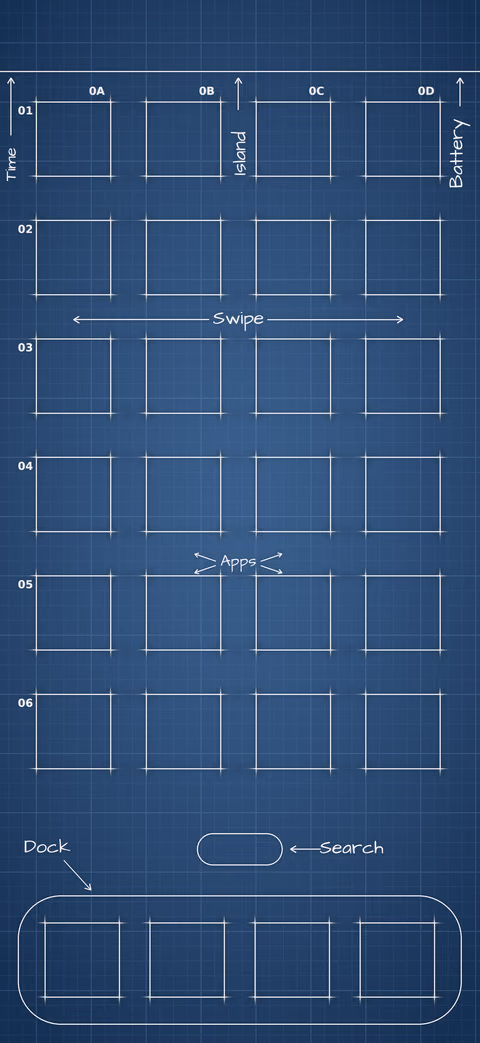
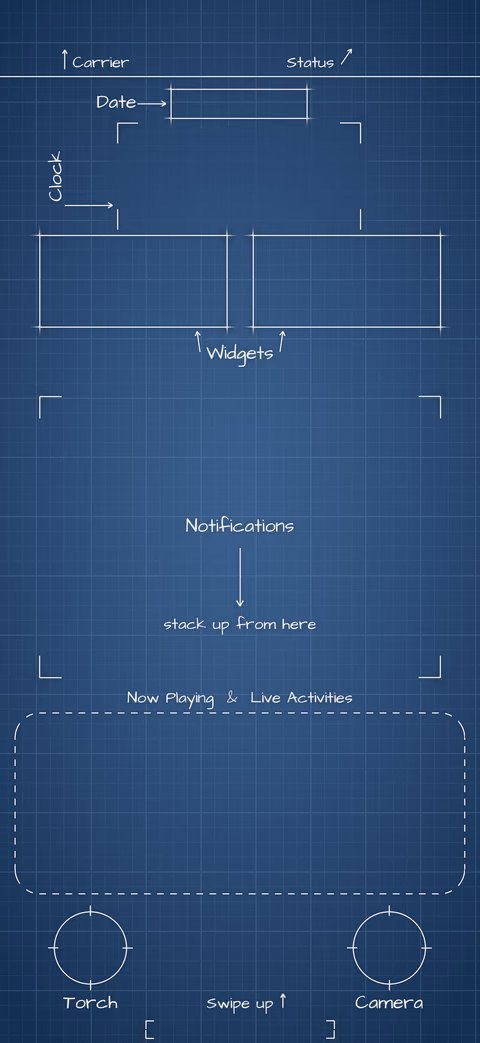
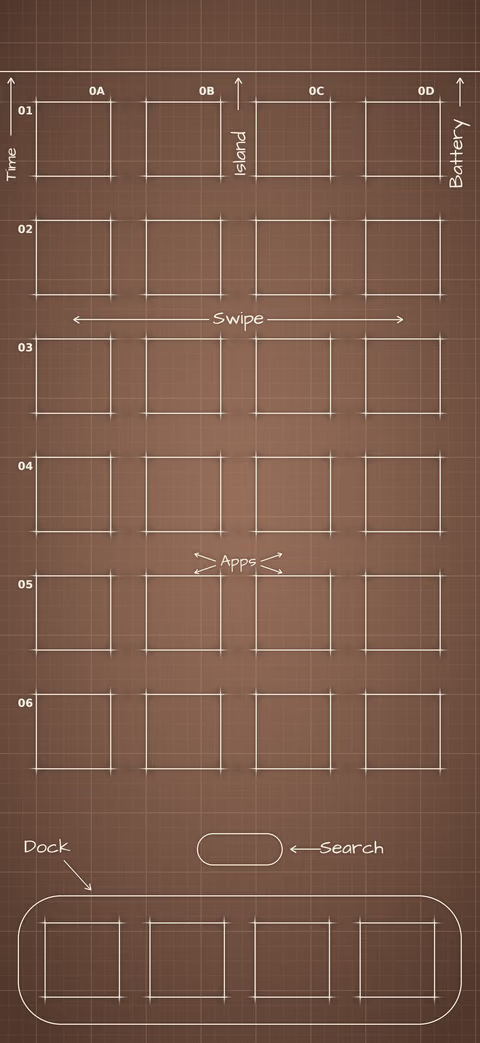
Blueprint wallpapers for iPhone 18 Pro Max, redrawn so every box lines up with the current Home Screen icon grid and the Lock Screen clock and widgets. A Home and a Lock Screen image in each of 14 colors, at the full 1320×2868.

Download all (zip)

All 28 images, 21.8 MB.

Five iPhones showing the blueprint wallpapers in brown, slate, navy, black, and burgundy. On the Home Screen, each app icon sits inside a drawn square.

Trendy palettes

Eight palettes drawn from current color trends.
iPhone colors

Six palettes inspired by the iPhone 18 Pro and iPhone Duo finishes. They are toned to mid-range values so white labels and the clock stay readable, so they are not exact matches.
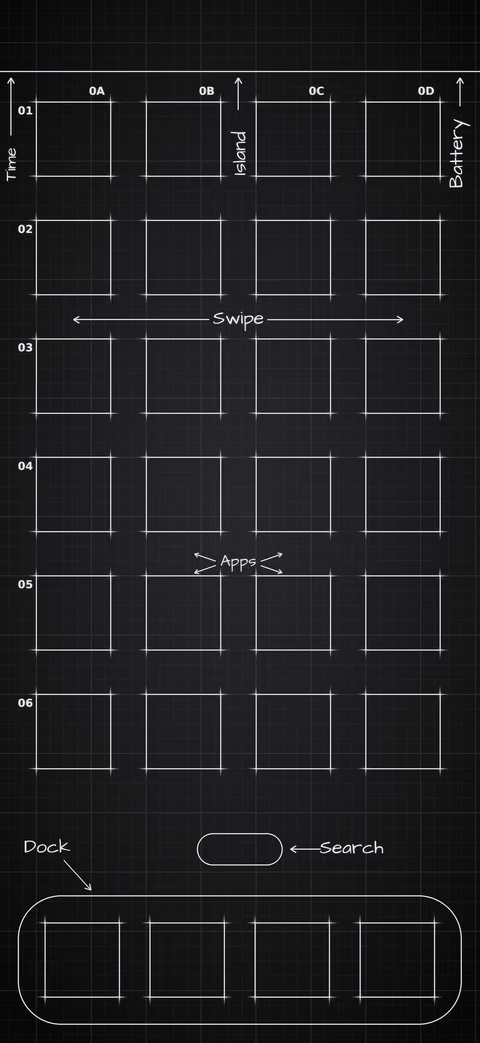
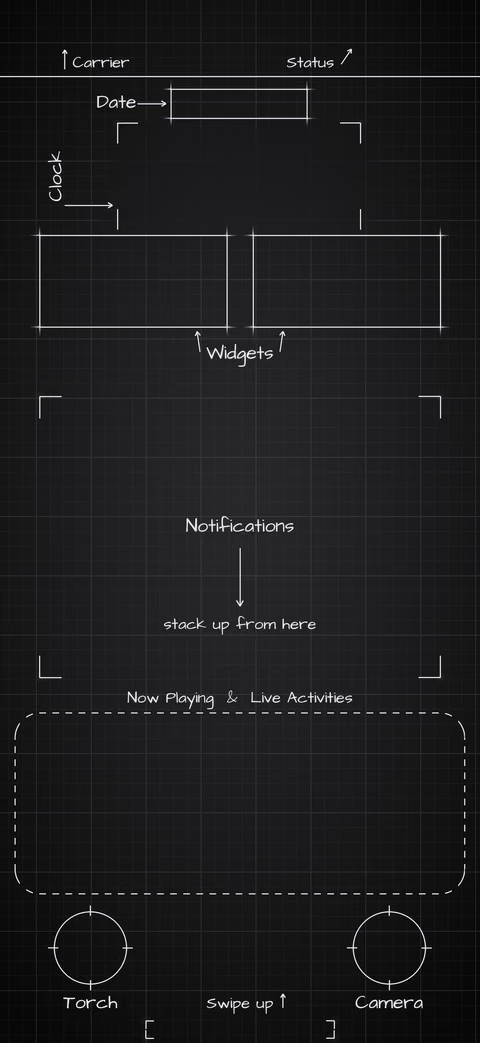
Set them up so the squares line up

The art is drawn at 1:1 for the default icon size and Lock Screen clock. Any zoom or crop moves the boxes off the icons.
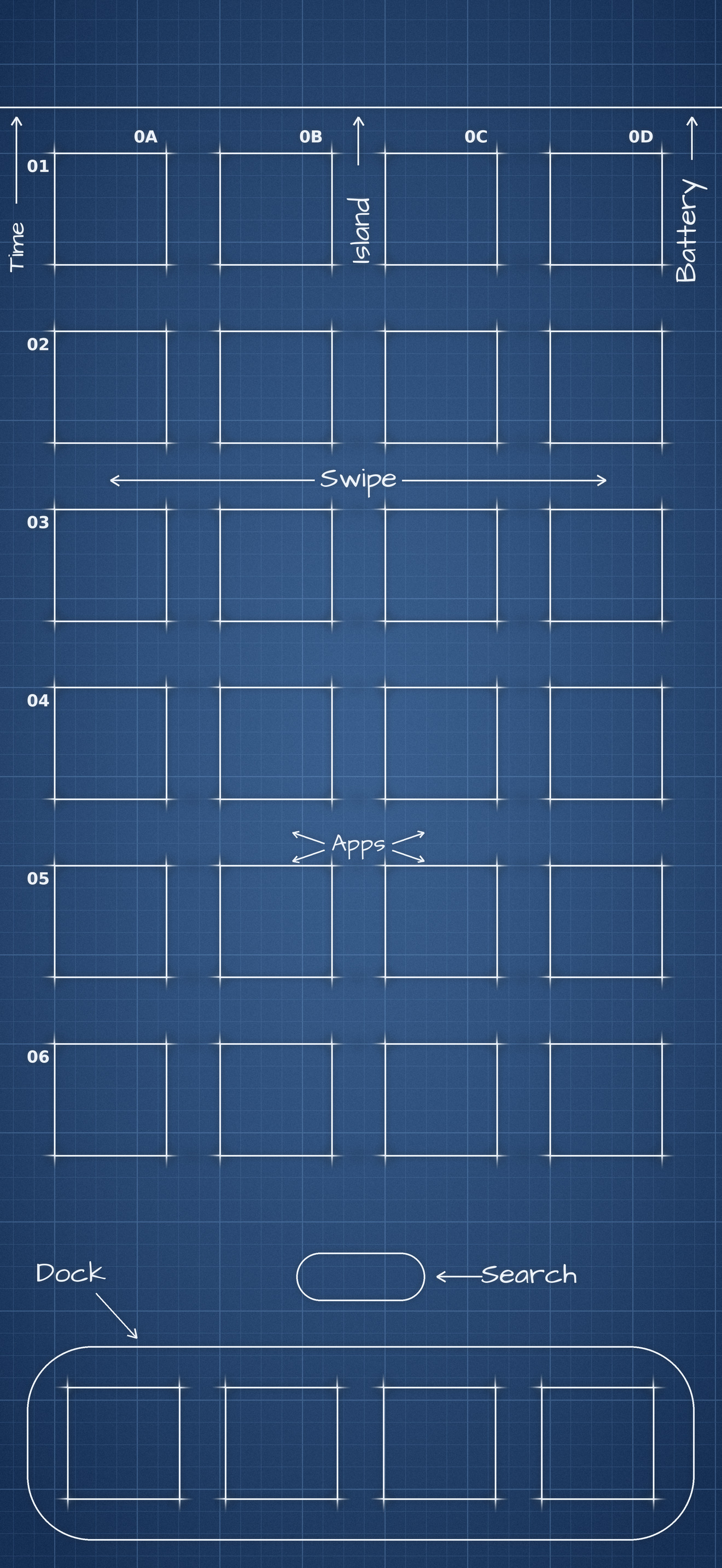
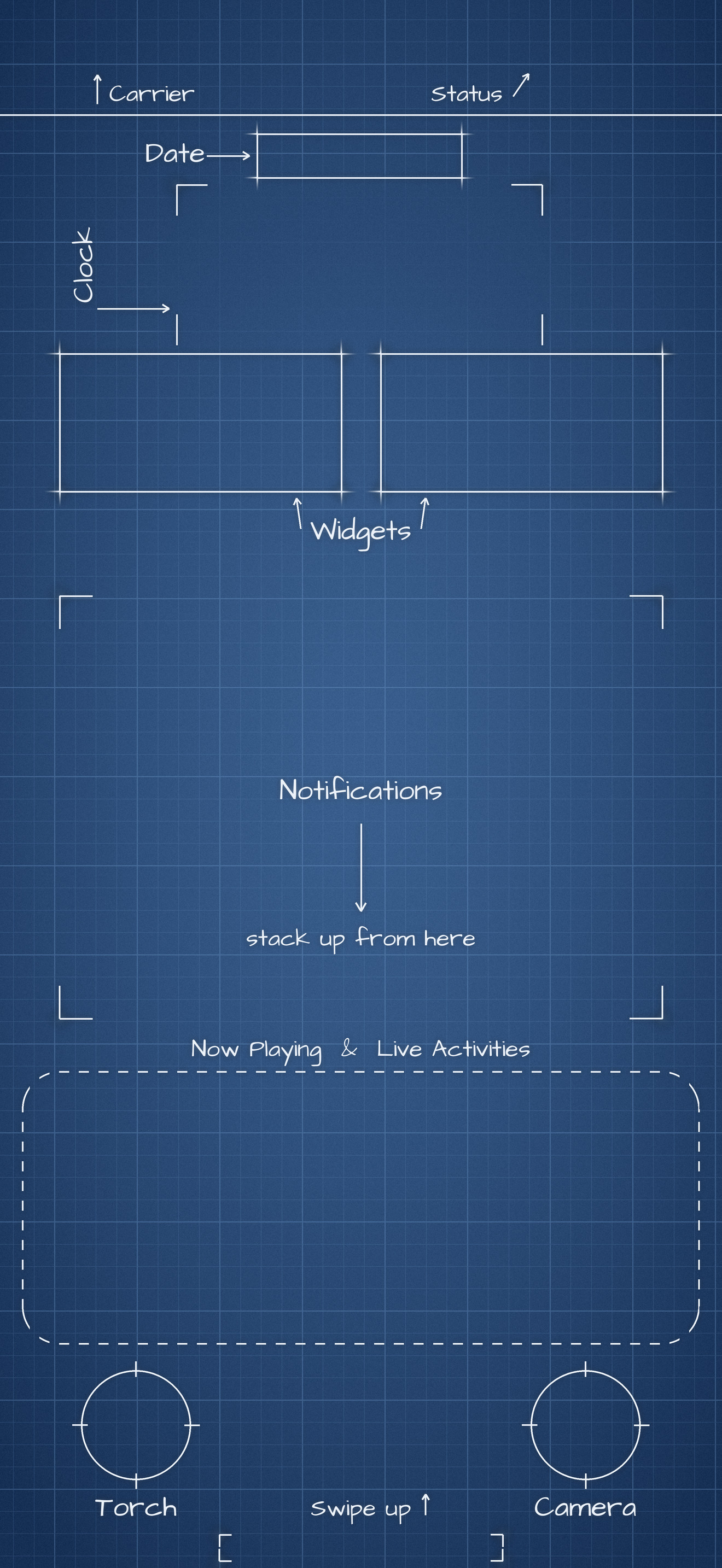
  1. Turn off Perspective Zoom. When you add each photo in Settings > Wallpaper, open the … menu and switch Perspective Zoom off. Don’t pinch or move the photo.
  2. Set the Lock Screen and Home Screen separately. They are different images. Add lock.jpg first, then choose Customize Home Screen instead of Set as Wallpaper Pair, pick Photos, and choose home.jpg.
  3. Turn off Legibility Blur on the Home Screen. Blur softens the lines behind your icons.
  4. Keep the defaults. Use the default icon size, clock style, and display zoom. The squares are measured for the iPhone 18 Pro Max and won’t line up on other models.