
Your reading stays yours.
Surfboard collects none of your reading data. There is no account, no analytics, and no cloud copy of your subscriptions. The list lives on your device.
Choose every source. Read new posts in order. Surfboard collects none of your reading data and keeps your subscriptions on your device.
Surfboard releases, useful product news, and occasional offers and discounts.
At most one email a month. Unsubscribe anytime.
Available now: $4.99 once in the U.S. App Store. See what it buys.
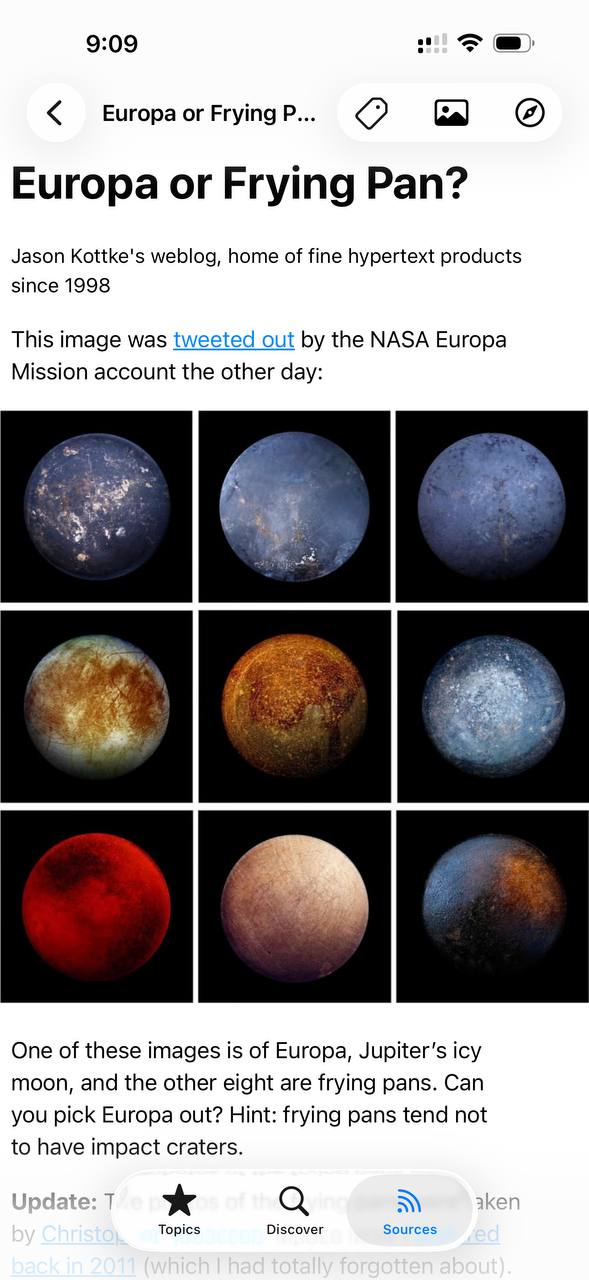
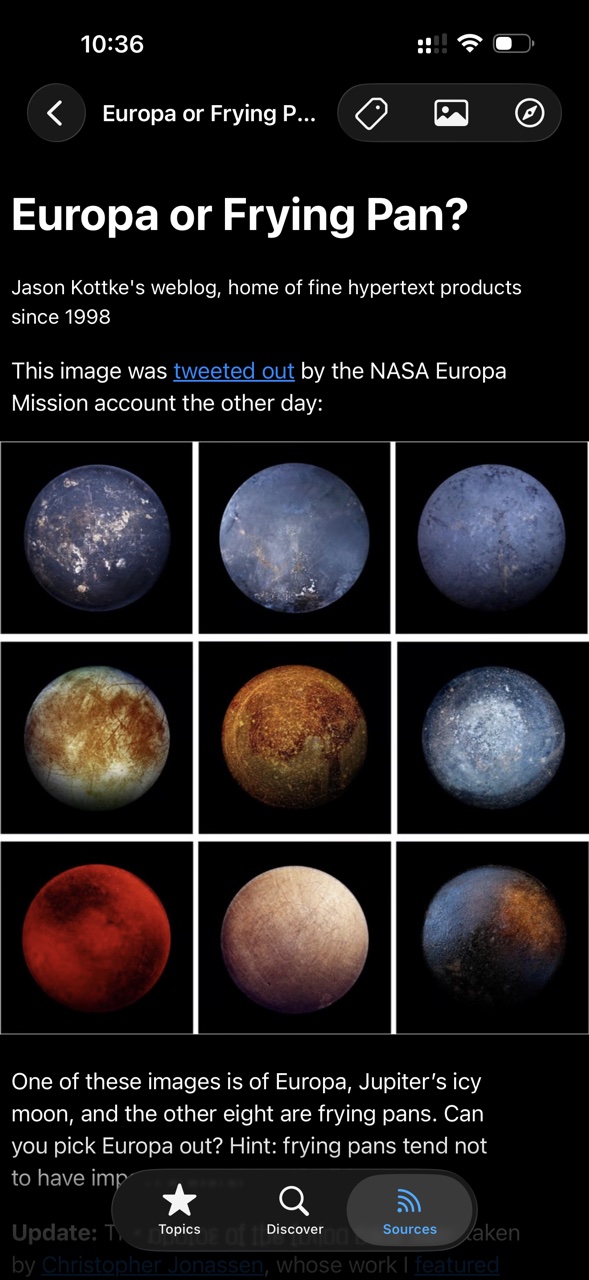
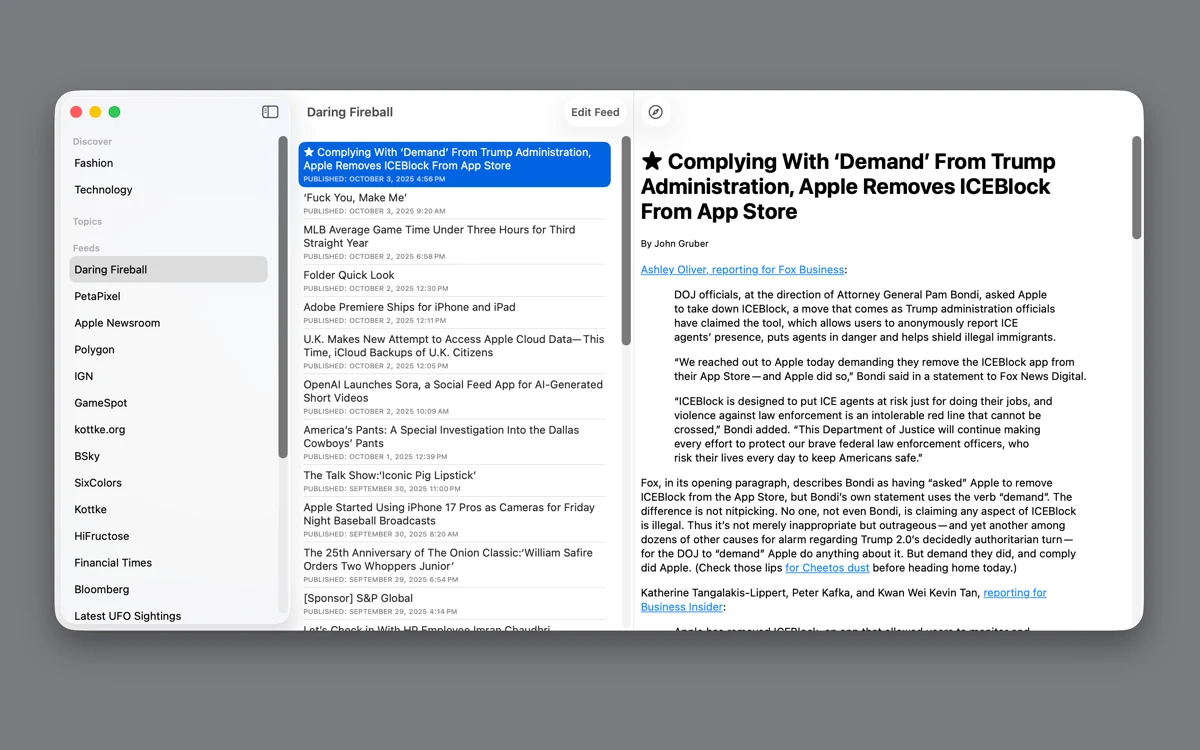
Choose publications you trust. Group them into topics. Open a story from your chronological list—and explore the people and places it mentions.
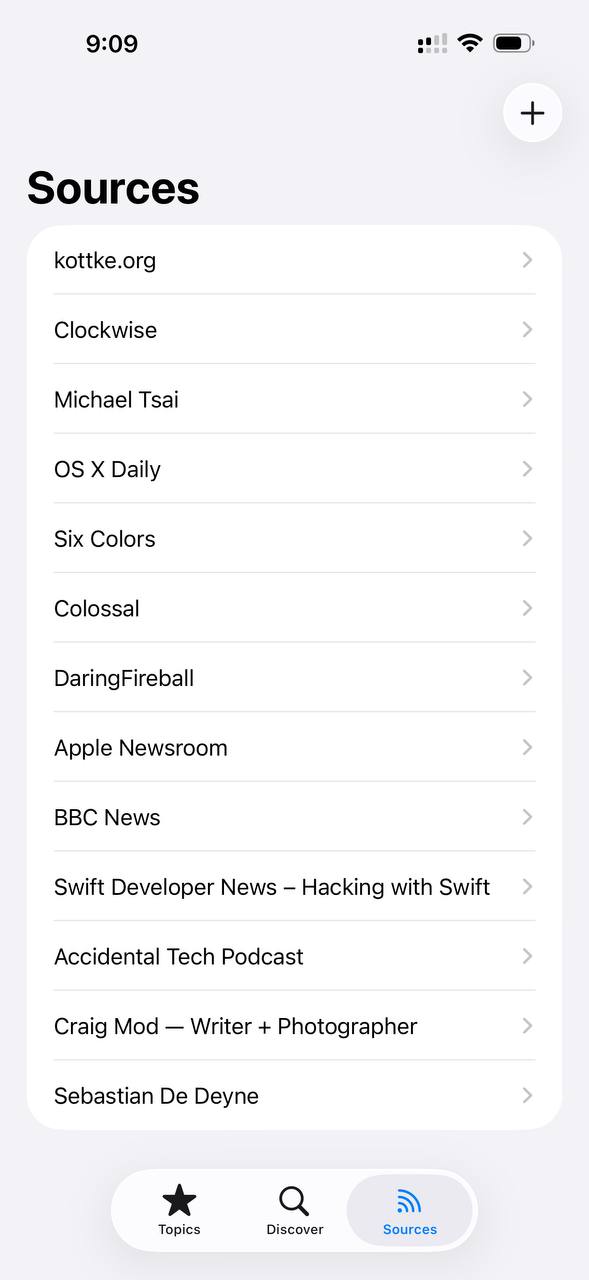
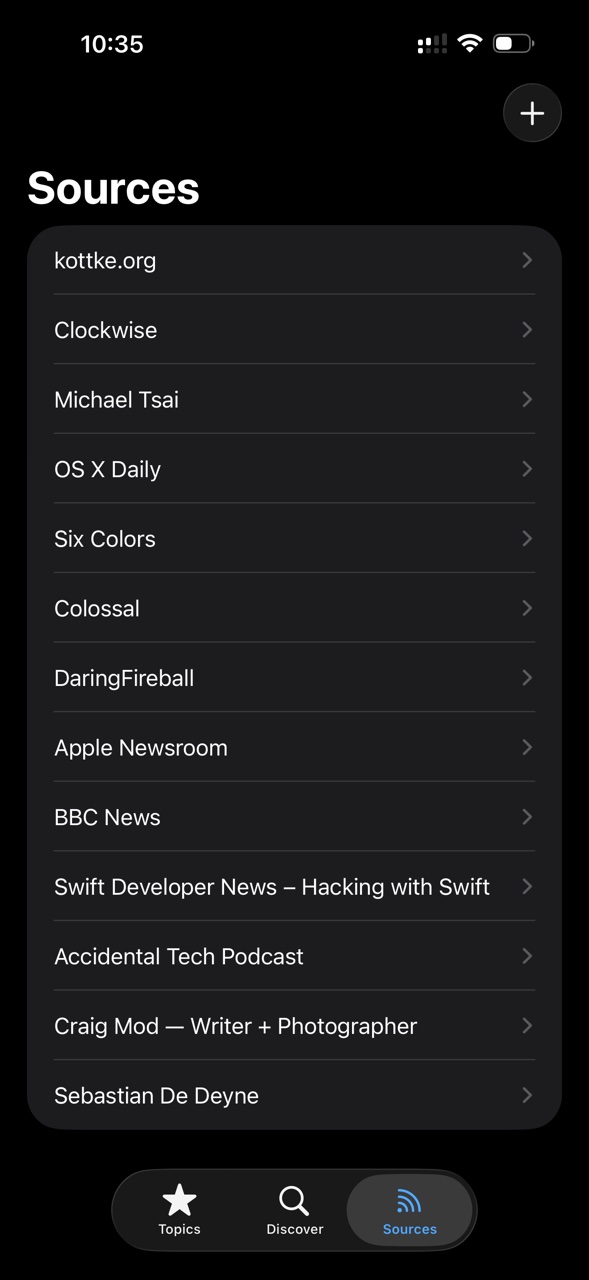
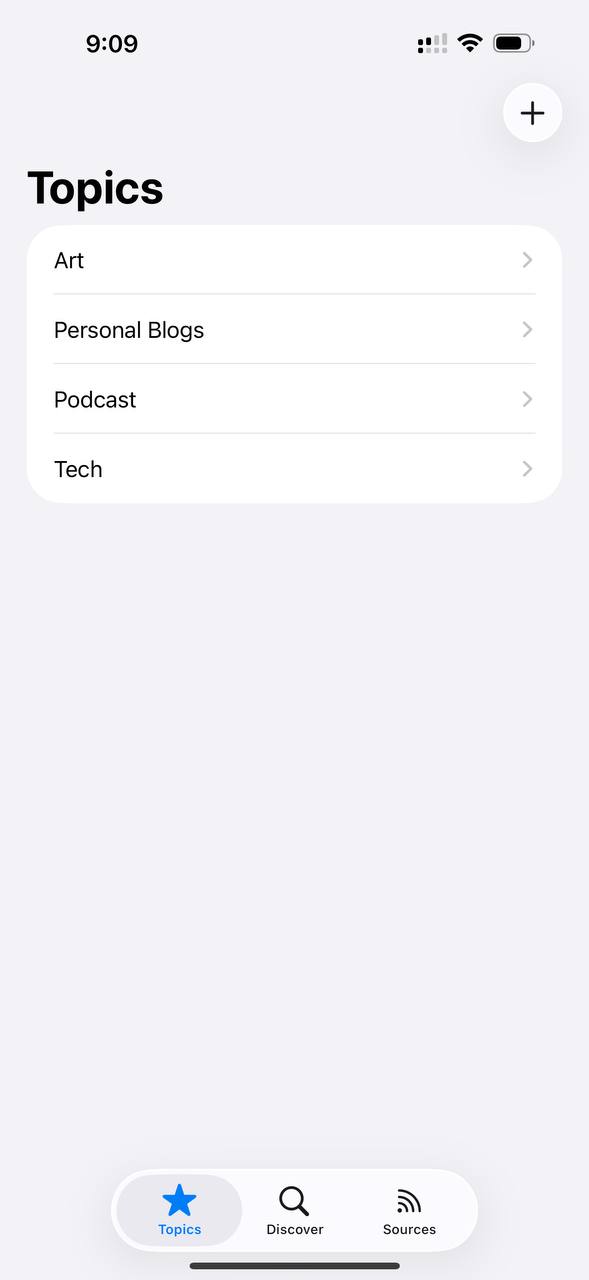
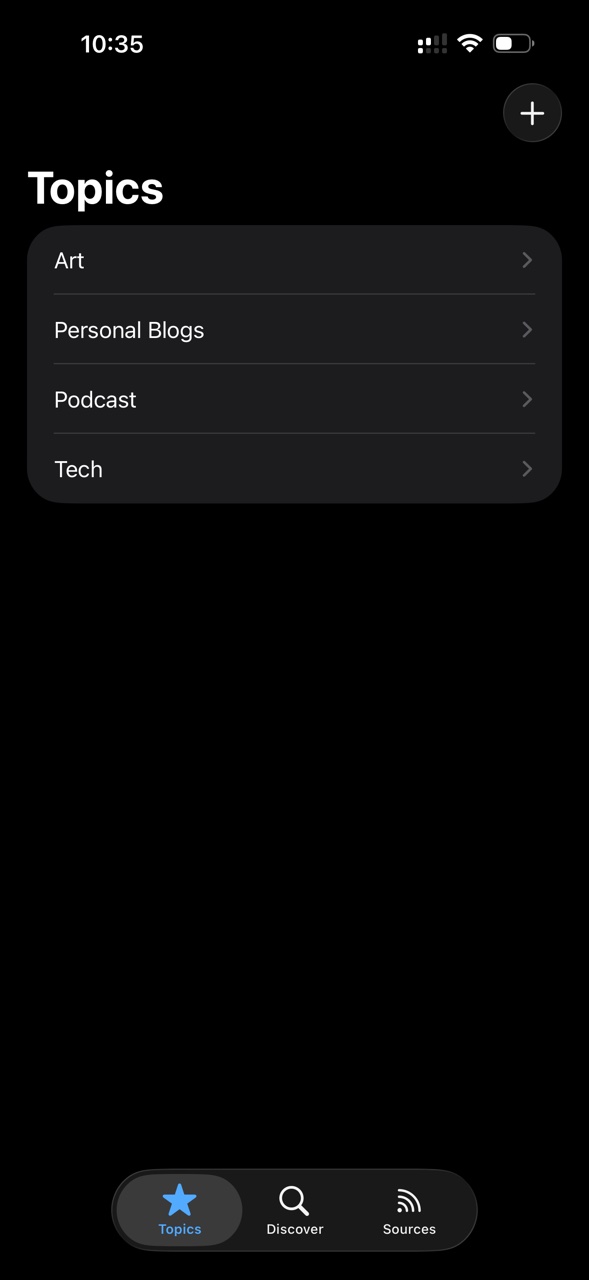
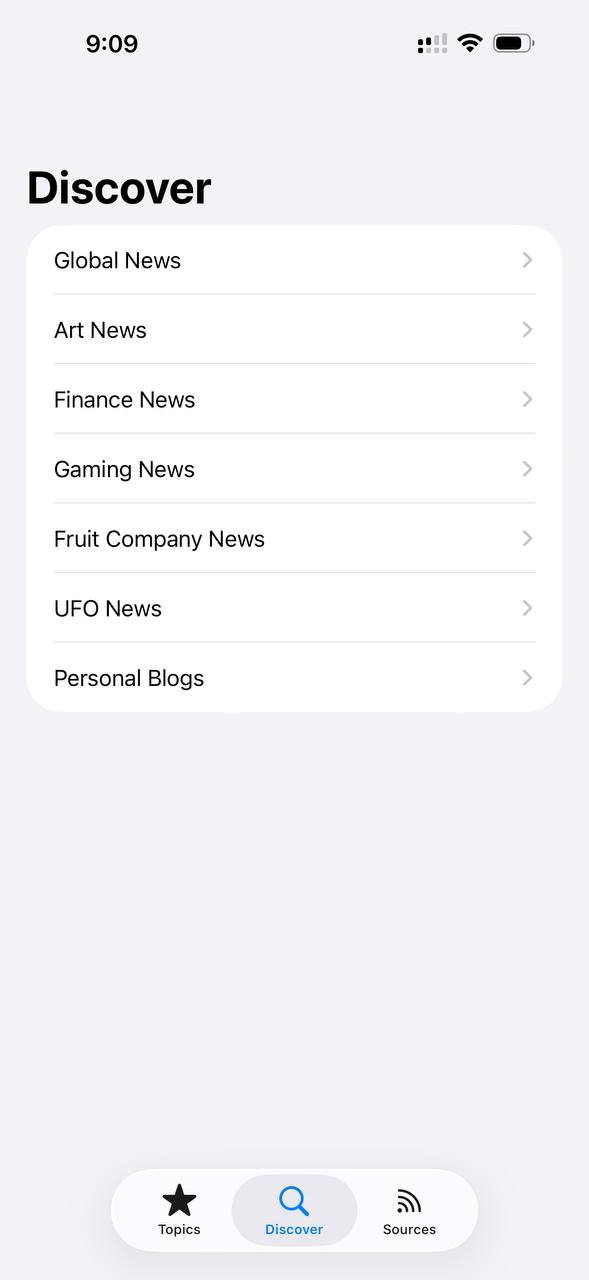
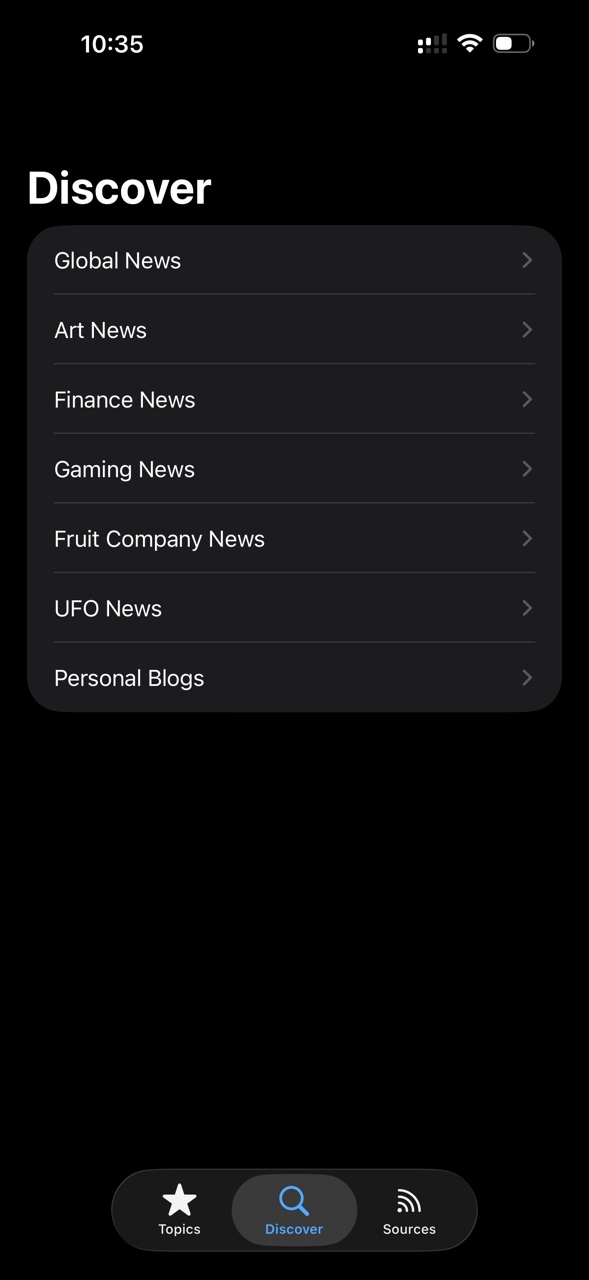
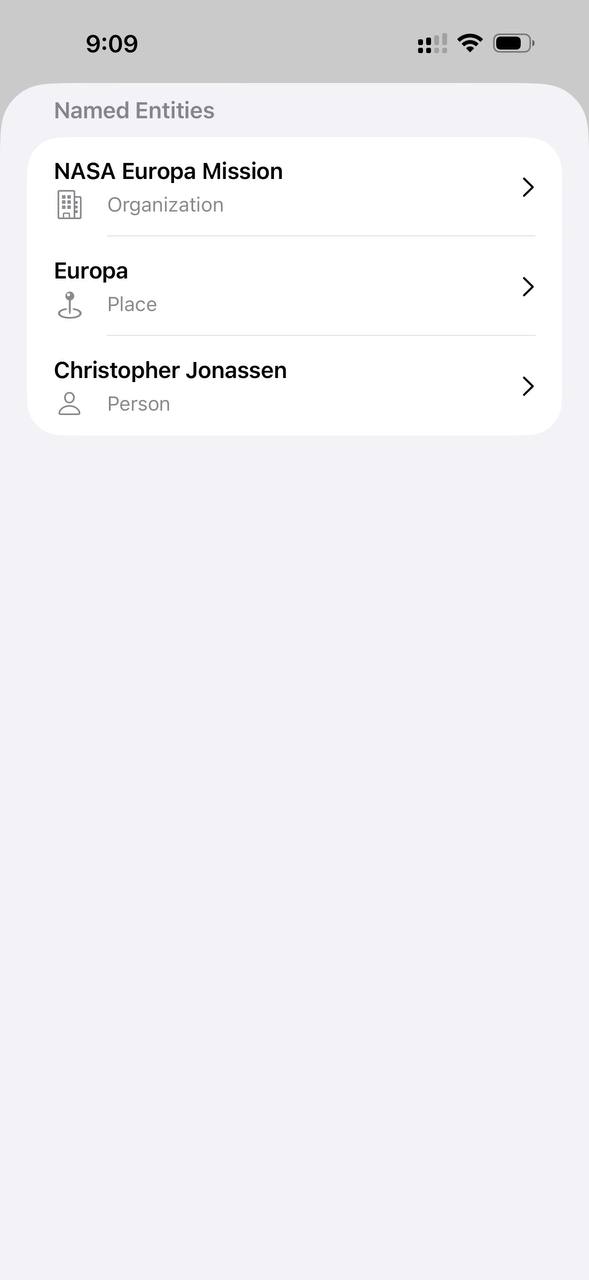
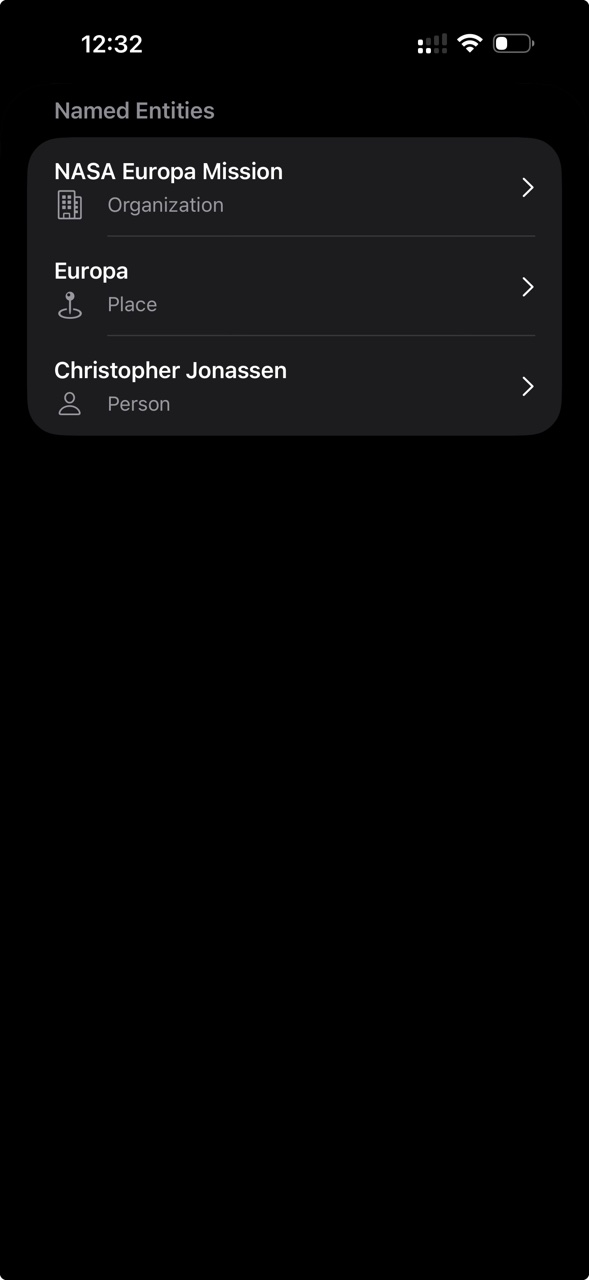
Surfboard collects none of your reading data. There is no account, no analytics, and no cloud copy of your subscriptions. The list lives on your device.
New posts are sorted by published date. Surfboard never promotes, ranks, or rearranges a story because it thinks you might click it.
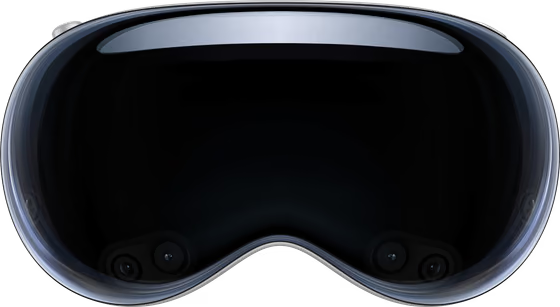
SwiftUI draws the interface. SwiftData keeps subscriptions local. WebKit renders articles. NaturalLanguage finds people, places, and organizations. The same reader runs on iPhone, iPad, Mac, and Apple Vision.
Surfboard releases, useful product news, and occasional offers and discounts. At most one email a month. Unsubscribe anytime.
I’m Ian, the maker of Surfboard. The interface came first. The hard part kept moving underneath it. Atom and RSS put titles, links, dates, images, and article bodies in different places—and production feeds bend both standards in their own ways.
The result is BambooParsing, a Swift parser built without a third-party parsing package. It follows the XML element stack, hands Atom and RSS to separate delegates, and tests against captured feeds instead of ideal examples.
Early parsing handled a title. Then Atom and RSS needed separate paths, a shared element stack, entries, subtitles, article content, and one interface the app could depend on. That shared result supplies the reader with the parts of a story.
Separating feed parsing from the app's SwiftData model did not work cleanly on the first attempt. The design was backed out, rebuilt, and moved into its own Swift package. The app kept reading state; the package took on feed interpretation.
Captured production feeds exposed split text, HTML entities, relative content bases, and more than one common date format. Another regression caught URLs that returned an HTML page instead of a feed. Each case protects a specific detail, from readable text to working links.
Loading many sources exposed a second problem: interface work could pile up even when parsing was correct. Topic posts moved to concurrent parsing, set-based read lookups, and batched insertions to coordinate how results reached the topic list.
That work is invisible on purpose. The reader gets a calm, chronological list—not the feed dialects, parser callbacks, detached tasks, and batched insertions underneath it.
Counts and implementation details verified against the BambooRSS and BambooParsing main-branch histories.
The interface, local library, article view, language features, and feed plumbing are built from system components with specific jobs.
Each system technology carries part of the reading experience.
NetNewsWire layers an iOS base, embedded frameworks and vendor code, then a 28.1 MB listing. Surfboard's three first-party packages stay thin beneath a 3.9 MB listing.
NaturalLanguage, SwiftData, SwiftUI and Foundation's XMLParser take on entity recognition, storage, interface and feed parsing without third-party packages.
The U.S. iPhone listing is 3.9 MB. This is the app’s listed size; your downloaded articles and images can add storage.
In the U.S. App Store, $4.99 unlocks Surfboard on iPhone, iPad, Mac, and Apple Vision. Family Sharing covers up to six people. There is no account, upgrade tier, or recurring charge. Prices vary by region.
Requires iOS 18+, iPadOS 18+, macOS 15+, or visionOS 2+.
Libraries stay separate on each device. No account, no sync, no cloud copy.


What to expect from the emails, the app, and the optional beta. The limitations belong here alongside the benefits.
Surfboard releases, useful product news, and occasional offers and discounts. At most one email a month. Unsubscribe anytime. Signing up is optional; Surfboard is already available on the App Store.
Requires iOS 18+, iPadOS 18+, macOS 15+, or visionOS 2+. One purchase covers the four platforms. Each device keeps its own library; there is no sync.
No. Each device keeps its own sources, topics, and reading state. That is the tradeoff behind no account and no cloud copy.
In the U.S. App Store, one purchase gets Surfboard on iPhone, iPad, Mac, and Apple Vision, with Family Sharing for up to six. Prices vary by region.
None of your reading data. The App Store privacy disclosure is “Data Not Collected,” and Surfboard creates no account or reading profile. This page uses no analytics cookies, session replay, or persistent visitor ID; optional updates and support forms are explained in the Privacy Policy.
Posts are sorted by published date. There is no engagement score promoting one story above another.
When Apple has room, yes. The public beta opens and closes as capacity changes, and Apple may require a compatible device and OS. If the beta is full, you can ask for an email when a place may be available. Beta builds expire and may be less stable than the App Store release.
Check TestFlight availabilityTheir request became OPML import and export: a portable way to bring a subscription list into Surfboard and take it back out. It is the latest feature moving through the beta program.
Email signup includes TestFlight availability notices and occasional product news, offers, and discounts. At most one email a month. Unsubscribe anytime. Public beta availability is controlled by Apple and can change.
Follow what’s next for Surfboard: releases, useful product news, and occasional offers and discounts.
At most one email a month. Unsubscribe anytime.